57
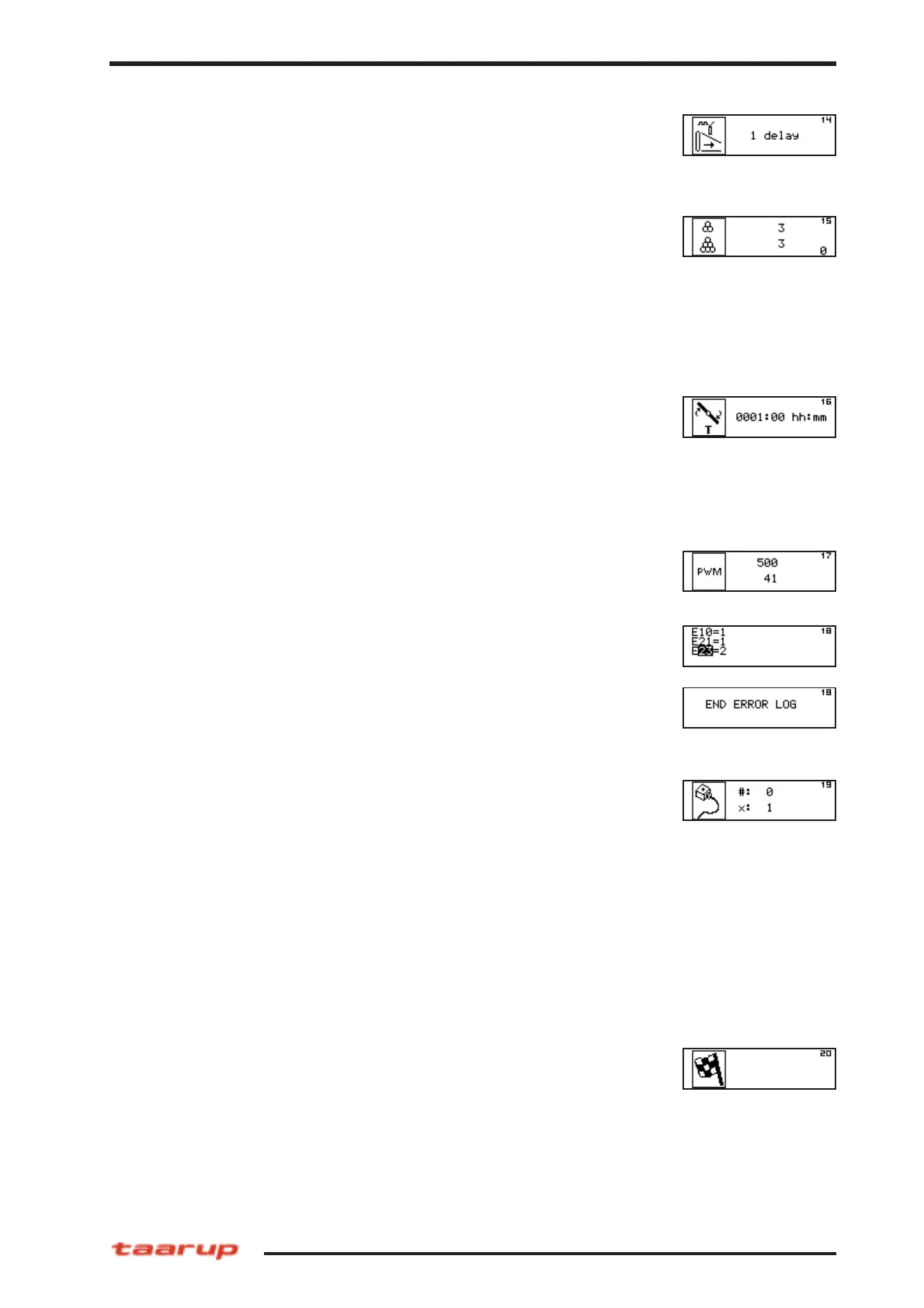
10.9.14 Set up film break sensor (14)
Info only.
10.9.15 Bale counters (15)
The first value shows the current job counter, this value can only
be reset by operating the Info key and the C switch.
The second value shows the total counter of the machine. This
value cannot be reset. See description of Info key regarding
selection of counter.
10.9.16 Total satellite time (16)
The total time the satellite has been rotating during wrapping
cycles. The value can be reset to 0 by activating the Clear switch
when current counter is activated with Info key.
10.9.17 Pulse width modulation (17)
Not in use.
10.9.20 Exit Service functions (20)
This screen indicates the final Service function screen. Move
joystick once more to the right to return to the Idle mode screen.
Pressing the STOP key in any step of this mode will finish the
editing/monitoring and return to Idle mode screen.
Operating model C
10.9.18 Log error messages (18)
The latest errormesages are stored here.
Attention: The messages are shown in two screens.
10.9.19 Valve output test (19)
Each output valve can be tested individually in this function
screen. The output number can be selected and the desired
output value can be set to either 0 (off) or 1 (on) for an on/off
valve or to 0 (off), 1 (left) or 2 (right) for a proportional valve. In
the case of the wrapper system the outputs 17 and 18 are the
proportional valves.
This test facility has to be used carefully, since outputs activated
might drive hydraulics when a machine is connected !!! For safety
purposes this test facility only allows one valve to be active at the
same time. To be tested only when machine is disconnected from
hydraulic pump.



 To Next Page