25
·In versions before software V1.22, some menu text, order, and functions may slightly differ.
Notes
·The menu operates in a single-level mode. When entering the menu, you need to switch 【MAIN】to
indicate whether to set segment A or B. When dual PTT mode is activated (factory default
sets【Side Key 2】as PTT2), pressing the PTT button will transmit on segment A frequency, even
if【MAIN】is displayed on segment B.
·For any option with numbers, you can directly enter the number on the keyboard to quickly select it.
If there are only on and off options, 1 represents on, and 2 represents off.
Understand the meaning literally, as there are no significant differences.
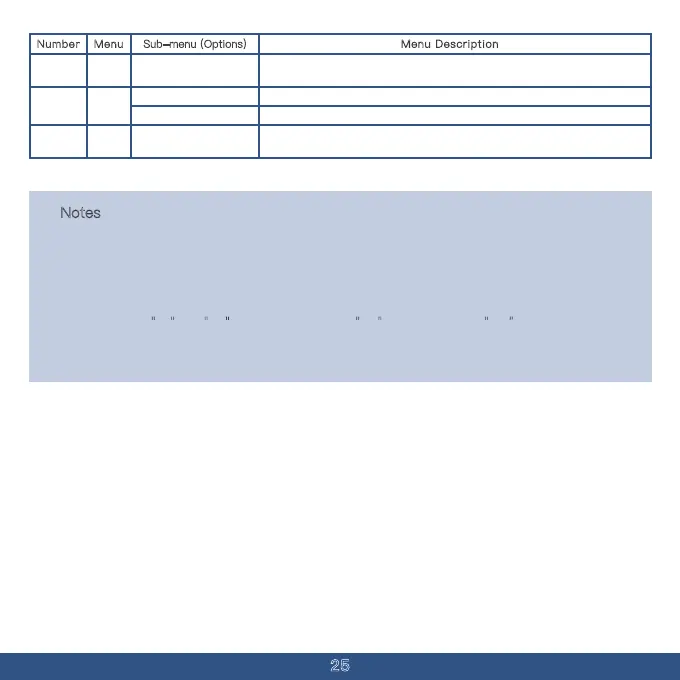
Menu Description
Erases all channels and function settings, restoring to factory defaults.
Number Menu Sub-menu (Options)
VERSI
-ON
Clears all channels, but not the set function options.Frequency Mode
View the current software version.Version Information
RESET53
All
54
Display a QR code that can be scanned with a smartphone to access the user
manual for the current model.
View Instructions52
Instruc
-tions



 To Next Page