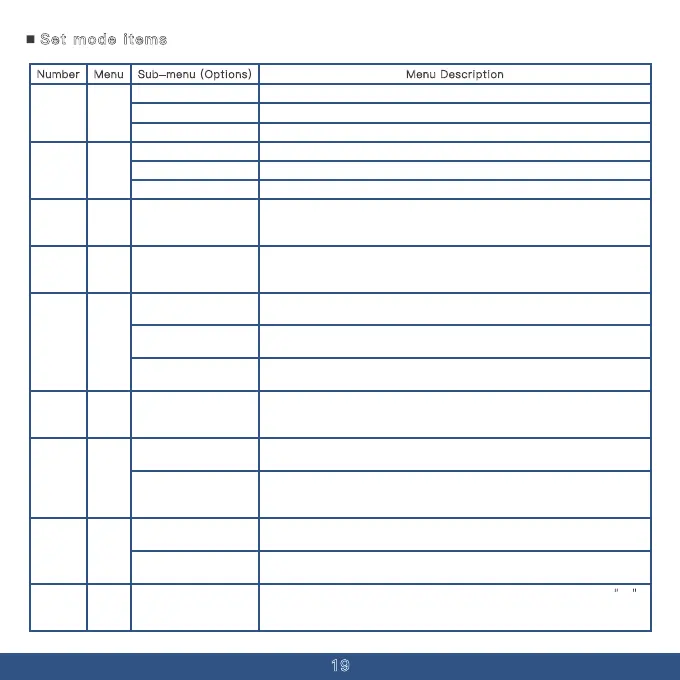
Set mode items
19
Menu Description
Number Menu Sub-menu (Options)
No tone at the end of transmission.
ROGER
00
The default end of transmission tone.
OFF
BEEP(End Tone)
A distinctive signaling end tone.DC1200
01
High Power
High power transmission on the current frequency or channel.
Medium Power
Low Power Low power transmission on the current frequency or channel
Medium power transmission on the current frequency or channel.
.
TXP
Squelch levels range from 0 to 9, with lower levels being more prone to
interference and higher levels having reduced sensitivity. Setting the level at 5
is advised.
0-9SQL
02
.
In frequency mode, pressing the up or down key changes the step value of
the frequency.
2.5K、5K、6.25K、10K
12.5K、20K、25K
30K、50K
STEP
03
In frequency mode, turn off the offset between the transmit and receive
frequencies; it is off by default.
S-D
In frequency mode, the transmit frequency is equal to the receive frequency plus
04
the offset frequency, typically used for accessing repeater stations.
In frequency mode, the transmit frequency is equal to the receive frequency minus
the offset frequency, typically used for accessing repeater stations.
OFF
+
-
05
Directly input frequencies
from 00.000 to 99.995
using the keyboard.
SET
In frequency mode, the difference between the transmit and receive frequencies
can be adjusted (whether an offset is applied is controlled by the offset direction
setting).
Use the up/down keys to select from the standard sequence of analog sub-audio
tones; alternatively, you can enter non-standard sub-audio tones using the
Turn off the analog sub-audio (press 0 in the sub-audio frequency selection list
for a quick shutdown).
keyboard.
OFF
67.0~254.1
R-
CTCSS
Deactivate analog sub-tone (press 0 in the sub-tone selection list for rapid
06
deactivation).
Navigate through the standard sequence of analog sub-tones using the up/down
keys; non-standard sub-tones can also be input directly via the keyboard.
OFF
67.0~254.1
T-
CTCSS
07
In frequency mode or channel mode, select the channel number to save. If CH
is displayed, it indicates the channel is already saved, and the current channel
will be overwritten.
001~999
MEN
-CH
08



 To Next Page