31
Short press
RESETTING
If the transceiver has a malfunction caused by an external factor such as static electricity, reset it using
the Partial Reset or All Reset function.
B
E CAREFUL! An All Reset clears all programming and returns all settings to the factory defaults.
Partial Reset
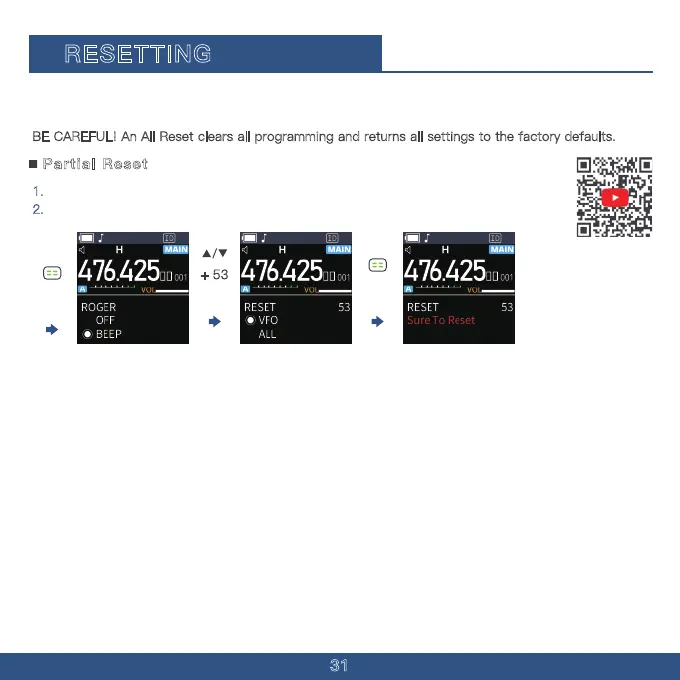
1. Press The Menu Button.
2.
Press The "Up" Key multiple times to select Menu Option 53.
Our Reset Function gives you VFO reset and All setting reset.
TIP: A Partial Reset resets the operating settings to their defaults without clearing the following:
· Memory Channel contents
· DTMF memory contents
· Scan Edge contents · Call Channel contents
· Home Channel settings
+ 53



 To Next Page