ally Dascom 5130P
21
4
Control
Panel
Operation (Tractor
version)
Labeling
L1
DATA
L2
ON
L3 Shared with S1 top label
L4 Shared with S2 top label
L5 Shared with S3 top label
S1
Top: USER1; Bottom: Load/Eject
S2
Top: OFFLINE; Bottom: -
S3
Top: USER2; Bottom: LF/FF
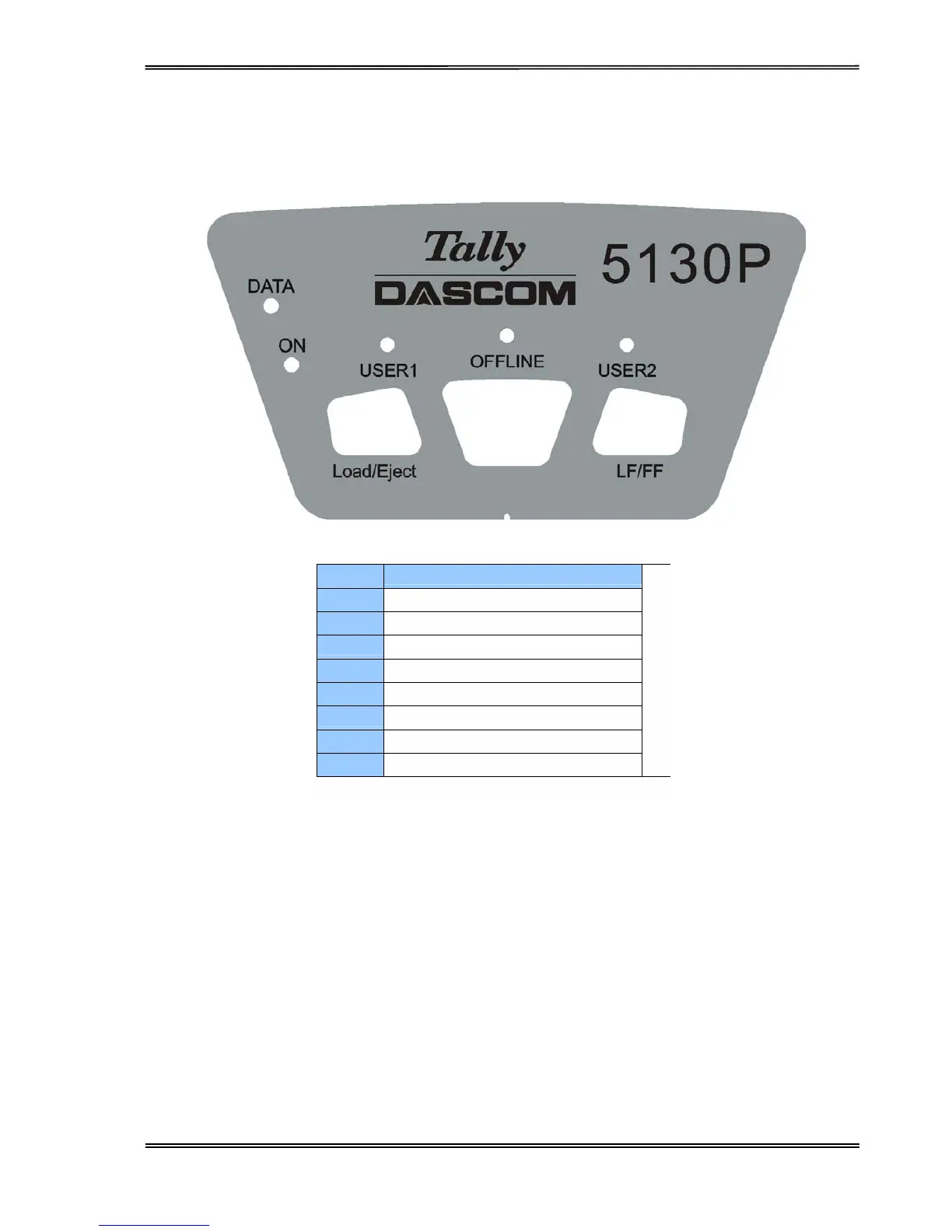
On the control
panel
are:
Three keys: USER1, OFFLINE and USER2
Five LEDs: DATA, ON, USER1, OFFLINE and USER2.
ON LED
colour
is
green
while the others are orange.
The
meaning
and
application
of each key and LED are
described
below.



 To Next Page