23
◆ 「
Settings
」
Menu
:
Software Settings
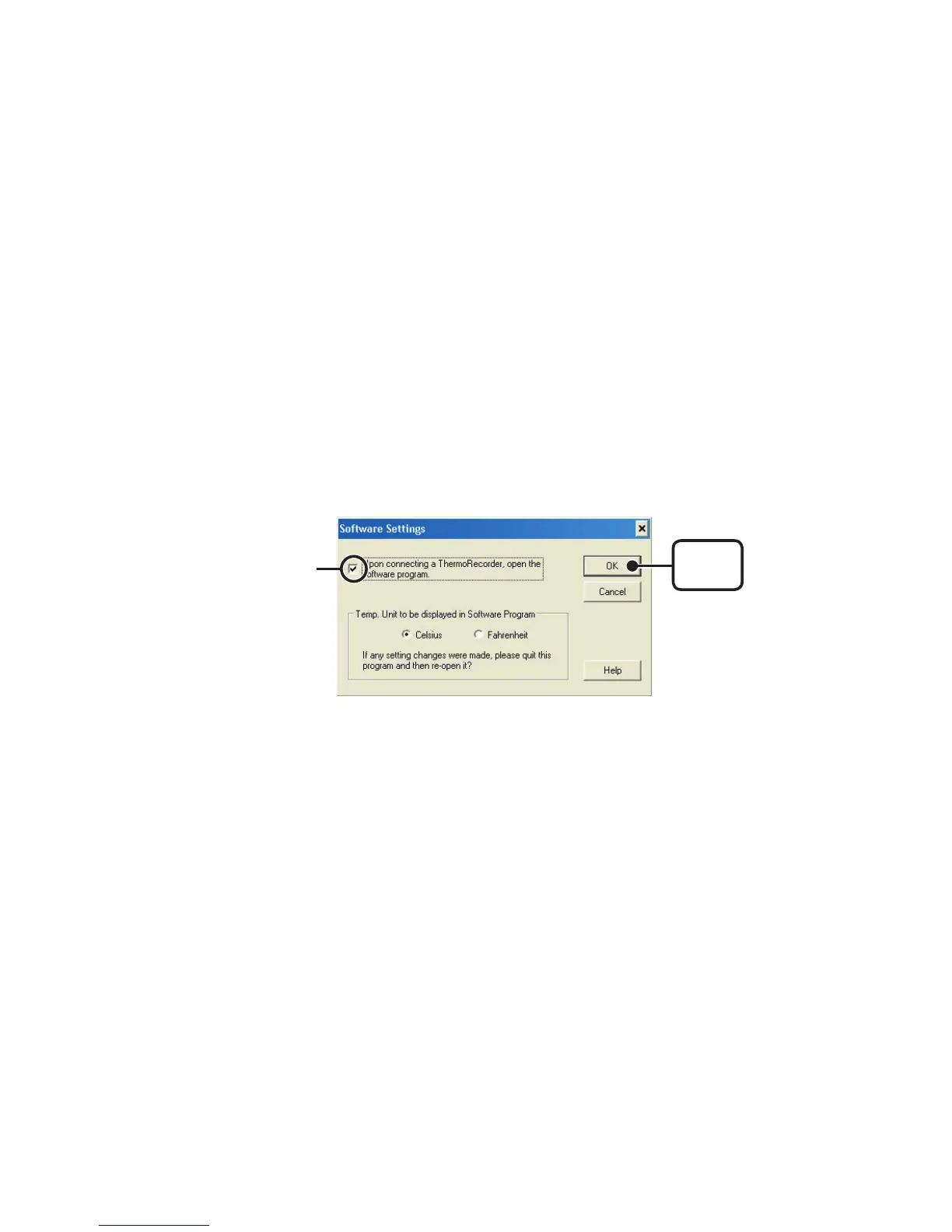
General software settings for TR-71U/TR-72U can be made here.
【
Upon connecting a Thermo Recorder, open the Software
Program
】
This setting opens the software program upon the connection of a TR-71U
/
TR-72U unit via USB cable. If the setting is ON, the Quick Start Program will
periodically communicate with the device driver and upon the detection of a
USB connection will open the main software program.
1.Place a check next to [Upon connecting a Thermo Recorder, open the
Software Program].
2.Click [OK] to complete the setting.
[
OK
]
button
Check here



 To Next Page