24
【
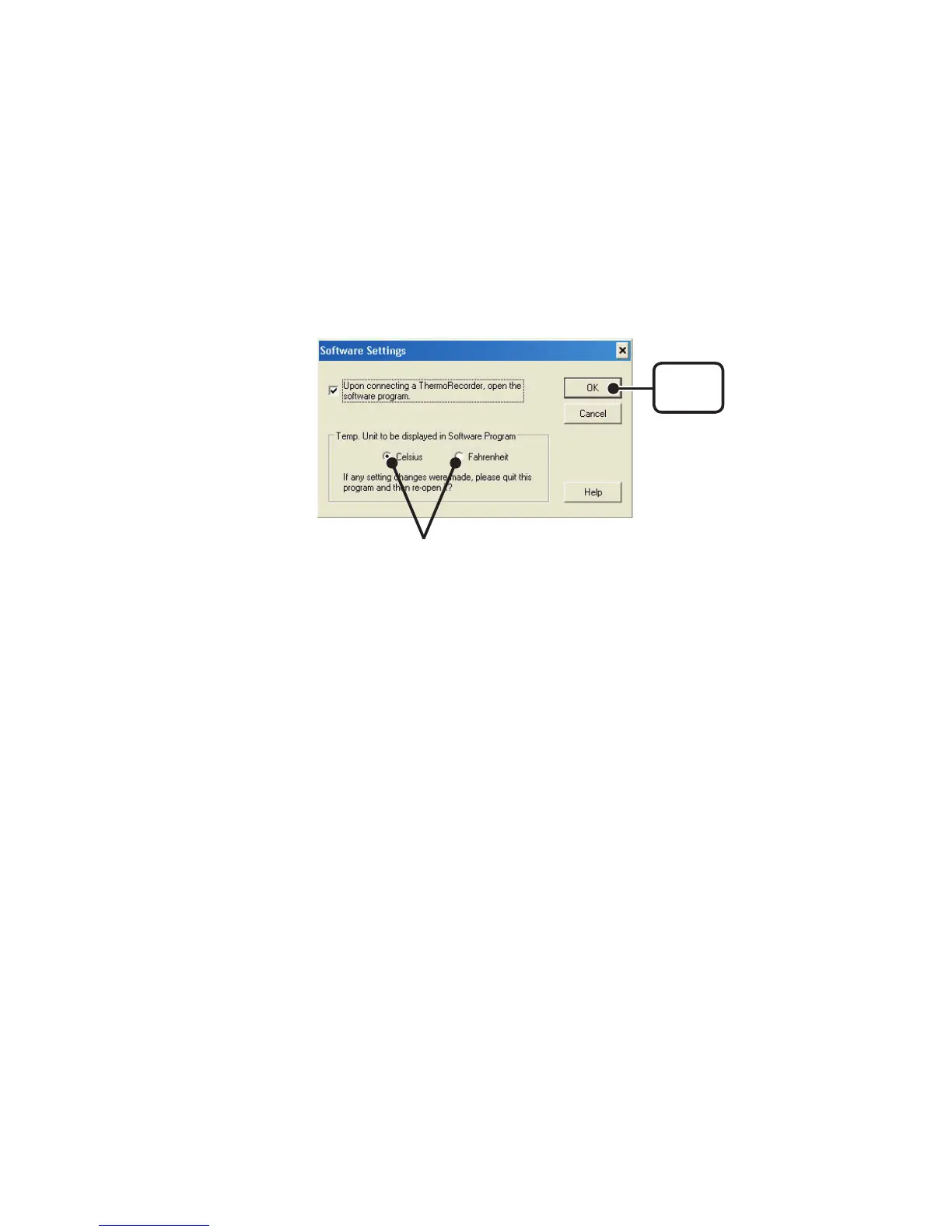
Temp. Unit to be displayed in Software Program
】
Select whether to use Celsius or Fahrenheit as the displayed unit of temperature
when monitoring current readings and using the adjustment function.
1.Check either unit of temperature (Celsius or Fahrenheit).
2.Click [OK] to complete the setting.
3.
After completing settings, please close the TR-71U
/
72U program and
reopen it to make settings effective.
[
OK
]
button
Check here



 To Next Page