IMPORTANT SAFETY PRECAUTIONS
14 TASCAM 202MKV
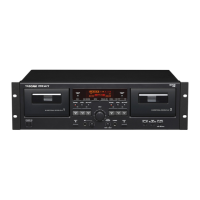
3 − Playback
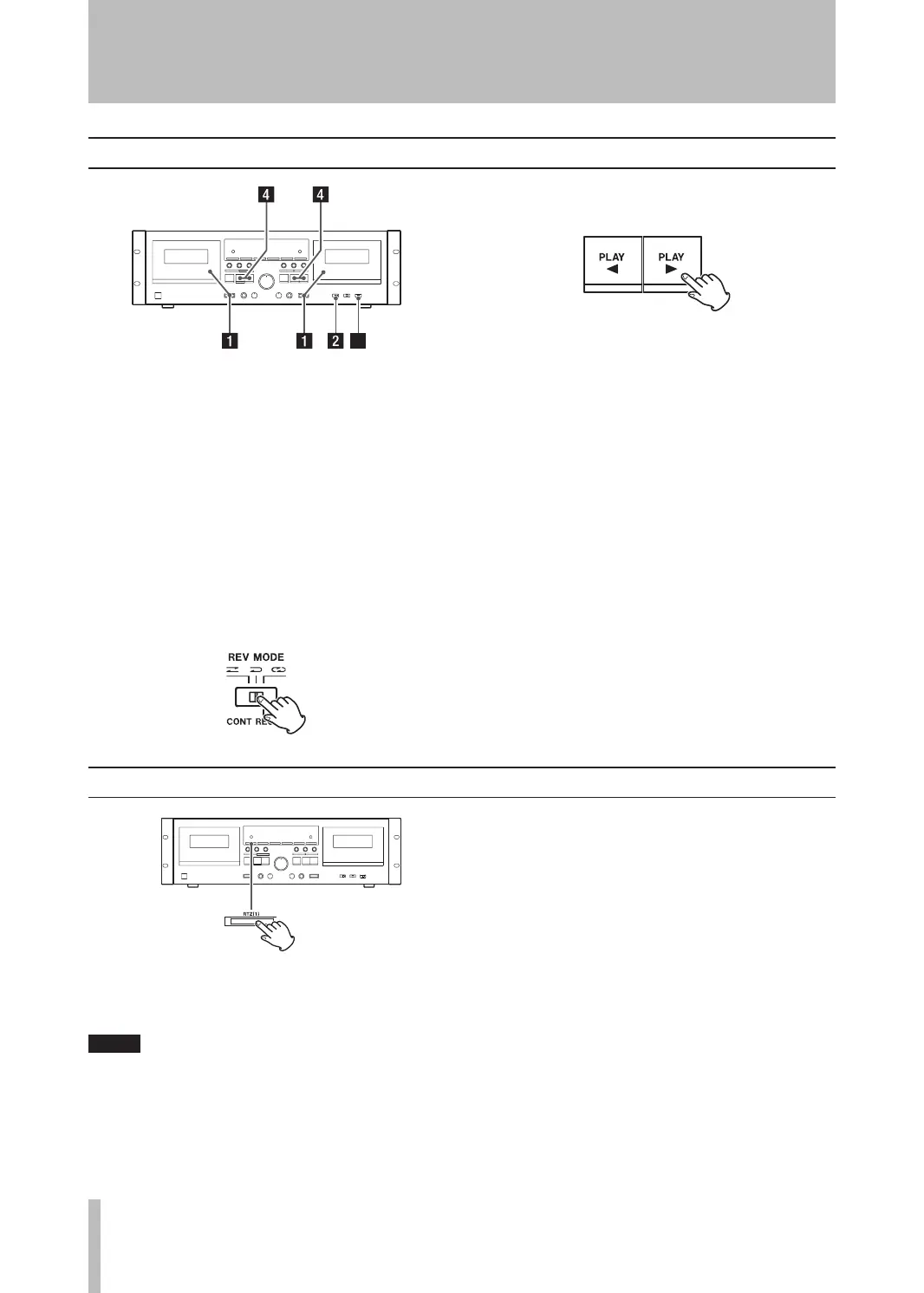
Continuous playback can be performed between
TAPE 1 and TAPE 2. When one tape is played back to
the end, the other tape automatically starts playback,
in a relay fashion.
1. Load pre-recorded tapes into the TAPE 1 and
TAPE 2 compartments.
2. Set the DOLBY NR switch.
Always set the DOLBY NR switch to the same
position that was used for recording.
3. Set the REV MODE switch to the ä (CONT
PL AY ) position.
4. Press the PLAY (˙ or ¥) key of the deck you
want to start rst.
You can start continuous playback from either
TAPE 1 or TAPE 2.
Playback cycles through four tape sides as fol-
lows, and will continue as many as 5 times when
you start the playback from Side “A” on TAPE 1,
or until you stop the operation.
TAPE 1 Side“A” ∑ Side “B”
™ ≈
TAPE 2 Side “B” ß Side “A”
Continuous playback
RTZ (1) (TAPE 1 only)
Press the RTZ (1) key to locate to the “0000” posi-
tion.
RTZ (Return-to-zero) only works on TAPE1.
•
If the counter position is too close to the 0000
•
mark (greater than 9994 or less than 0005), the
RTZ function cannot be used.


 To Next Page