IMPORTANT SAFETY PRECAUTIONS
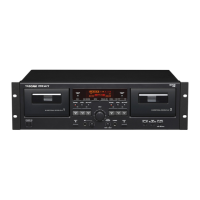
18 TASCAM 202MKV
4 − Recording
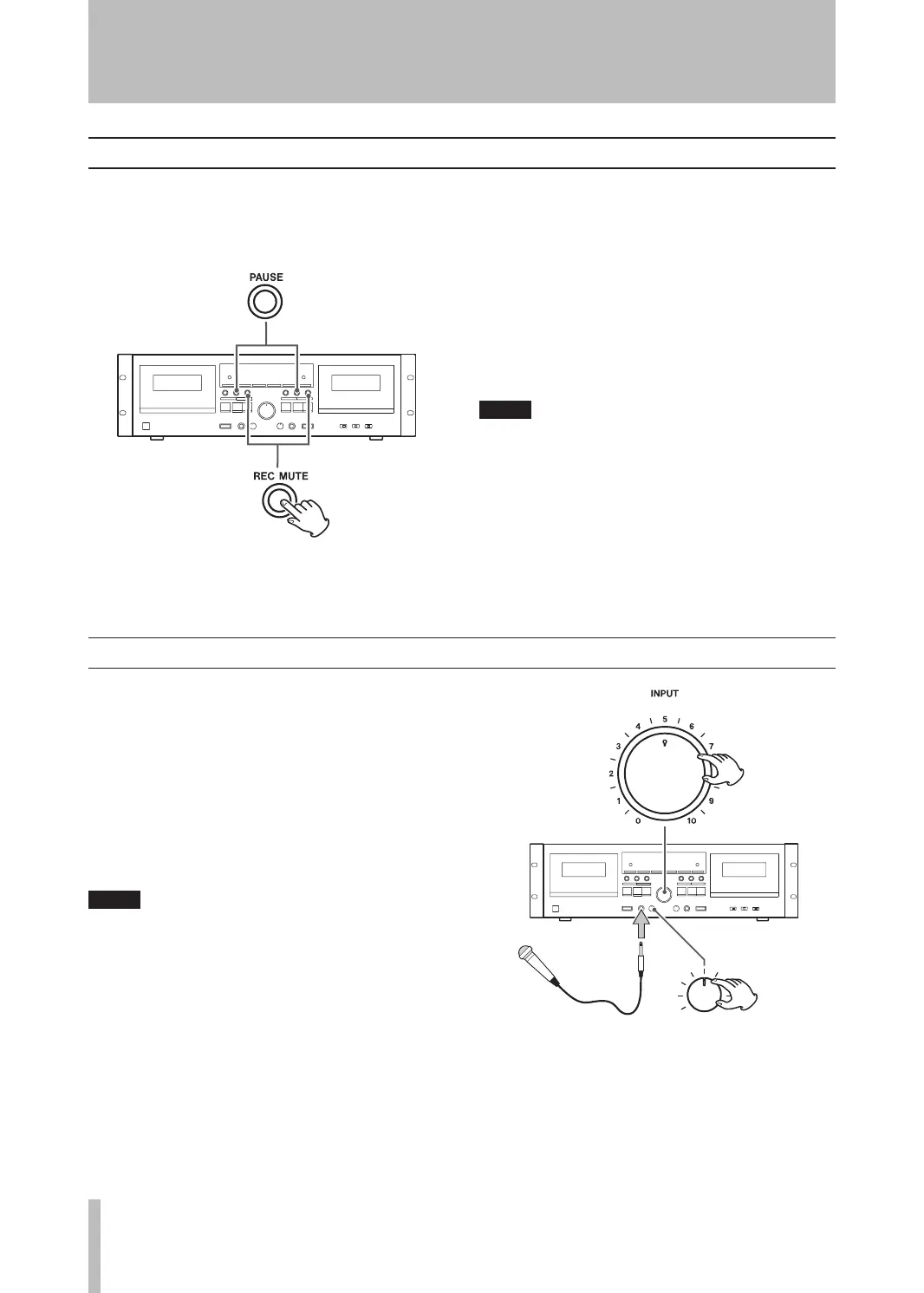
When you press the REC MUTE key during recording,
the unit records no signal for about 4 seconds and then
enters the record-pause mode. To resume recording,
press the PAUSE key.
To create a blank of more than 4
ª
seconds long
Hold down the REC MUTE key for the desired length
of time. When you release the key, the deck enters the
record-pause mode.
To create a blank of less than 4 seconds
ª
long
Press the PAUSE key within 3 seconds of pressing the
REC MUTE key.
If you press the REC MUTE key when the deck is
in the record-pause mode, no signal is recorded
for about 4 seconds, and then the deck shifts
back to the record-pause mode.
Recording silence
Mic mixing recording
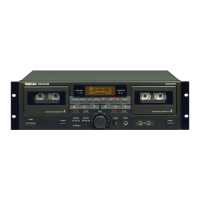
This function allows you to record your voice and
another audio source together on a cassette tape.
The mic sound is fed into both the Left and Right
channels so it is located in the center of the stereo
image.
You have the choice of either selecting the audio
source you want on the amplifier connected to the
LINE IN jacks of the deck, or plugging the desired
source directly into the deck’s LINE IN jacks.
To prevent feedback (howling), disable the
•
speaker outputs from the amplifier. Use head-
phones to monitor recording.
This cassette deck is not compatible with stereo
•
mics. Always use a mono mic.


 To Next Page