IMPORTANT SAFETY INSTRUCTIONS
TASCAM 202MKV 5
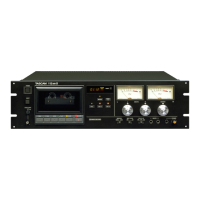
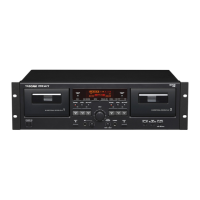
Thank you for your purchase of the TASCAM
202m k V Double Auto Reverse Cassette Deck.
Before connecting and using the unit, please take time
to read this manual thoroughly to ensure you under-
stand how to properly set up and connect the 202m k V,
as well as the operation of its many useful and conve-
nient functions. After you have finished reading this
manual, please keep it in a safe place for future refer-
ence.
Dolby NR
Dolby NR is designed to reduce tape hiss, a noise
introduced during the recording and playback process-
es. This cassette deck is equipped with Dolby B-type
Noise Reduction.
The Dolby NR system affects both recording and
playback quality. In playback, be sure to set the
DOLBY NR switch to the same position used when
the recording was made.
Manufactured under license from Dolby Laboratories.
HX Pro headroom extension originated by Bang &
Olufsen. Dolby, HX Pro, and the double-D symbol are
trademarks of Dolby Laboratories.
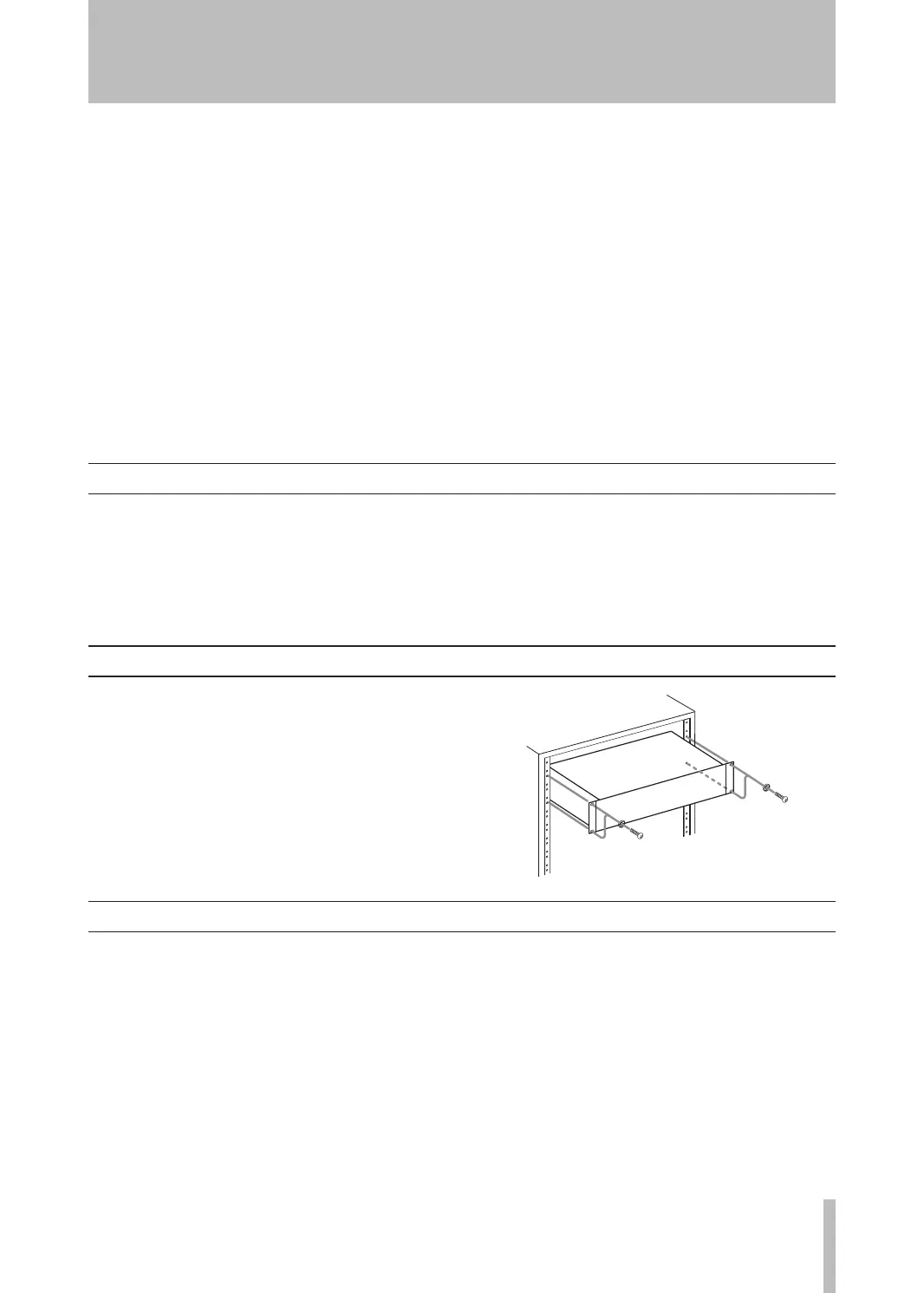
Rack-mounting the unit
If you are mounting the unit in a rack, leave 1U of
space above it and 4 inch (10 cm) or more of space at
the rear.
Use the rack-mounting kit to mount the unit in a stan-
dard 19-inch equipment rack, as shown in this section.
Remove the feet of the unit before mounting.
Supplied accessories
In addition to this manual, the 202m k V has been
packed with the following:
•Arack-mountingscrewkit(screwsandwashers) .. 1
•Awarrantycard ......................................................1
ContactyourTASCAMsupplierifanyoftheseitems
aremissing.
About this manual
In this manual, we use the following conventions:
The names of keys and controls are given in the fol-
•
lowing typeface: EJECT.
The alphanumeric portion of the display shows a
•
message, this is shown in the following typeface:
CP01.
If a preset indicator in the display (i.e. one which
•
cannot change, but is either on or off) is shown,
this is shown as follows: PARALLEL.
1 − Introduction


 To Next Page