IMPORTANT SAFETY INSTRUCTIONS
TASCAM 202MKV 15
3 − Playback
A-B Repeat playback
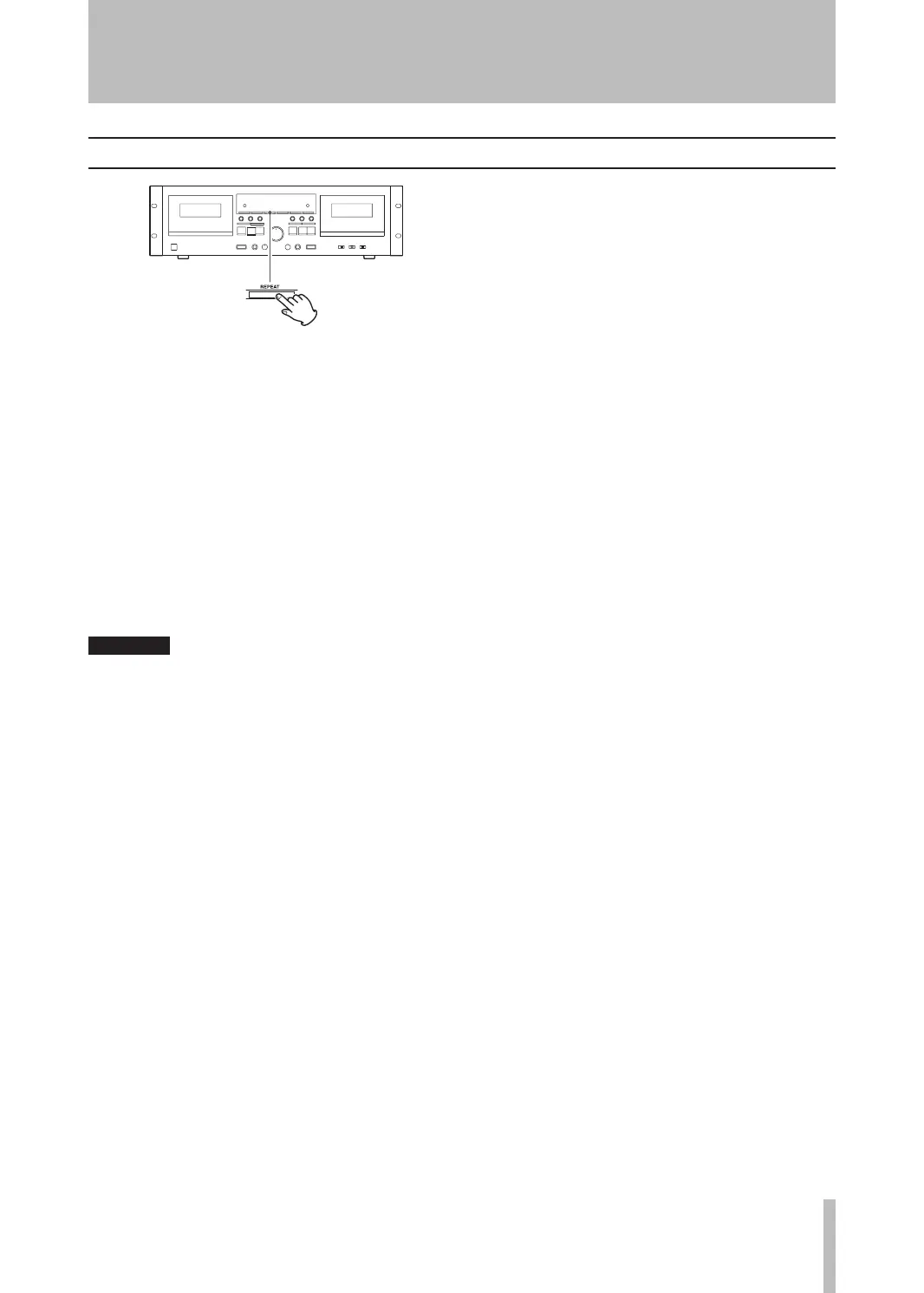
1. During playback, press the REPEAT key at
the point where you want to start the repeat
playback interval (A point). RE appears on the
display when this point is set.
2. Next, press the REPEAT key at the point where
you want to end the repeat playback interval (B
point).
The tape automatically rewinds to the A point
where playback restarts. When the B point is
reached, playback stops temporarily, the tape
rewinds again to the A point, and playback
continues to repeat.
3. Press the STOP (ª) key to end repeat playback.
During repeat playback, only the REPEAT and
•
STOP keys can be used.
This function cannot be used for durations of
•
less than 10 counts on the tape counter be-
tween the starting and end points.
Only intervals in the current playback direction
•
can be repeated.
Repeat playback stops automatically after 20
•
repetitions.


 To Next Page