IMPORTANT SAFETY INSTRUCTIONS
25 TASCAM CD-VT2
Listening to CDs
Adjusting the volume
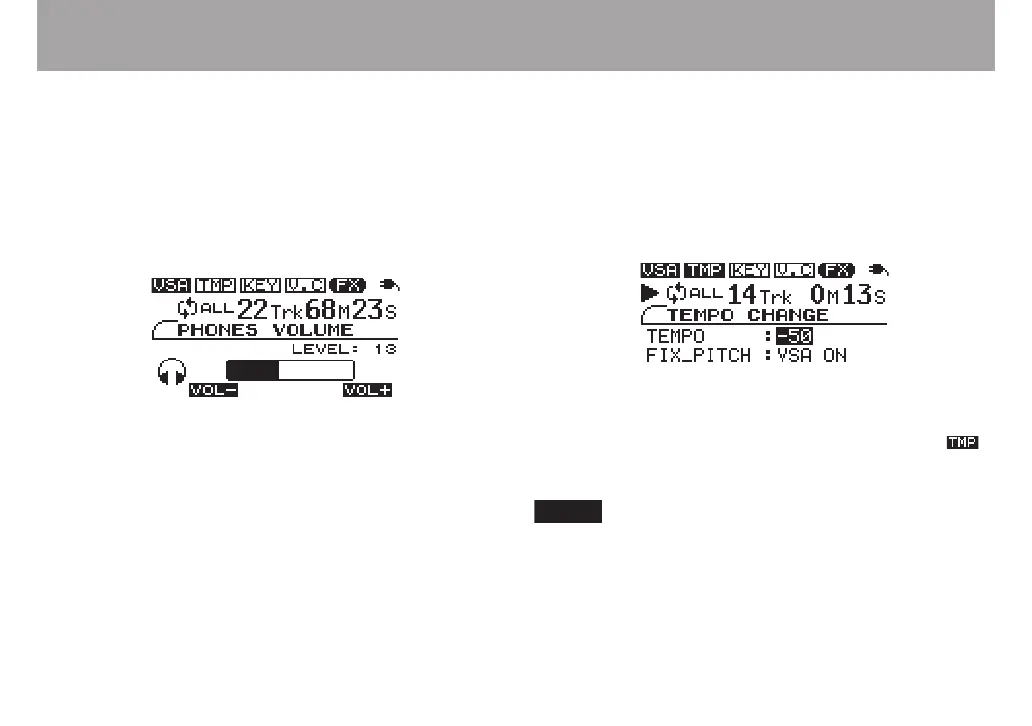
When listening through headphones, use the PHONES
VOLUME (+, –) keys to adjust the volume.
When you use the PHONES VOLUME keys, the PHONES
VOLUME screen appears showing the headphones output
level as a numerical value and a bar. After a few seconds, the
display automatically returns to the previous screen.
Changing the tempo
You can change the playback tempo, slowing it by up to 50%.
1 Press the TEMPO key to open the TEMPO CHANGE
screen.
2 When the TEMPO item is selected, use the VALUE (+, –)
keys to adjust the tempo (%).
When the TEMPO value is set to anything other than 0, the
tempo mode is ON, and playback follows the set tempo.
appears in inverse at the top of the screen.
Press both VALUE (+, –) keys simultaneously to reset the
tempo adjustment to 0.



 To Next Page