34 TASCAM CD-VT2
IMPORTANT SAFETY PRECAUTIONS
Other functions
Stopping the metronome
Do one of the following:
Press the STOP key.
Turn the METRONOME item OFF on the SETUP &
MISC. screen.
Pressing any of the CD player operation keys will also
turn the metronome OFF.
•
•
Using the tuner
By using a mic to input the sound of an instrument, you can
use the built-in tuner to check its pitch. You can also use
the tuner to specify a tuning pitch and output it through an
attached speaker, allowing you to tune multiple instruments at
the same time.
First, select the tuner mode.
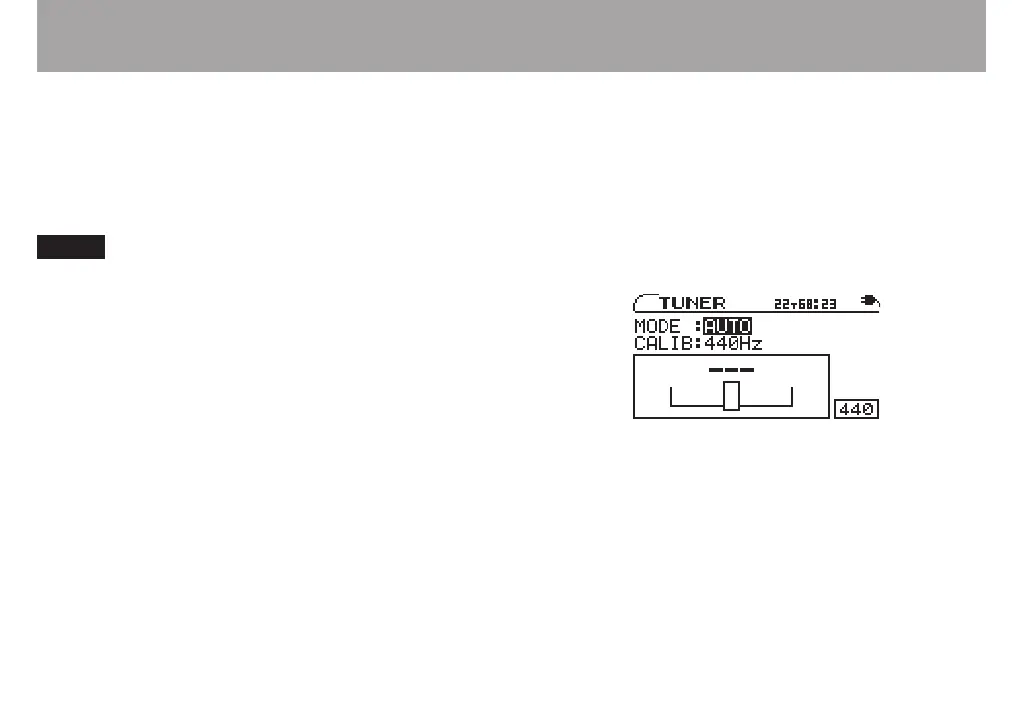
1 Press the TUNER key to open the TUNER screen.
2 With the MODE value selected, use the VALUE (+, –)
keys to select one of the following tuner modes.
AUTO chromatic tuner
OSC. oscillator mode
These modes are explained separately in the following
sections.



 To Next Page