36 TASCAM CD-VT2
IMPORTANT SAFETY PRECAUTIONS
Making various settings
You can change various settings to optimize the device for
your use environment and other requirements. All of the
following items are on the SETUP & MISC. screen.
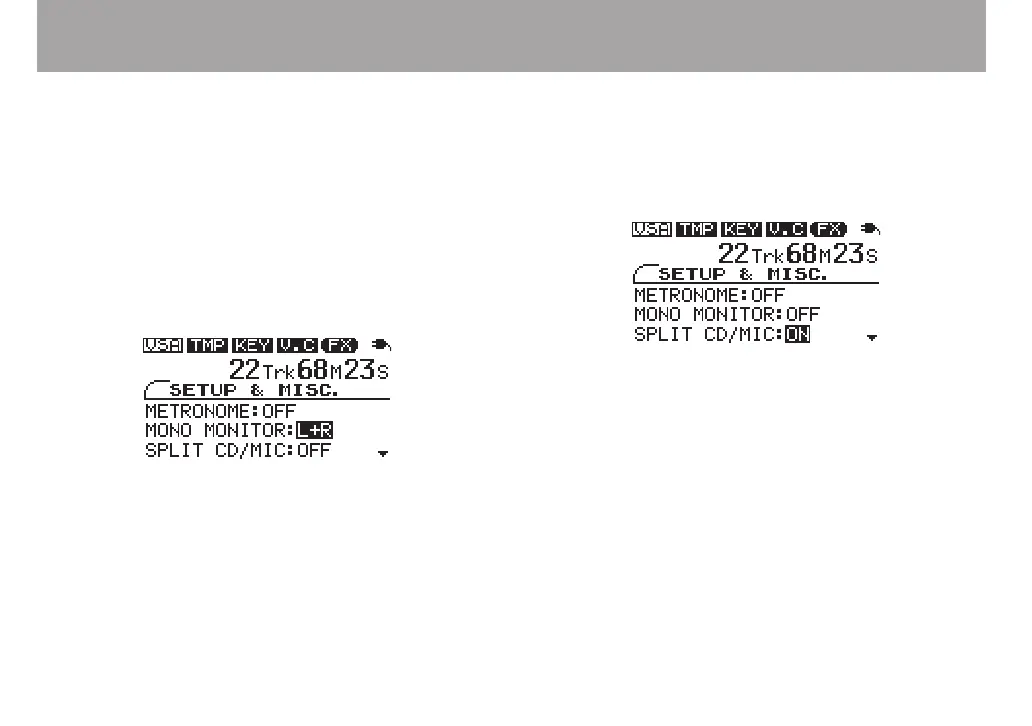
Press the MISC. key to open the SETUP & MISC. screen.
Use the CURSOR (§, ¶) keys to select the desired item and
the VALUE (+, –) keys to set the value.
Mono monitoring
You can output a mono signal from the PHONES and LINE
OUT jacks.
Select one of the following MONO MONITOR settings.
OFF ordinary stereo monitoring (default setting)
L+R both channel signals are mixed and output in mono
L left channel signal is output on both channels
R right channel signal is output on both channels
Splitting the CD and mic signals to left
and right outputs
You can split the output of the CD playback signal and mic
signals through the PHONES and LINE OUT jacks so that only
the CD is on the left and only the mic signals are on the right.
Turn the SPLIT CD/MIC setting ON to output the CD play-
back signal to the L channel in mono and the MIC IN 1 and
MIC IN 2 signals to the R channel.



 To Next Page