PROGRAMMING
DELETE ALL EXISTING USER ENTRY CODES AT ONCE
Follow these steps:
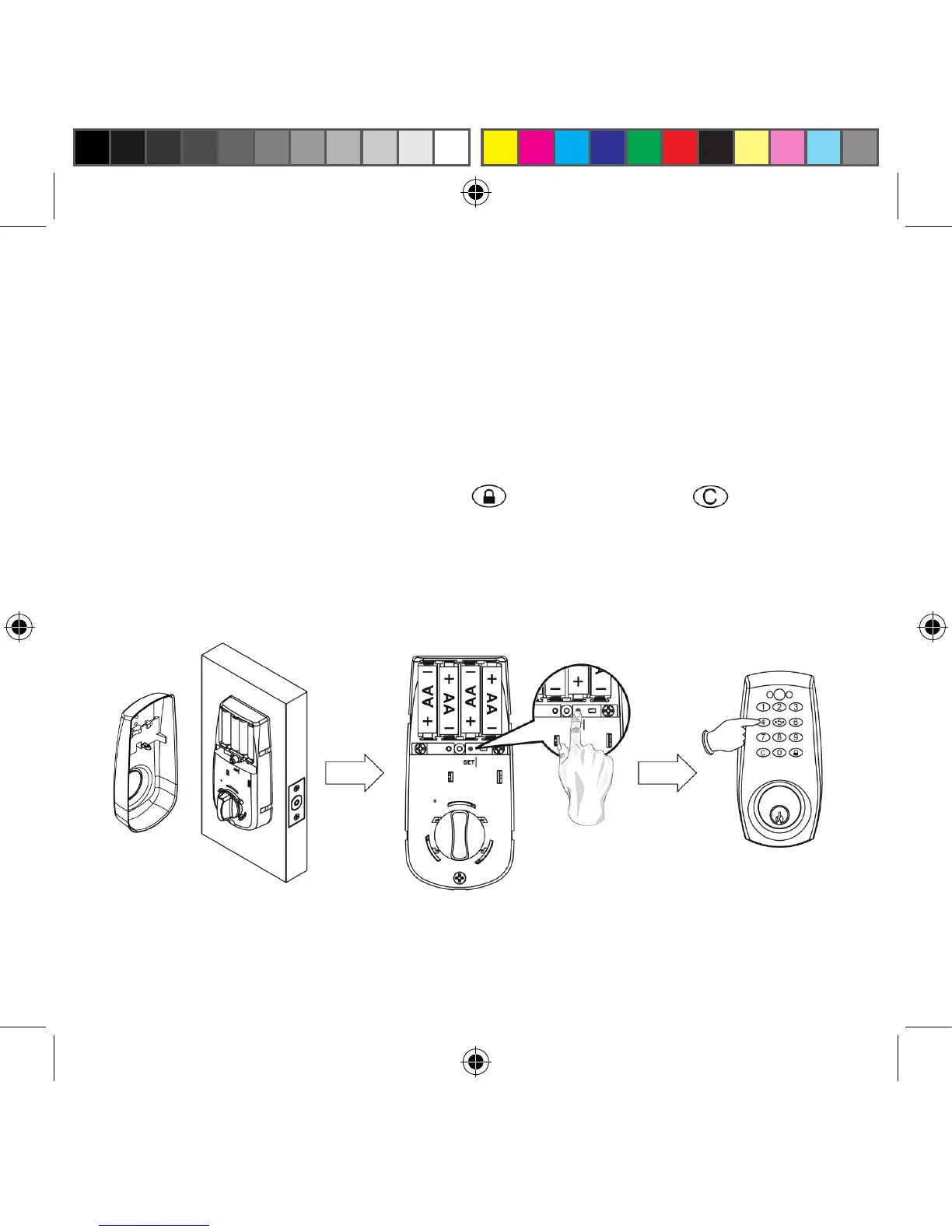
1. Press [SET] button for 2 seconds. The Red LED will light up and
a “beep” will sound twice. You are now in programming mode.
2. Enter 1-2-3-4-5-6 (or current Programming Code) and press the
button. Enter [ 40 ] and press the button. Press the button
for 3 seconds (one audio beep and Green light will be on). The Red
LED will light continuously for 10 seconds. All exisiting User Entry
Codes have been deleted.
27
® REGISTERED TRADEMARK OF TAYMOR INDUSTRIES LTD.


 To Next Page