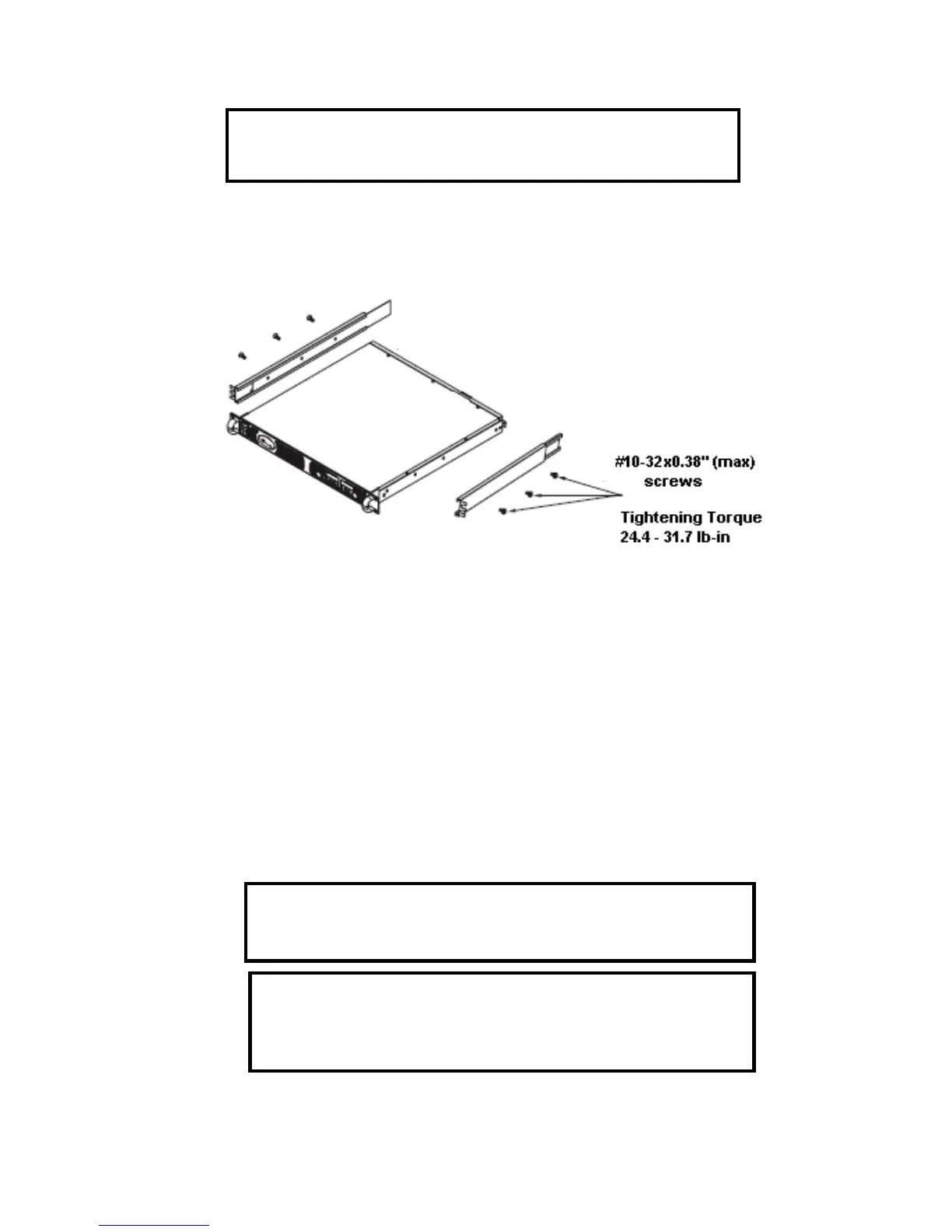
3.4.2 Rack Mount Slides (optional):
Use rack mount slides: General Devices P/N: CC3001
S160 or equivalent to install the unit
in a standard 19” equipment rack. Refer to Fig. 3
1 for slides assembly instructions. Use three
x0.38”(max.) screws at each side. To prevent internal damage, use the specified
3.5 LOCATON, MOUNTING AND COOLING
This power supply is fan cooled. The air intake is at the front panel and the exhaus
panel. Upon installation, allow cooling air to reach the front panel ventilation inlets. Allow a minimum
of 10cm (4 Inch) of unrestricted air space at the front and the rear of the unit.
The power supply should be used in an area that the
ambient temperature does not exceed +50
3.6 AC SOURCE REQUIREMENTS
series can be operated from a nominal 100V to 240V, single phase, 47
input voltage range and current required for each model is specified in Chapter 2. Ensure th
heavy load, the AC voltage supplied to the power supply does not fall below the specifications d
3.7 AC INPUT POWER CONNECTION
Ensure that the screws used to attach the slides to the unit do
not penetrate ore than 6mm into the sides of the unit.
is power supply to an AC power source should
be made by an electrician or other qualified perso
There is a potential shock hazard if the power supply chassis
(with cover in place) is not connected to an electrical safety
ground in the AC input connector.













 To Next Page