12
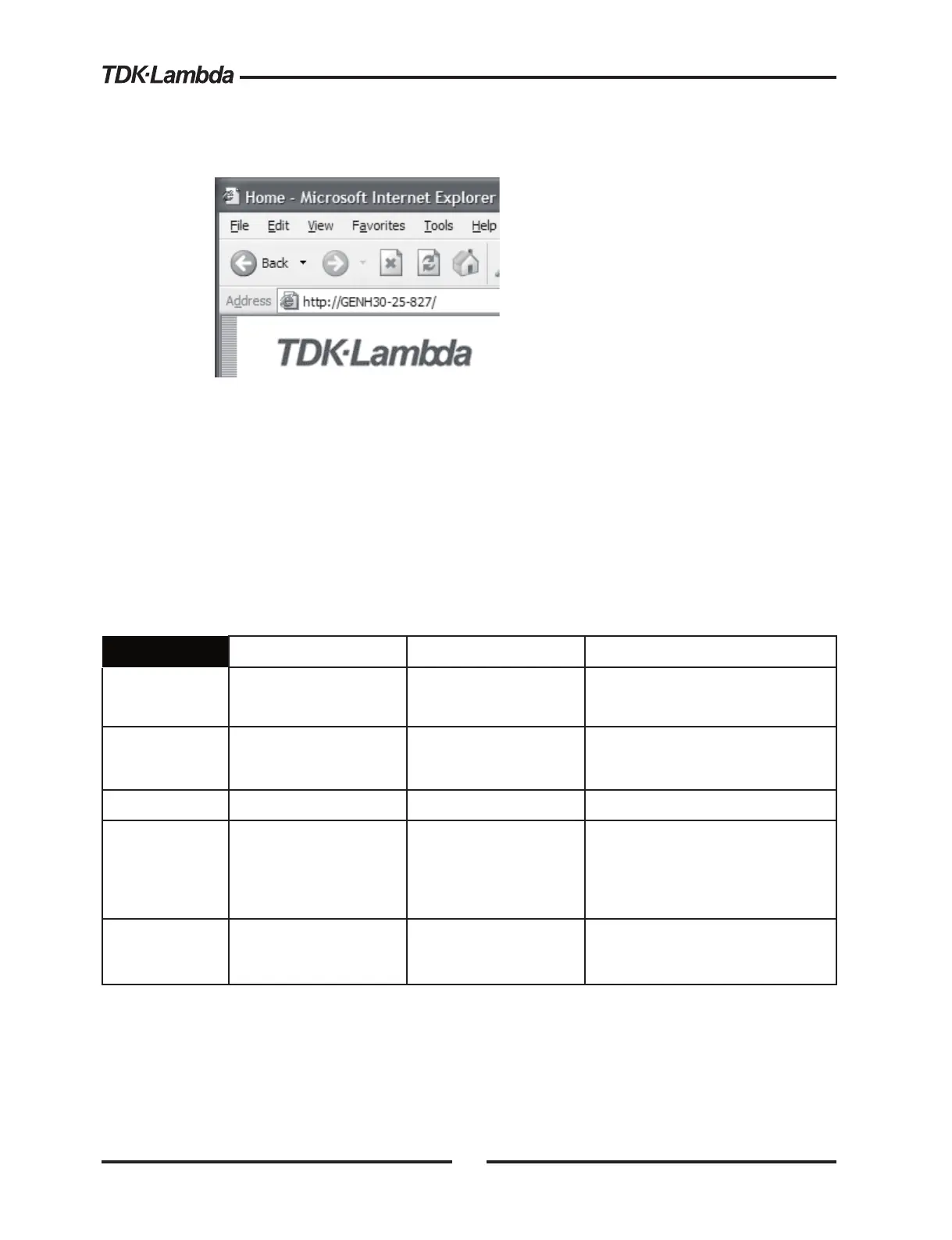
3. Alternately, if the power supply is set for “DHCP/Auto-IP”, and if NetBIOS naming service
is running on the computer, the hostname may then be used for addressing the web page
as shown below. See Section 3.6 for a description of the hostname
3.5. IP ADDRESS OVERVIEW
The simplest and most reliable way to open a network connection is with the power supply’s IP
address. This is a group of four numbers separated by periods (for example: 10.225.15.123).
This IP address may be viewed from it’s front panel (see section 4.1)
There are three modes which the power supply can get an IP address. Each mode has a
different way to set the IP address. This is shown in the table below
IP Address
DHCP Auto-IP Static IP
Mode Select
DHCP is default after
“LAN Reset”
Default after “LAN
Reset” if no DHCP
server is used
May be selected by user in the
“LAN Modify” web page (see
section 5.5.2)
Assignment
Assigned by the
network server
Assigned by the power
supply
Assigned by the user
in the “LAN Modify” web page
(see section 5.5.2)
Range Any address
169.254.xxx.xxx
Any address
Lifetime
Address may change
as the DHCP server
assigns addresses
dynamically to many
instruments
Fixed for the power
supply, except if an
address collision is
detected
Always fixed for the power supply
Duplicate
Addresses
The DHCP server
should prevent
duplicate IP addresses
Find another available
auto-IP address
Disconnect from the network and
indicate a LAN error
3.6. HOSTNAME OVERVIEW
The hostname is an address in the form of a text description for the power supply (for example:
GEN30-25-729). This address is less reliable than the IP address because the hostname
cannot be viewed from it’s front panel, and because a special naming service (NetBIOS) must
be running in the LAN computer














 To Next Page