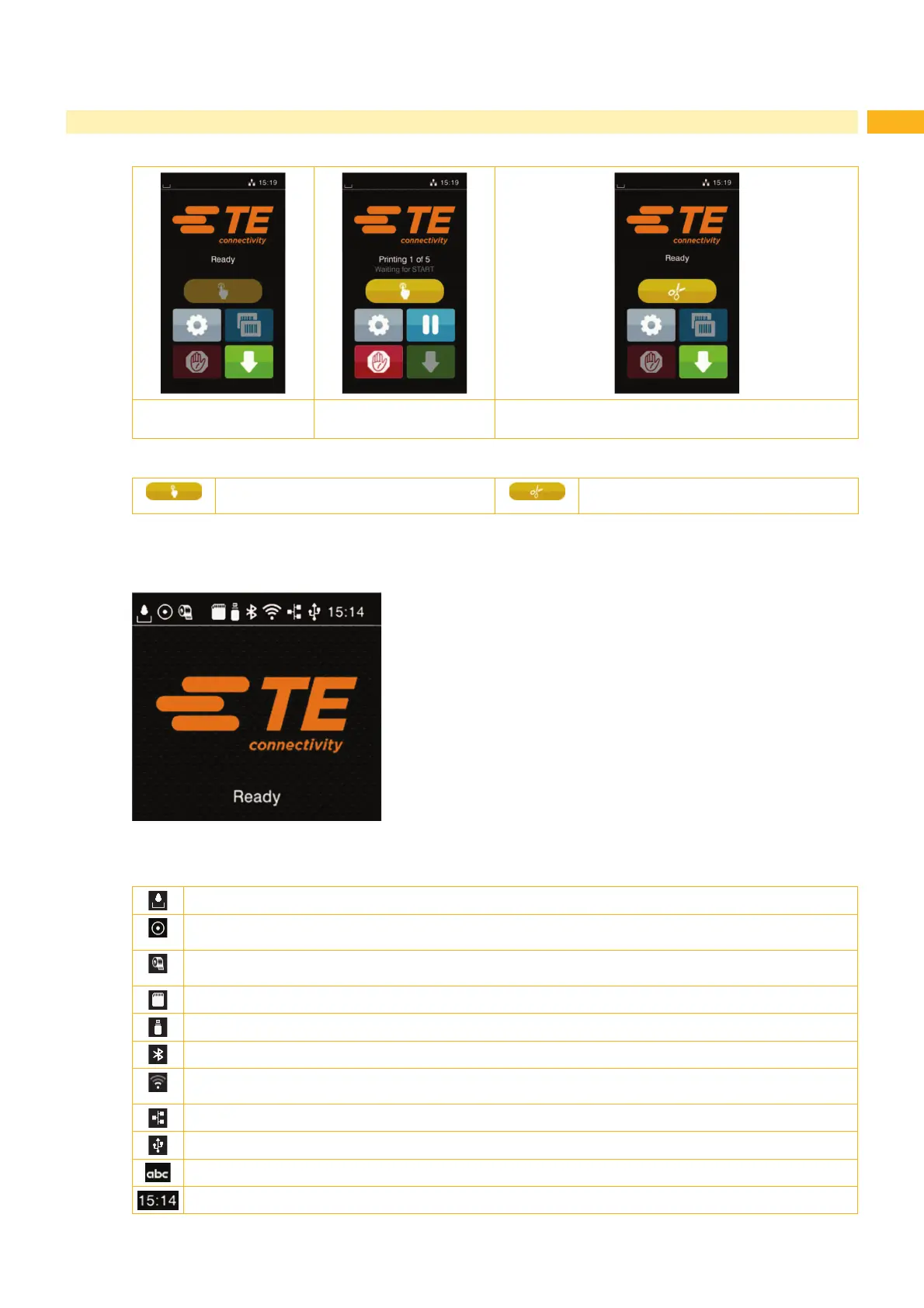
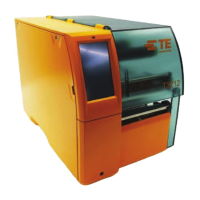
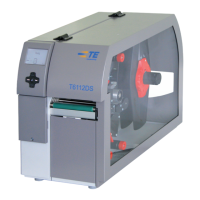
Printing on demand
without a print job
Printing on demand
with a print job
Direct cut
with CU, PCU installed
Fig. 6 Optional symbols on the start screen
Initiate the printing of a single label within a
print job including cutting, perforating...
Initiate a direct cut without media feed.
Table 2 Optional buttons on the start screen
'HSHQGLQJRQWKHFRQ¿JXUDWLRQDUDQJHRILQIRUPDWLRQLVYLVLEOHYLDVHYHUDOLFRQVLQWKHVWDWXVEDU
Fig. 7 Icons of the status bar
The current data transfer is displayed in the form of a falling drop.
The Save data stream function is active
$OOUHFHLYHGGDWDLVVWRUHGLQDOEO¿OH
Warning ribbon end
The remaining ribbon is below the required amount
SD card installed
USB memory installed
Gray: Bluetooth adapter installed, white: Bluetooth connection active
WiFi connection active
The WiFi signal strength is displayed by the number of white arcs.
Ethernet connection active
USB connection active
Abc program active
Clock time
Table 3 Icons on the status bar
3 Touchscreen



 To Next Page