8 8
2 Installation
2.2 Unpacking and Setting-up the Printer
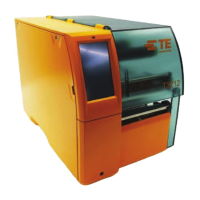
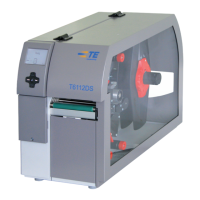
X Lift the printer out of the box.
X Check printer for damage which may have occurred during transport.
X Set up the printer on a level surface.
X Remove foam transportation safeguards near the printhead.
X Check delivery for completeness.
Contents of delivery:
• Printer
• Printer CD, containing windows driver and documentation
• Power cables
• USB cable
• Wi-Fi stick
• Operator's Manual
Attention!
The device and printing materials will be damaged by moisture and wetness.
X Only set up printers in dry locations protected from moisture.
2.3 Installing the Wi-Fi Stick
3
4
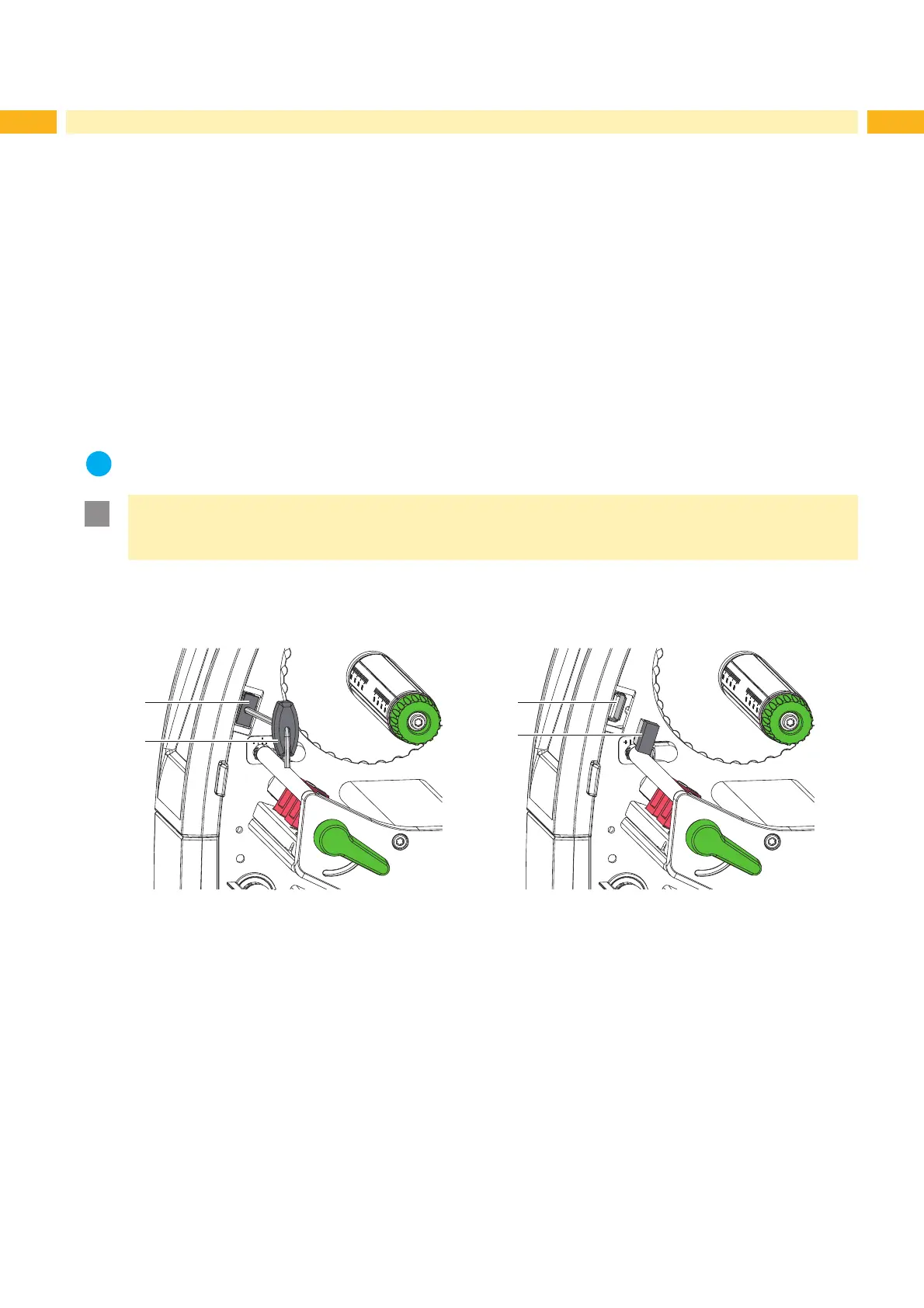
Fig. 4 Installing the Wi-Fi stick
X Remove the cover (1) with the Allen key (2).
X Connect the Wi-Fi stick (4) to the USB interface (3) in the control panel.



 To Next Page