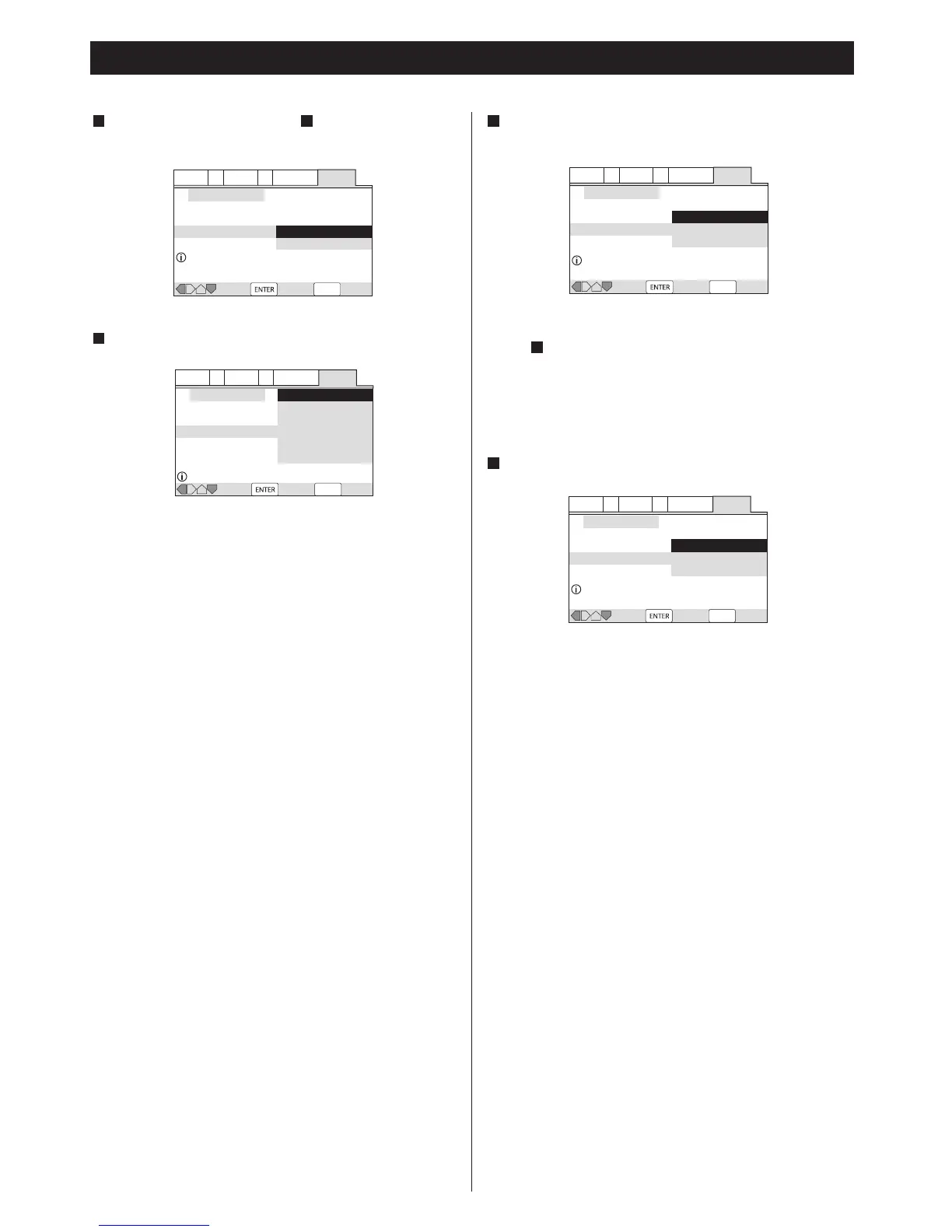
If you select "5.1 Channel" in step , confirm which speakers
are connected to your amplifier.
67
Getting Started (Setup Navigator) 2
The settings are kept in memory, and the Setup Navigator
disappears.
<
If the Setup Navigator is still on the screen, press the SETUP
button to exit.
<
If you want to use the Setup Navigator again, it is available
from the "General" tab of the Setup menu. Also, each individual
setting can be changed using the appropriate menu option.
See 34 page for details.
Select the type of digital audio output.
8
Dolby Digital:
Select this when the unit is connected to an audio
component equipped with a built-in Dolby Digital decoder
via the DIGITAL OUT terminal.
Dolby Digital/DTS:
Select this when the unit is connected to an audio
component equipped with a built-in Dolby Digital and DTS
decoder via the DIGITAL OUT terminal.
Dolby Digital/MPEG:
Select this when the unit is connected to an audio
component equipped with a built-in Dolby Digital and MPEG
decoder via the DIGITAL OUT terminal.
Dolby D/DTS/MPEG:
Select this when the unit is connected to an audio
component equipped with a built-in Dolby Digital, DTS and
MPEG decoder via the DIGITAL OUT terminal.
PCM:
Select this when the unit is connected to an audio
component such as CD recorder or MD deck via the
DIGITAL OUT terminal.
Not Connected:
Select this when you don't use the DIGITAL OUT terminal.
Confirm whether your amplifier is compatible with 96kHz
audio.
9
< This screen will not appear if you selected "Not Connected" in
step .
<
When you select "No" or "Don't Know", any 96kHz audio will be
downsampled to 48kHz.
8
Select "Save Changes" to save the settings.
10


 To Next Page