23
ENGLISH
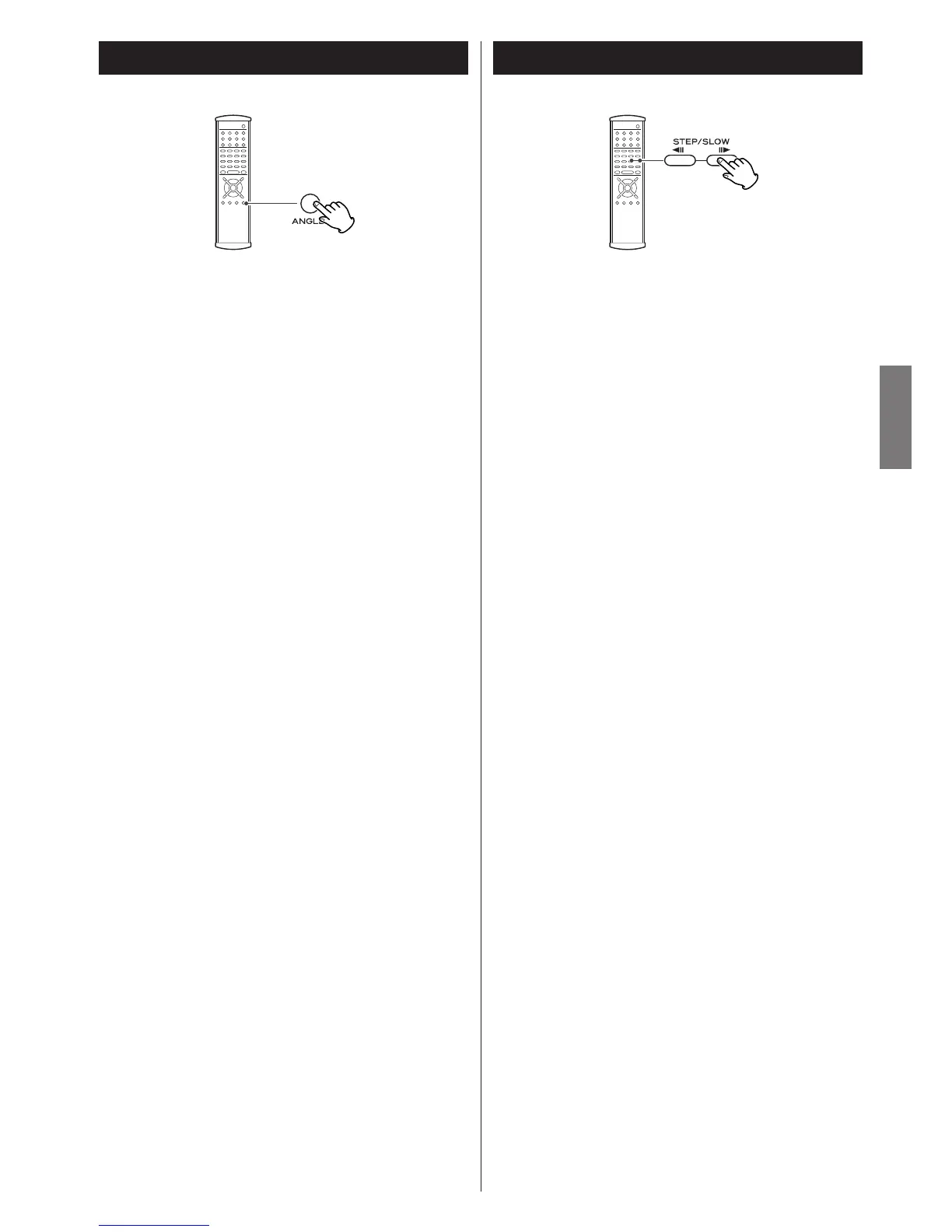
Change the Angle
When a scene recorded with multiple angles is played, the
angle icon appears on the screen. Each time you press the
ANGLE button while the angle icon is displayed, the camera
angle changes.
<
When no other angle is recorded, the PROHIBIT icon will be
displayed.
<
You can change the setting so that the angle icon isn't
displayed even when a scene recorded with multiple angles is
played. See page 44 for details.
<
The maximum number of angles stipulated by the manufacturer
is 9/9.
<
If you press the ANGLE button during pause, pause mode will
be cancelled.
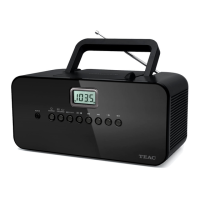
Single Stepping Playback
To play a disc frame by frame, press the STEP/SLOW button
during playback (or in the pause mode). The DVD will "freeze"
on a single video frame. Each time the STEP/SLOW button is
pressed, the picture advances by one frame.
To resume normal playback, press the PLAY button (y
).
< During playback of DVD-Audio disc featuring browsable
pictures, you can view the next picture by pressing the
STEP/SLOW button.
<
If the still picture is shaky, set the still picture option to "Field"
(see page 44).
DVD DVD VCD


 To Next Page