36
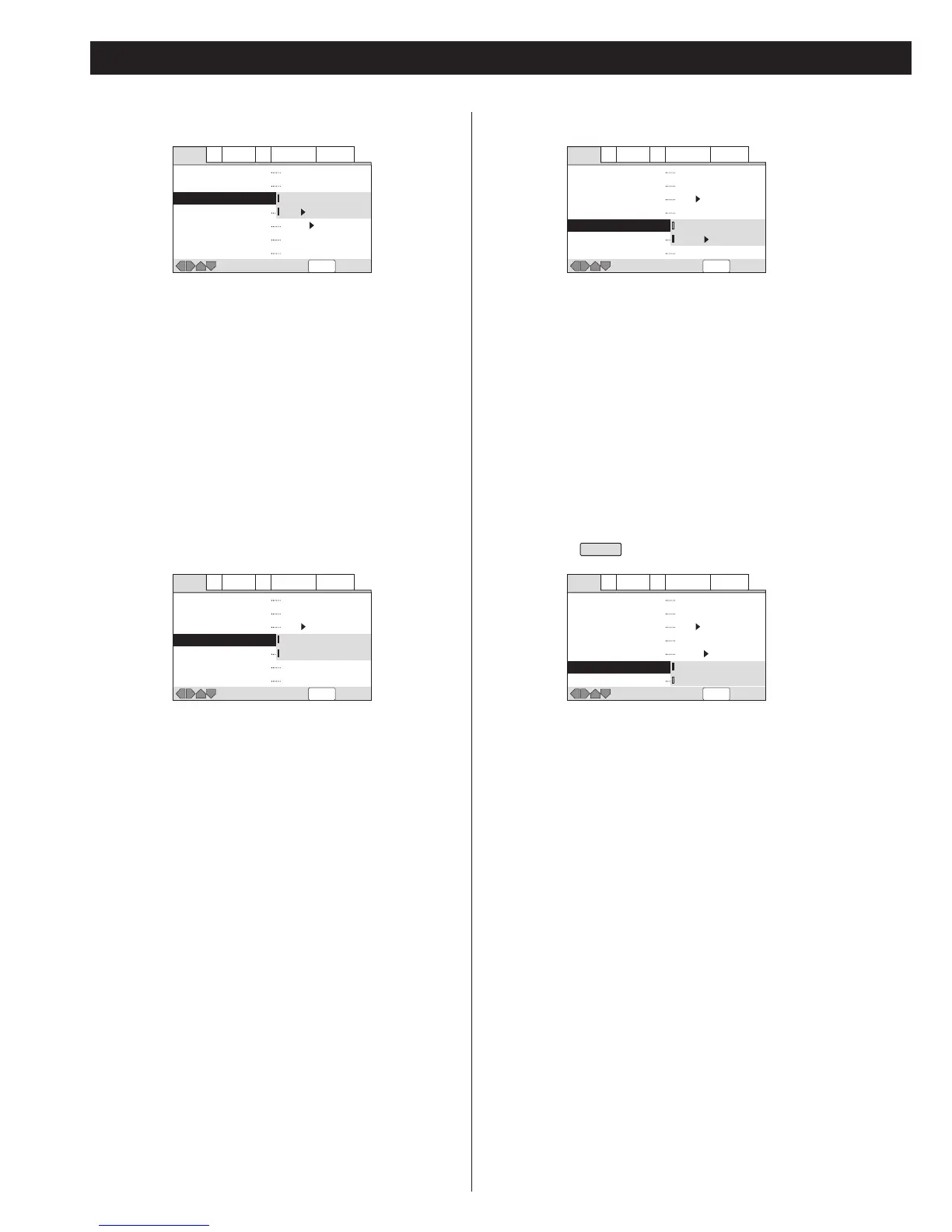
DTS:
Select this when the unit is connected to an audio component
equipped with a built-in DTS decoder via the DIGITAL OUT
terminal.
DTS t PCM (default):
Select this when the unit is connected to an audio component
such as CD recorder or MD deck via the DIGITAL OUT
terminal. DTS signal is converted to PCM.
<
If the connected component isn't compatible with DTS, never
select "DTS".
Linear PCM Out
Down Sample On (default):
Select this when a component connected via the DIGITAL OUT
terminal isn't compatible with high sampling rate (96kHz).
96kHz audio will be converted to 48kHz.
Down Sample Off:
Select this when a component connected via the DIGITAL OUT
terminal is compatible with high sampling rate (96kHz).
<
Even when "Down Sample Off" is selected, some discs will
output down sampled audio. High sampling rate DVD-Audio
discs (192kHz or 176.4kHz) are always down sampled to 96kHz
or 88.2kHz.
MPEG Out
MPEG:
Select this when the unit is connected to an audio component
equipped with a built-in MPEG decoder via the DIGITAL OUT
terminal.
MPEG t PCM (default):
Select this when the component connected via the DIGITAL
OUT terminal isn't compatible with MPEG. MPEG audio is
converted to PCM audio.
Multi channel audio is down mixed to 2 channel automatically.
<
If down mixing is prohibited by the disc, no signal will be output
from the DIGITAL OUT terminal.
Digital Out
EXPERT
On (default):
Select this when a component is connected via the DIGITAL
OUT terminal.
Off:
Select this when you don't use the DIGITAL OUT terminal. No
signal will be output from the DIGITAL OUT terminal.
<
Note that a SACD cannot output digital signal.


 To Next Page