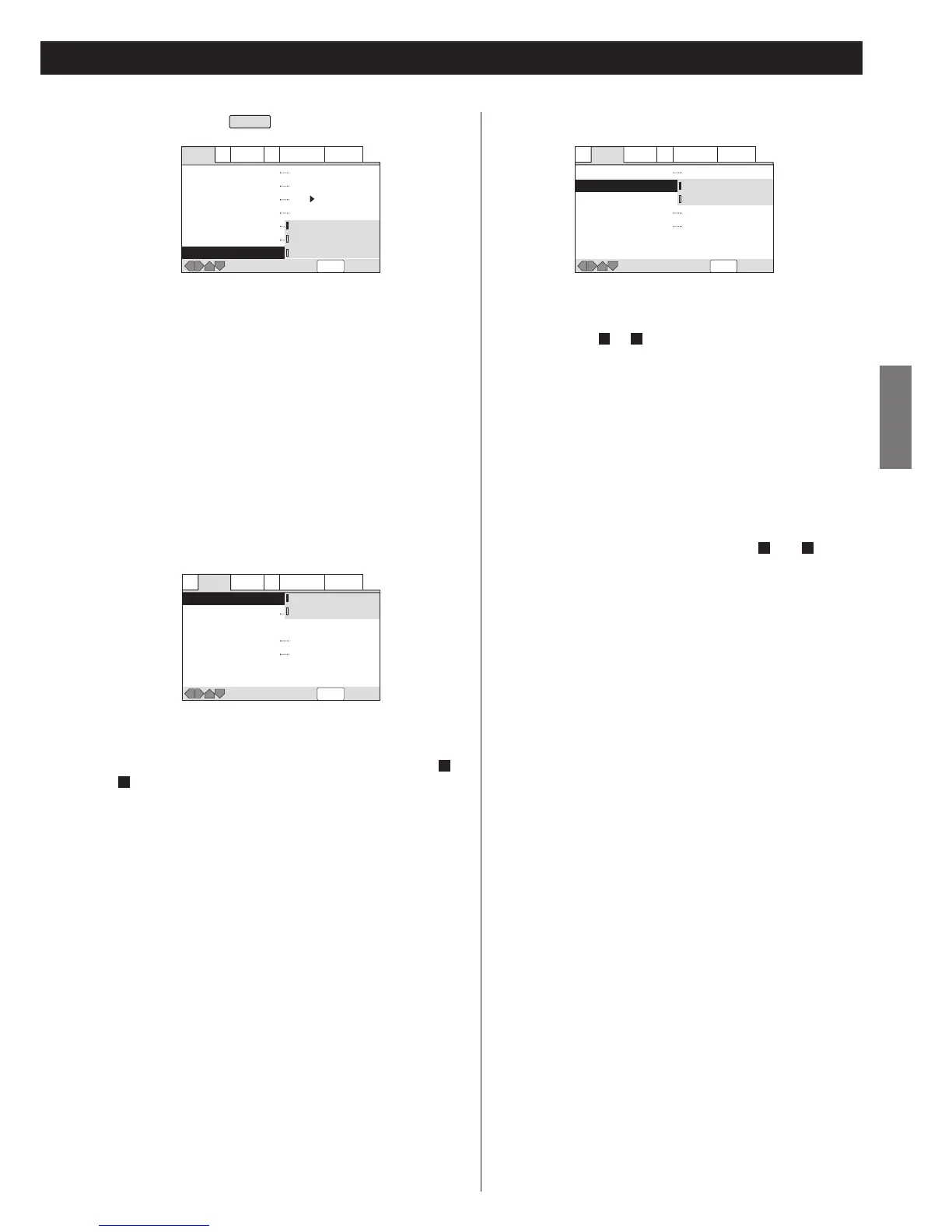
SACD Playback
EXPERT
SACD discs can be divided up into several different areas –
stereo audio, 5.1 channel audio and, for hybrid SACDs,
standard CD audio. The SACD Playback setting enables you to
select which area of the disc you want to play.
If you select an area that doesn't exist on the disc loaded, a
different area of the disc will play. For example, if you choose
CD audio but the disc loaded is not a hybrid SACD, the stereo
SACD audio will play.
Default setting is "2ch Area".
Virtual Surround
When used with stereo sources, TruSurround creates a
realistic surround-sound effect using just two speakers. If your
amplifier is connected via the 2CH AUDIO OUT terminals ( or
of page 9) and "Audio Out" is set to "2 Channel"(see page 37),
you can simulate surround sound by selecting "TruSurround".
<
There is no effect when the audio source is DVD-Audio, DTS or
96 kHz LPCM or during playback of CD, MP3 and SACD.
<
The digital audio output level is reduced when playing 2
channel Dolby Digital DVDs or Video CDs with TruSurround
selected. If you play a multi-channel Dolby Digital DVD with
Dolby Digital to PCM conversion (see page 35) and
TruSurround selected, there is no digital output.
<
The effect of virtual surround varies depending on your
amplifier and speakers.
<
Default setting is Off.
D
A
Audio Out
2 Channel (default):
Select this when the amplifier is connected via the 2CH AUDIO
OUT terminals ( or of page 9).
5.1 Channel:
Select this when the amplifier is connected via the 5.1CH
AUDIO OUT terminals.
<
Even when "5.1 Channel" is selected, you will not get multi-
channel sound unless a multi-channel disc is played.
<
When "2 Channel" is selected, multi-channel sound is down
mixed to 2 channel.
<
When "5.1 Channel" is selected, front left and right channels
are output from the 2CH AUDIO OUT jacks ( and of page
9).
<
If you change the setting during slideshow of DVD-Video, the
sound might be stopped for about 30 seconds.
<
Some DVD-Audio discs don't allow down-mixing of audio.
These discs always output multi-channel audio regardless of
the setting made here.
DA
DA


 To Next Page