46
Settings (Language/General)
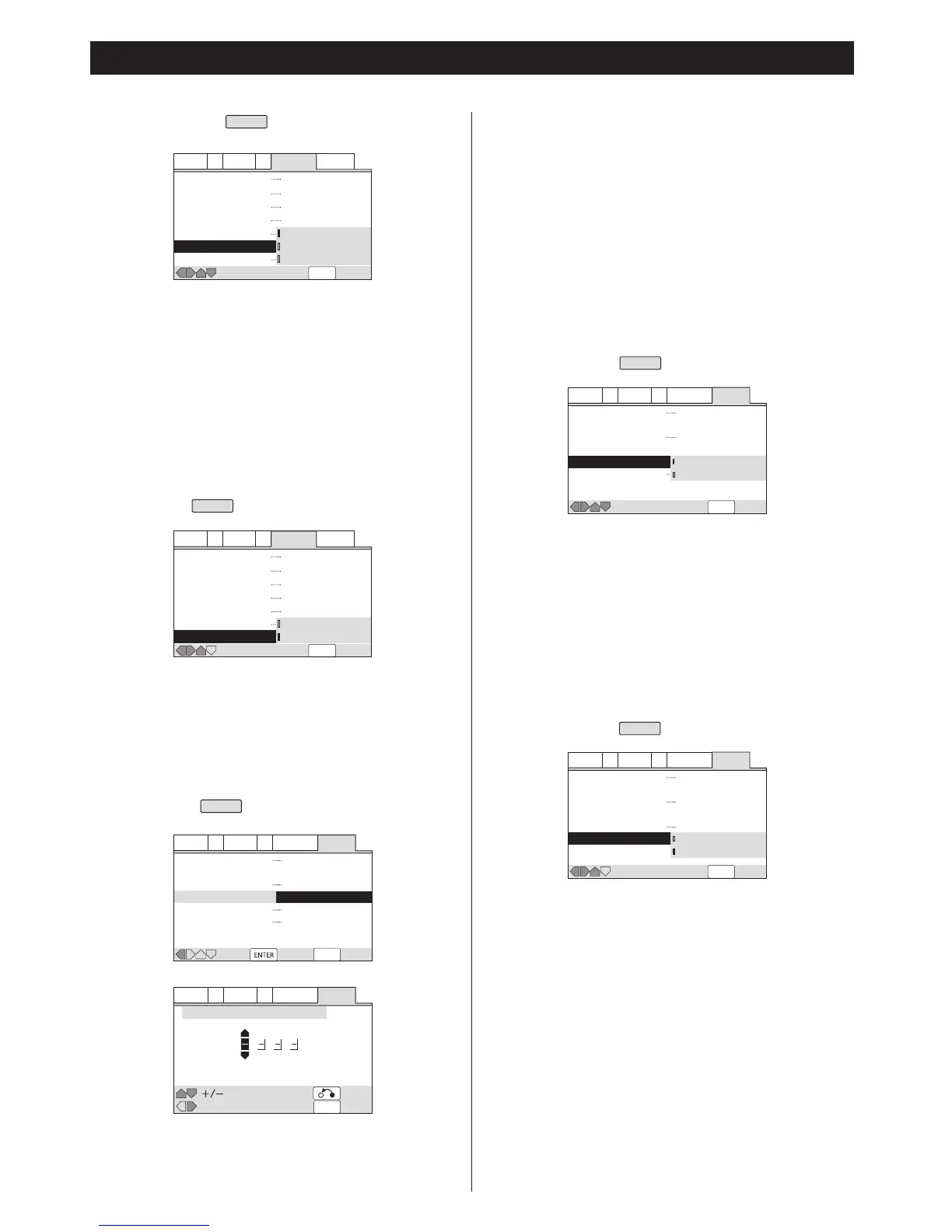
All : All the groups on a DVD-Audio disc will be played.
Single (default) : The selected group will be played.
<
When the player is set to Single, and if you try to play all the
groups by using the disc menu, only one group might be
played.
<
Even if the players is set to All, only one group will be played if
you select a group from the disc menu.
<
Depending on the disc, this function may not work properly.
Subtitle Display
EXPERT
On (default) : Subtitles are displayed.
Off : No subtitles are displayed.
Assist Subtitle : The extra assist subtitles recorded on certain
discs will be displayed.
<
If there is no subtitle information recorded on the disc, no
subtitles are displayed even if this function is set to On.
<
Whether this setting is On or Off, you can still switch subtitles
(or switch them off) using the SUBTITLE button.
Subtitle Off
EXPERT
Some discs display subtitles even if the Subtitle Display setting
is set to Off. In this case, you can either have the subtitles
displayed in the same language as your preferred audio
language (With Audio), or in your preferred subtitle language
(Selected Subtitle).
Bonus Group
EXPERT
Some DVD-Audio discs have an extra bonus group that
requires a 4-digit key number to access. When you try to play
the bonus group, the key number input screen will
automatically appear. Input the number and press ENTER.
By inputting the key number beforehand, you can be free from
the input screen during playback.
<
See the disc packaging for details and the key number.
<
If you eject the disc, switch the power off, or unplug the player,
you will need to re-enter the key number.
Auto Disc Menu
EXPERT
On (default):
The disc menu is automatically displayed after loading.
Off :
The disc menu will not appear. If you want to display the
disc menu, press the MENU button during playback.
<
Depending on the disc, this function may not work properly.
Group Playback
EXPERT


 To Next Page