24
DVD VCD CD MP3
Shuffle Playback
Tracks of a disc can be played randomly.
Chapter Shuffle Playback of DVD-Video
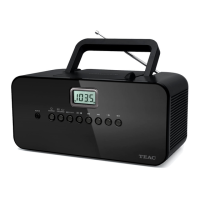
During playback of DVD-Video, press the RANDOM button and
the ENTER button. All the chapters of the current title will be
played randomly.
Title Shuffle Playback of DVD-Video
During playback of DVD-Video, press the RANDOM button
twice and then press the ENTER button. All the titles of the
disc will be played randomly.
Shuffle Playback of CD, VCD, MP3
During playback or in the stop mode, press the RANDOM
button. All the tracks of the disc will be played randomly.
To cancel shuffle playback and resume normal playback,
press the CLEAR button.
<
If you press the / button during shuffle playback, the next
chapter/title/track will be randomly selected and played. A
chapter/title/track cannot be replayed during shuffle playback.
<
If one of the following buttons is pressed, shuffle mode will be
cancelled:
numeric buttons, STOP, CLEAR, REPEAT,
OPEN/CLOSE, POWER
<
This function isn't available for DVD-RW, SACD, and VCD with
PBC.
<
This function does not work during programmed playback and
repeat playback.
Slow-Motion Playback
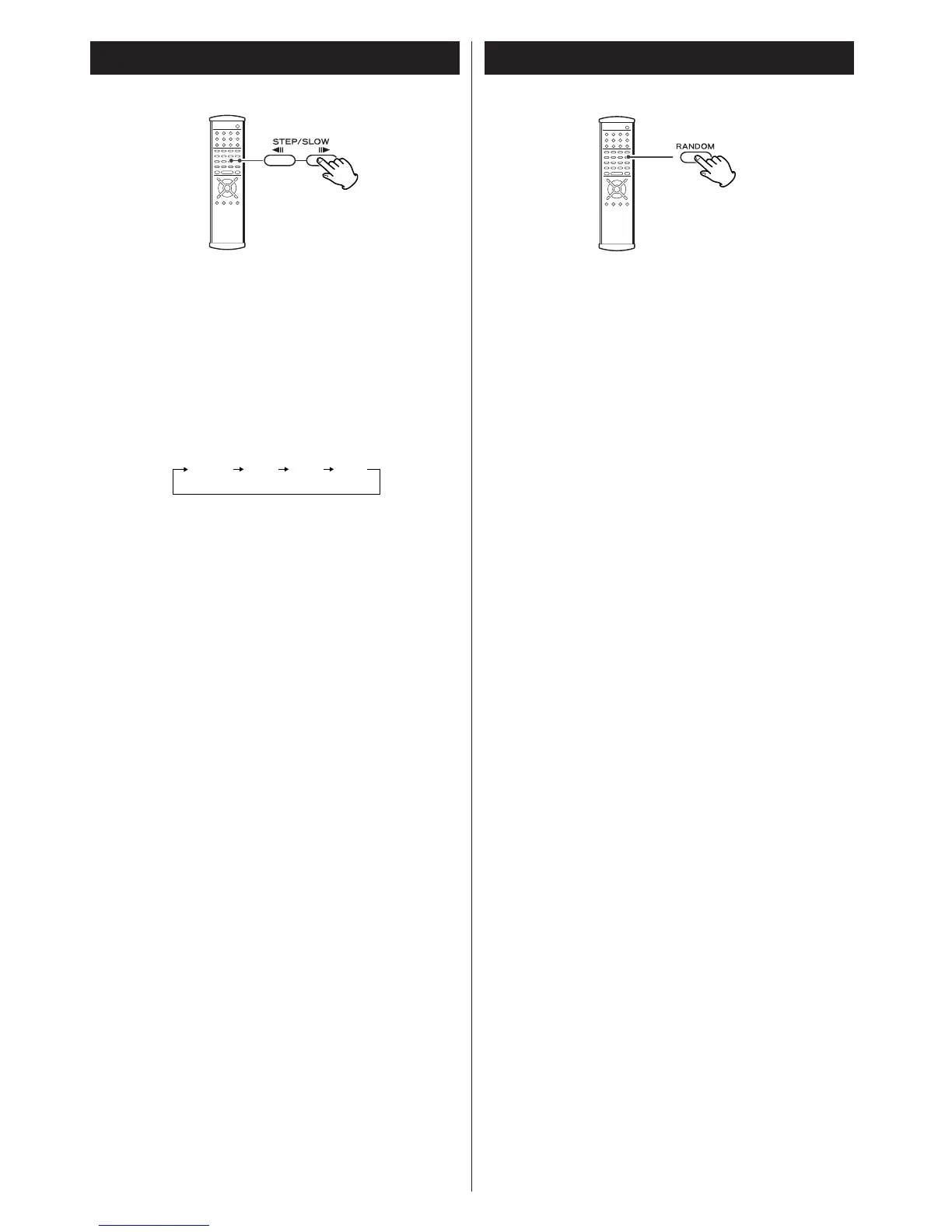
To play a disc in slow-motion, press and hold the STEP/SLOW
button during playback (or in the pause mode). When the
Slow-Motion function is activated and "1/16" appears on the
screen, release the button.
To resume normal playback, press the PLAY button (y
).
J
y
: slow forward playback
h
J
: slow reverse playback (DVD only)
Each time the SLOW button is pressed, the speed is changed.
<
The sound is muted during slow-motion playback.
<
This function is not available for CD and MP3.


 To Next Page