24
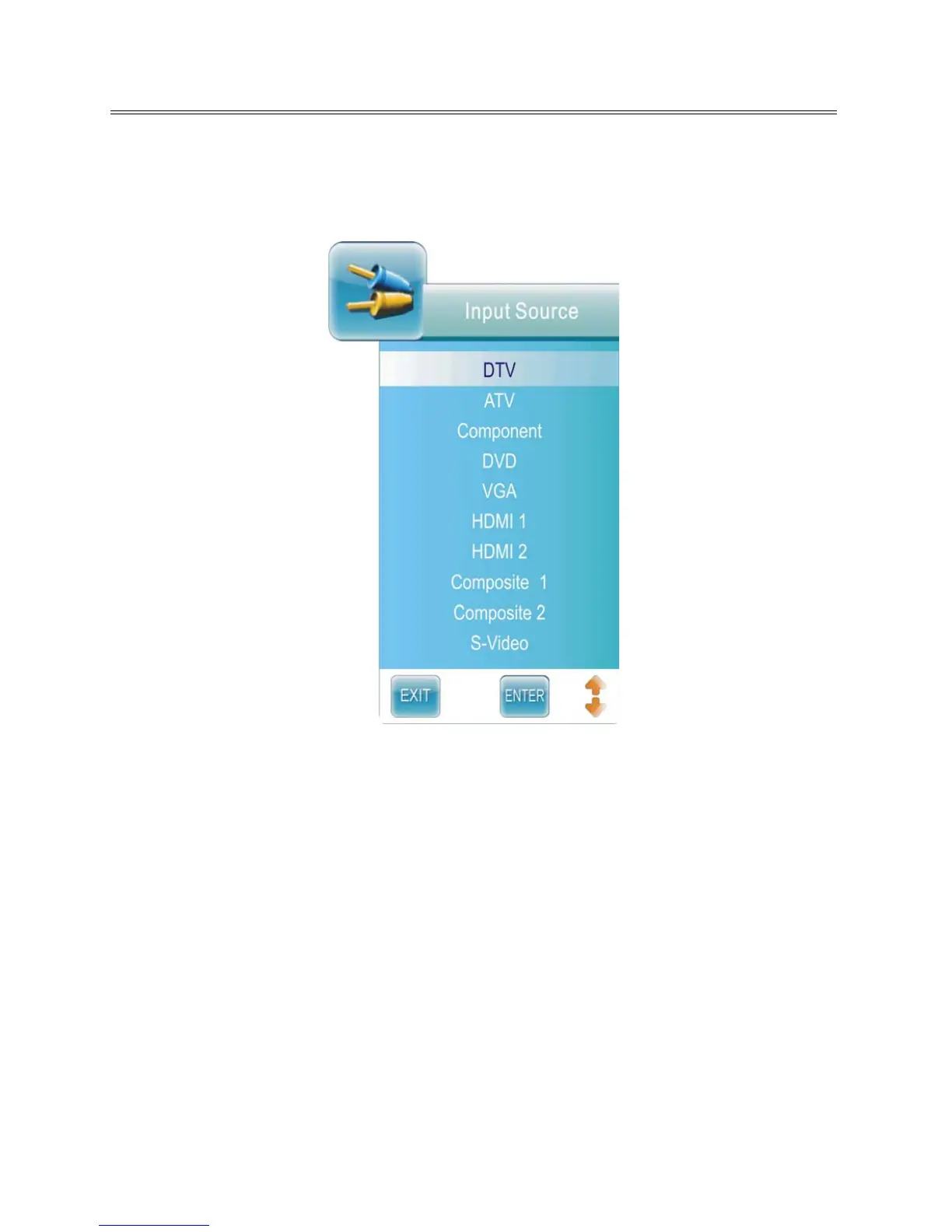
Input Source Selecting
The unit incorporates multiple input sources which can be selected via the Input button on the television
or remote.
Press the INPUT button to enter Input menu. The screen will display as shown below:
Use the ▲▼direction buttons and ENTER button
On the input menu, press the ▲▼ direction button (or alternatively press the INPUT button repeatedly)
to select the desired input sour
ce. After selecting the desired source, press the ENTER button to allow
the unit to receive input from the the selected source.



 To Next Page