37
TV Operation and System Setup
Allow Update
Press the ▲▼ button to select Allow Update and press the ◄► button to select On or Off.
System Update Time
Set the time when the system update automatically in
standby mode.
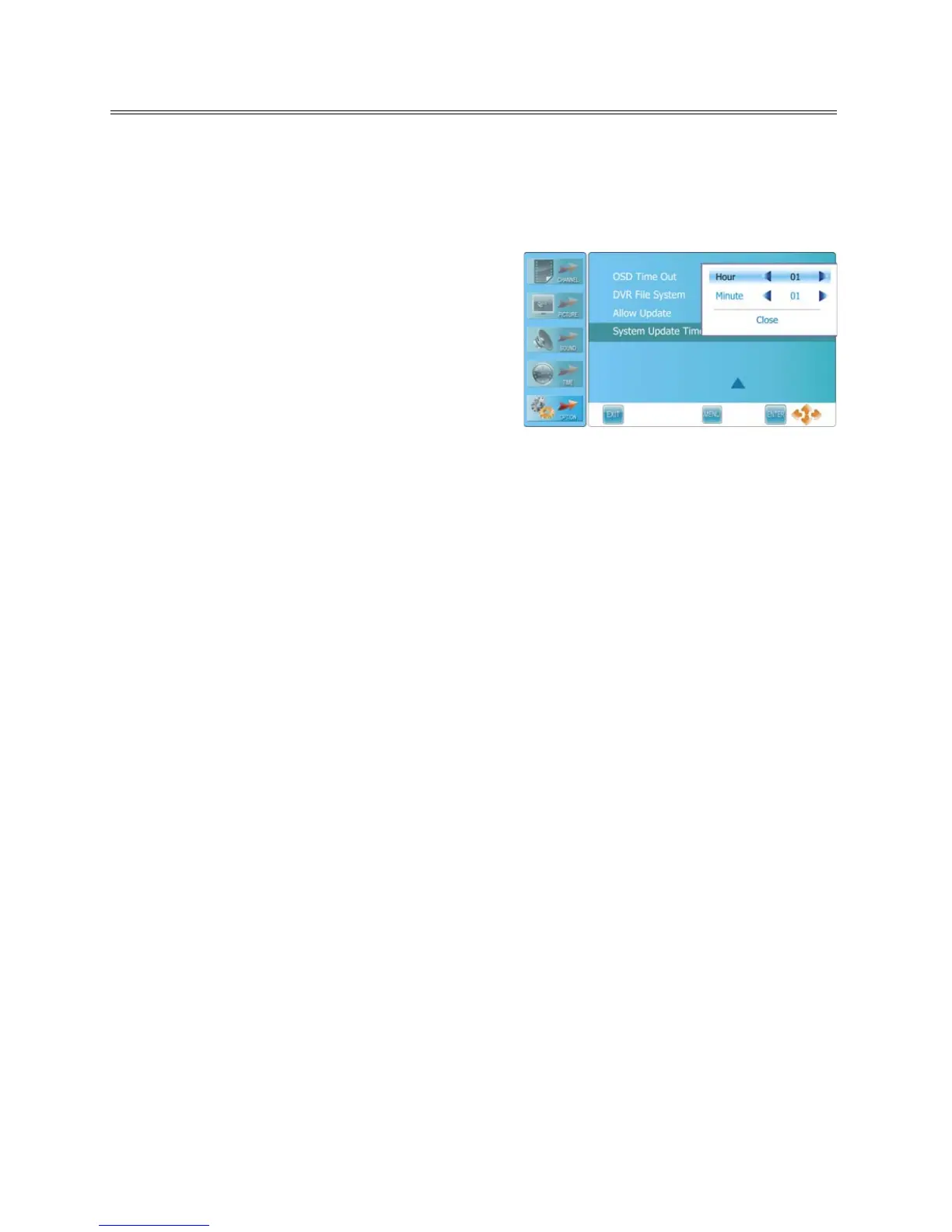
Press the ▲▼ button to select System Update Time
and press the ► or ENTER button to prompt an
information box, as shown:
Within the sub menu, press the ▲▼ button to select
Hour or Minute, press the ◄► button to set.
Press the ENTER button to close after selecting Close.
NOTES:
Update functions only in standby mode.
If you want to update the system, please power off the TV set after setting the time.
Unit will only update if Over-The -Air Update is available for this unit.



 To Next Page