56
DVD Setup Menu
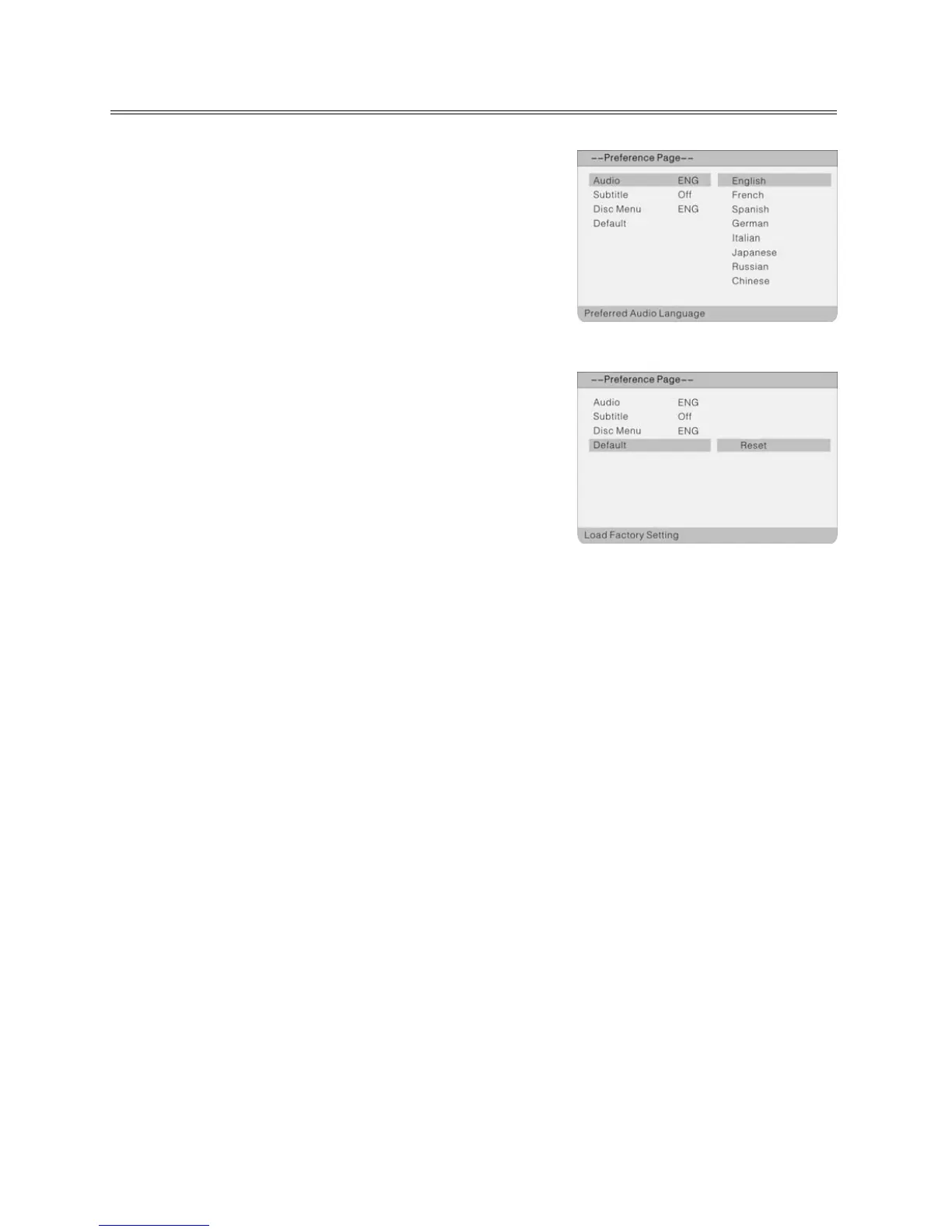
Audio, Subtitle and Disc Menu
If a DVD contains several languages, you can choose the
language for the playback, subtitles and DVD menu.
Default
This option is used to reset the unit. The factory settings are
adopted.
Notes:
Resetting is only possible when the disk is removed from
the DVD drive.
All your settings done so far will be deleted.



 To Next Page