15
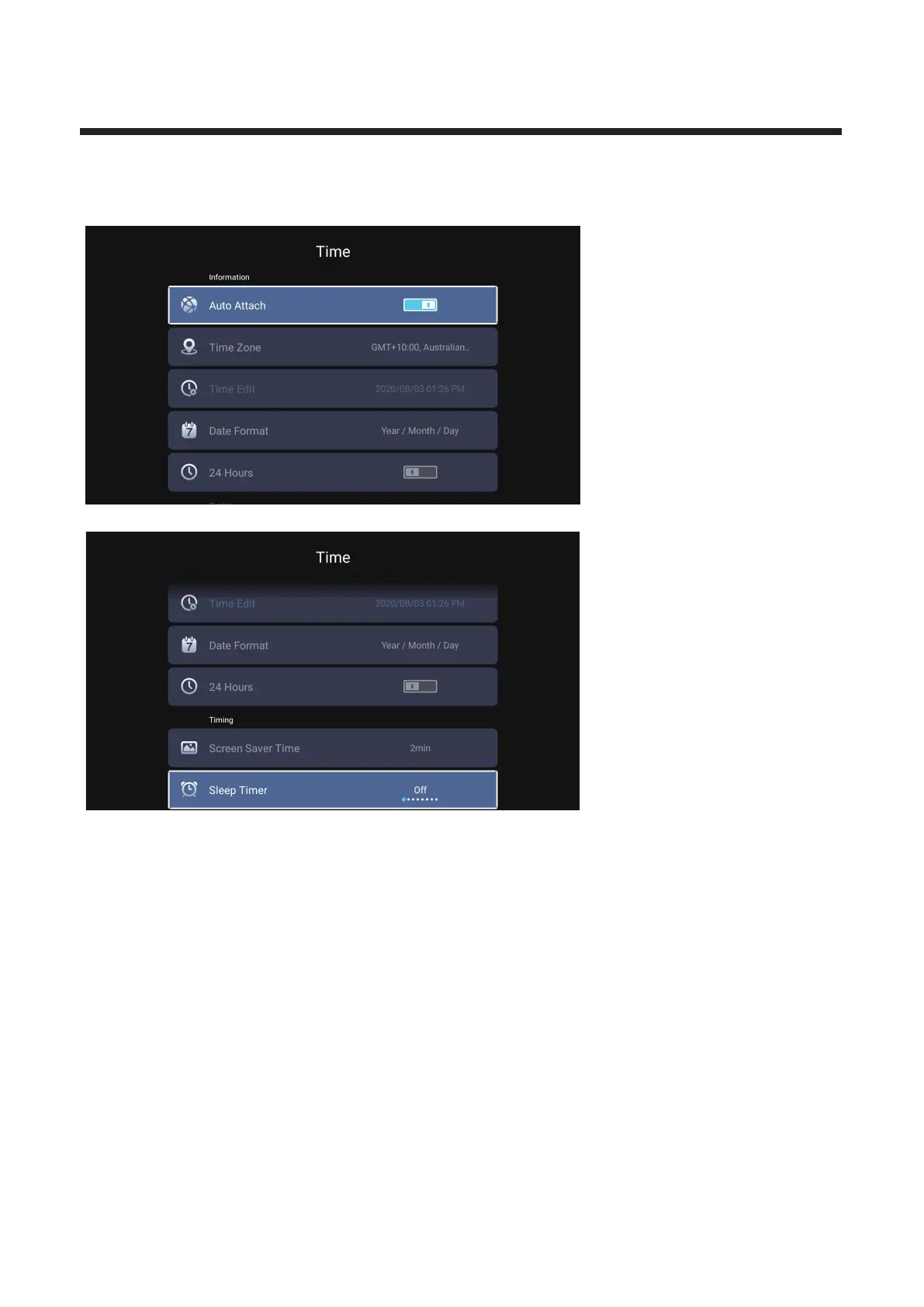
Time
Press ◄ / ► button to select Time.
Press / button to select Auto Attach/Time Zone/Daylight Saving/Time Edit/Date Format/▼ ▲
24 Hours/Screen saver time/Sleep Timer.
Auto Attach Get the current time and date automatically.
Time Zone Set the current time zone.
Time Edit Set the current time.
Date Format Set the current date.
24 Hours Select the 12 hours or 24 hours.
Screen saver time Set the screen saver time as Off/1min/2min/5min.
Sleep Timer Set the sleep timer as Off/15min/30min/45min/60min/90min/120min/240min
.



 To Next Page