37
Scan
Press
/ button to select Scan.
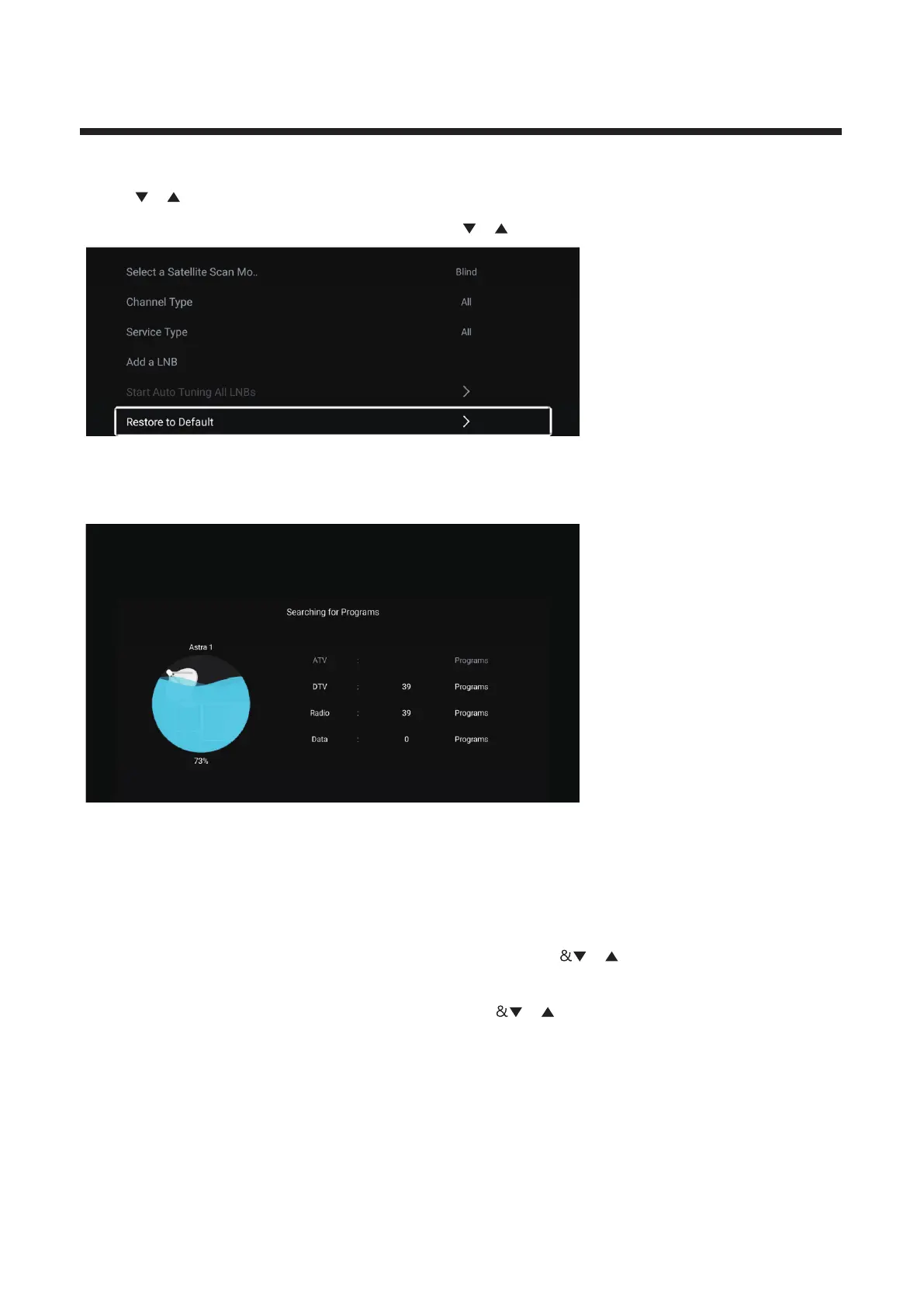
Press OK button to enter the sub-menu. / button to select th e param eter.and press
Start Auto Tuning All LNBs
▼ ▲ Press / button to select and press OK button to start scan to search programs.
CI Card
▼ ▲Press / button to select CI Card to view and set the the information of CI card.
Signal Information
▼ ▲Press / button to select Signal Information and press OK button to view.
Audio Language
Press / button to select Audio Language / button to select.▼ ▲ and press EN TER
Subtitle
Press / button to select Subtitle / button to select ▼ ▲ and press EN TER



 To Next Page