24
Color Temp
Adjust the overall color of the image.
Press ▼ ▲ button to select Color Temp./
Press ◄ / ► button to select Cool/Normal/Warm.
Cool The picture
is in favor of green-blue and less red.
The whole color is in favor of light. The picture is more fresh and elegant
.
Normal The picture does not in favor of any color.The color is moderate.
Warm The picture is in favor of red-green and less blue to make the color
more vivid and soft.
LCD
Press ▼ ▲ button to select DLC
.
/
Pre
ss ◄ / ► button to select On/Off.
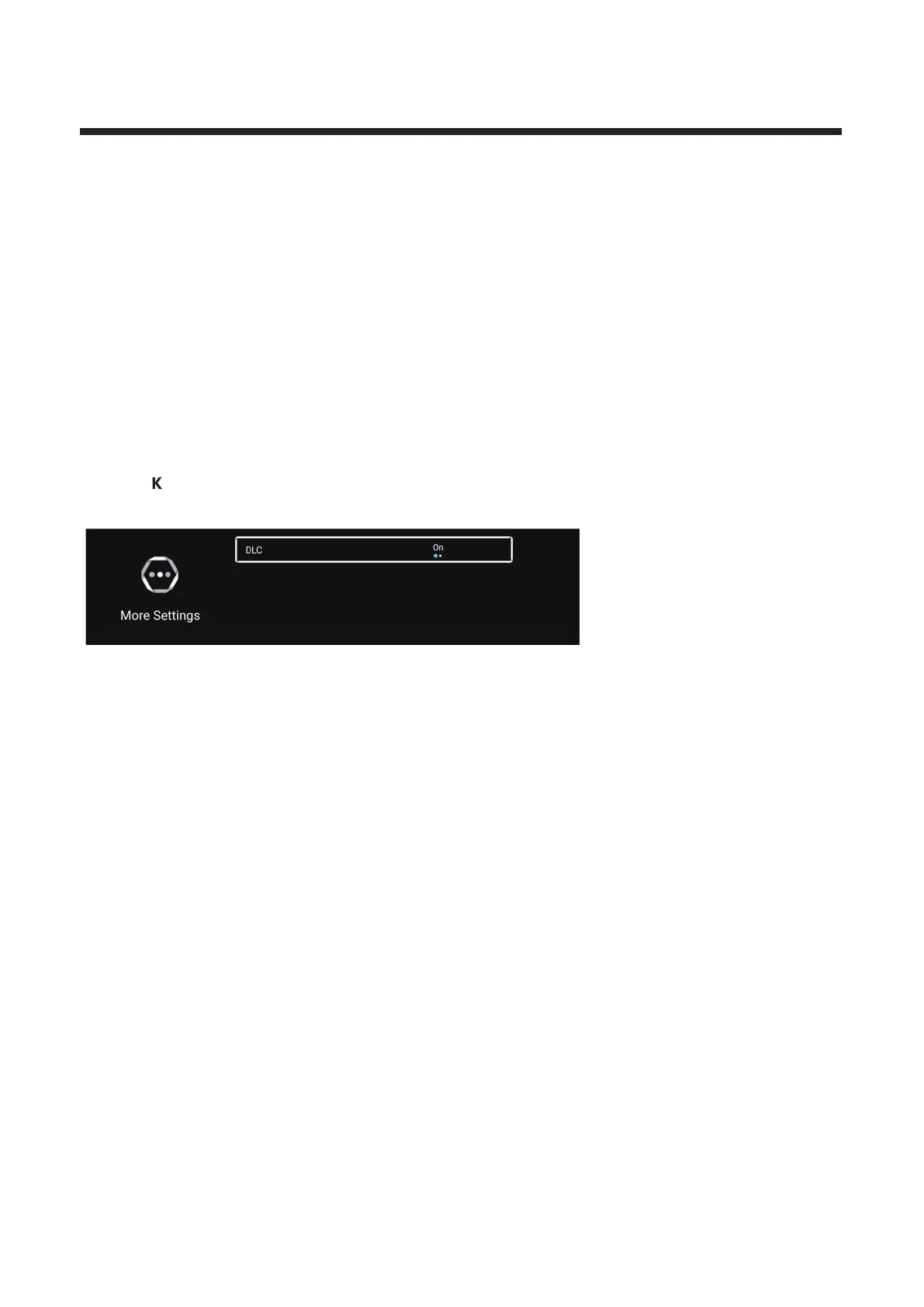
More Settings
Press ▼ / ▲ button to select More Settings.
O
Press button to enter the sub-menu.



 To Next Page