20
Audio
Press / button to select Audio or All,and press / /◄ / ► button to select Music.
Image
Press / button to select Image or All,and press / /◄ / ► button to select Pictures.
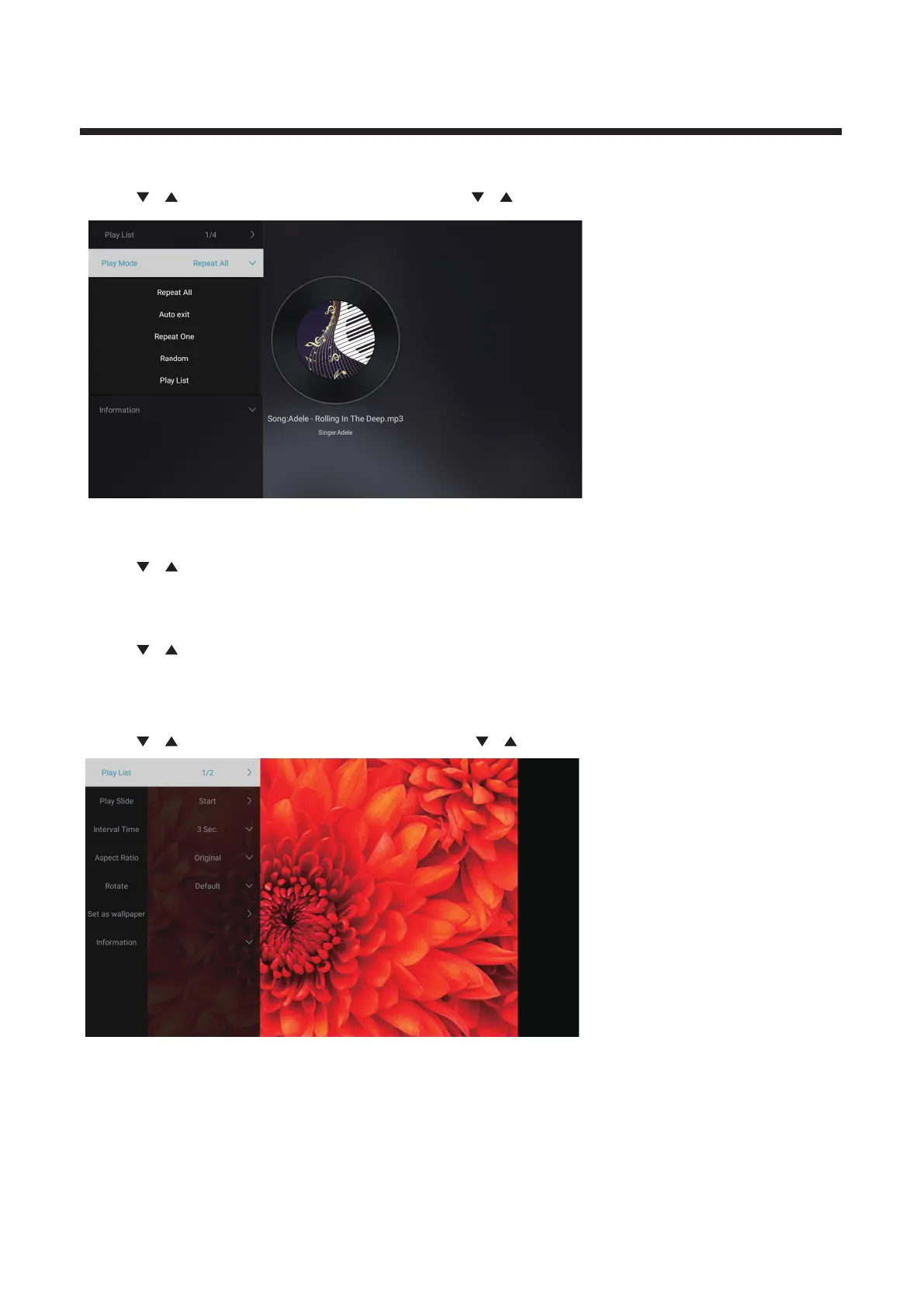
Play List Playable picture list display.
Play Slide You can choose to start the slide show.
Interval Time Select slide show interval. (Optional:3/5/8/12Sec.)
Aspect ratio Set the aspect ratio. (Optional: Auto/Full screen/Zoom Out/
Rotate Set the rotate. (Optional: Default/Rotate Right/Rotate left)
Set as wallpaper Set the current play picture as wallpaper.
Play List
Press / button to select Play List,and press button to display all available Audios.
OK
Play Mode
Press / button to select Play Mode,and press button to select.
OK
(Options:Repeat All/Auto exit /Repeat One/Random/Play List)
Original/Zoom1/Zoom2)



 To Next Page