27
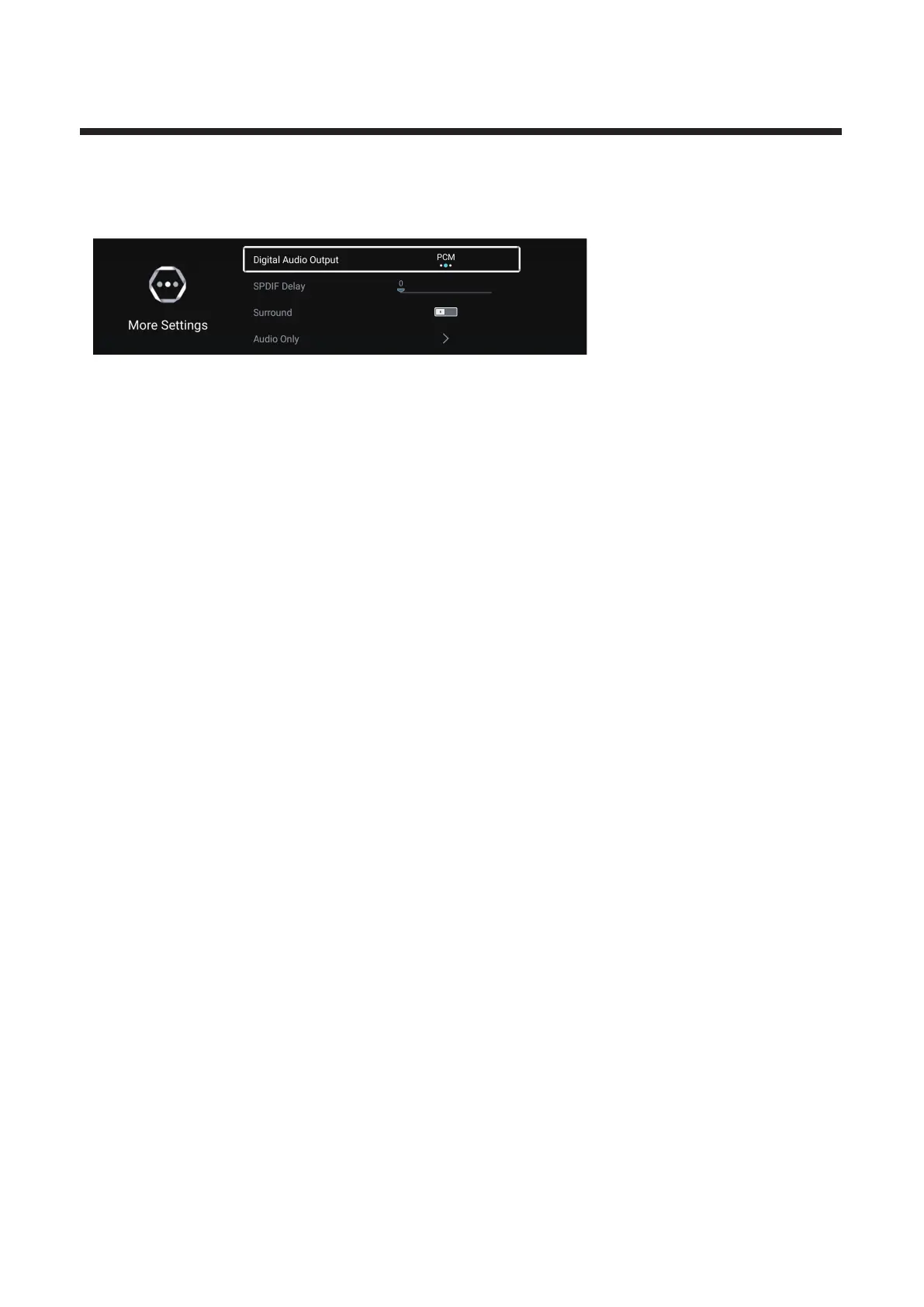
More Settings
Press▼ ▲ button to select . / More Settings Press OK button to enter the sub-menu.
Digital Audio Output
Press / button to select Digital Audio Output. Press / button to select Off/PCM/RAW. ▼ ▲ ◄ ►
SPDIF Delay
Press / button to select SPDIF Delay. Press / button to select . ▼ ▲ ◄ ►
Surround
Press / button to select Sorround. Press / button to select On/Off. ▼ ▲ ◄ ►
Audio Only
Press / button to select Audio Only. Press OK button enter the sub-menu.
▼ ▲



 To Next Page