29
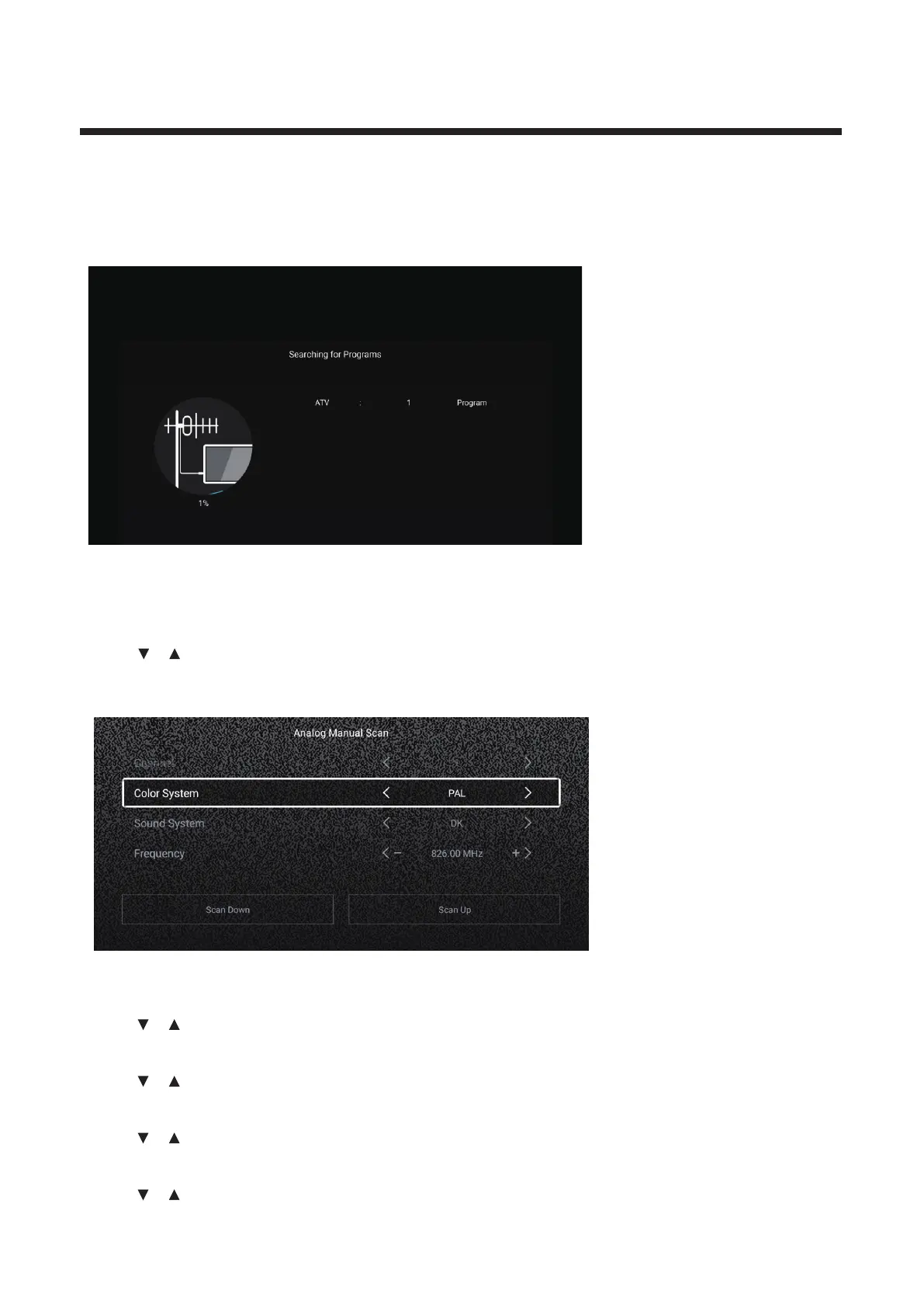
Analog Manual Scan
Analog manual search can search for effective simulation program channel manually.
It can be selected only in the ATV Input.
Press
enter the sub-/ button to select Analog Manual Scan , and press OK button to men u .
Press EXIT or MENU button to quit.
Channel
◄ ► the channel number. Press / button to select Channel. Press / button to select
Color System
◄ ► PAL/SECAM/NTSC/Auto.Press / button to select Color System. Press / button to select
Sound System
◄ ► DK/BG/I/L/M/N.Press / button to select Sound System. Press / button to select
Frequency
◄ ►Press / button to select Frequency. Press / button to adjust.
Auto Scan
Automatic search can search for effective program channel automatically.
Press ▼ ▲ start auto search
/ button to select Auto Scan, then press OK button to .
If you want to stop searching, press EXIT or MENU button to stop searching.



 To Next Page