21
Input
Press More under the “WISDOM SHARE” on the Home page. ▼ ▲/ /◄ / ► button to select
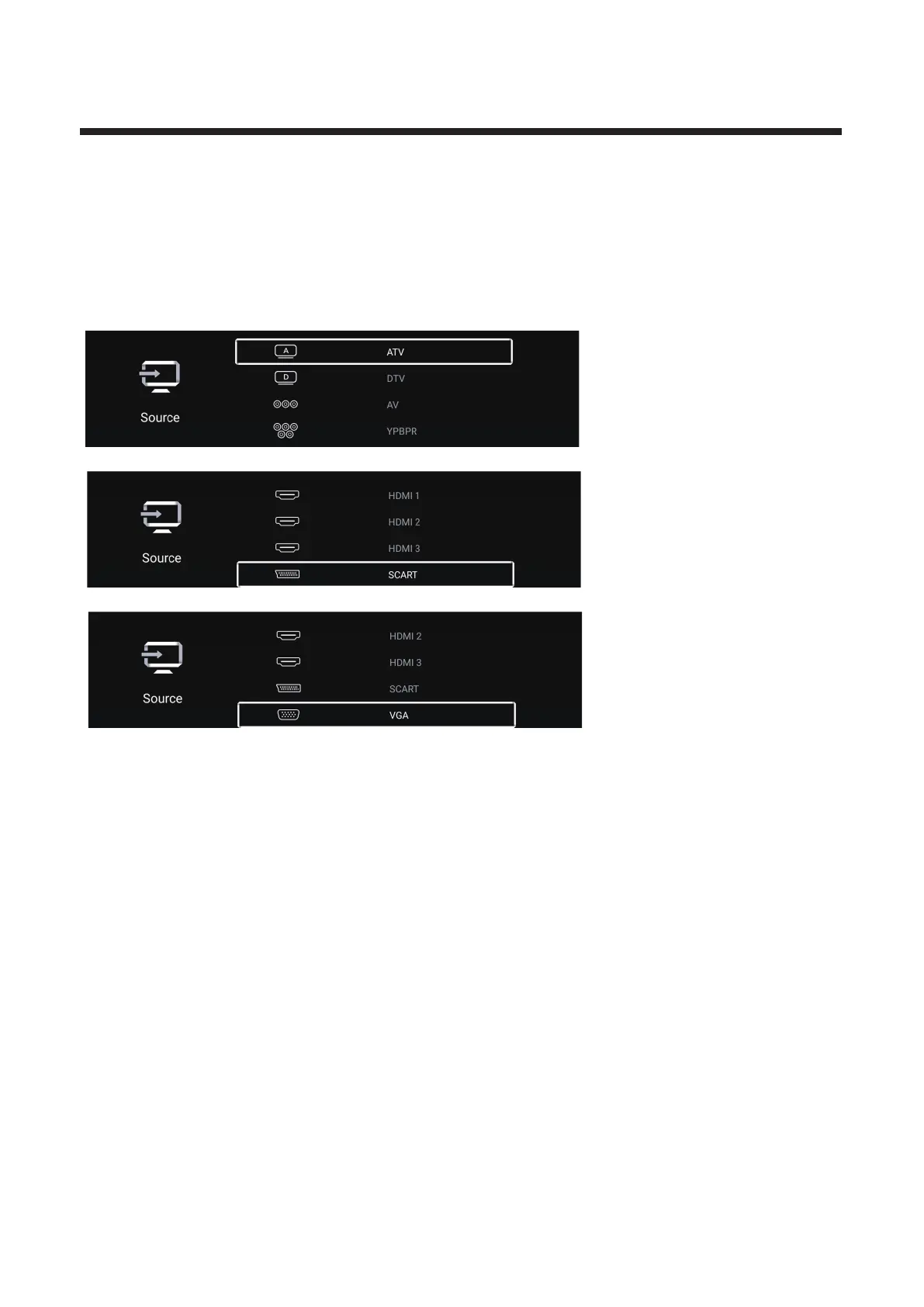
Press button to select ◄ / ► ATV/DTV/AV/YPBPR/HDMI1/HDMI2/HDMI3/SCART/VGA.
Or press Menu button,and press button to select Source.◄ / ►
Press button to select the input source you want. ▼ ▲/
Press OK button to enter.Press EXIT button to quit.



 To Next Page