30
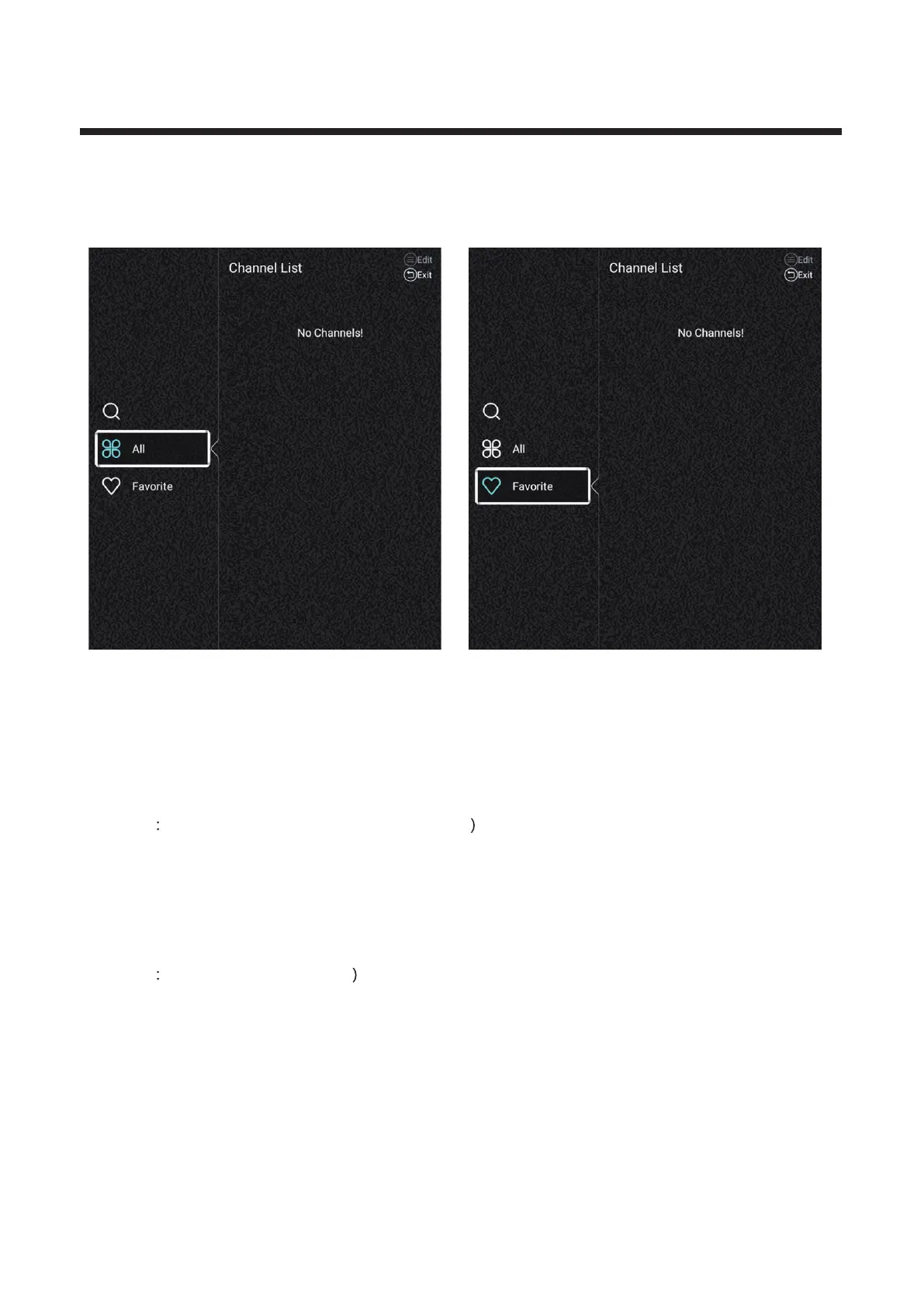
Channel List
View all of the existing programs.
Press / button to select Channel List. Press OK button to enter the sub-menu. ▼ ▲
Press ▼ ▲ / button to select All/Favorite.
All
Press ▼ ▲ MENU button to edit the program./ button to select All.Press
(Optional Move/Top/Favorite/Rename/Delete/Skip.
If the program is selected as an analog signal, the program can be renamed.
Favorite
Press ▼ ▲ MENU button to edit the Favorite Channel./ button to select Favorite.Press
(Optional
/Rename/Delete.Favorite



 To Next Page