31
DTV
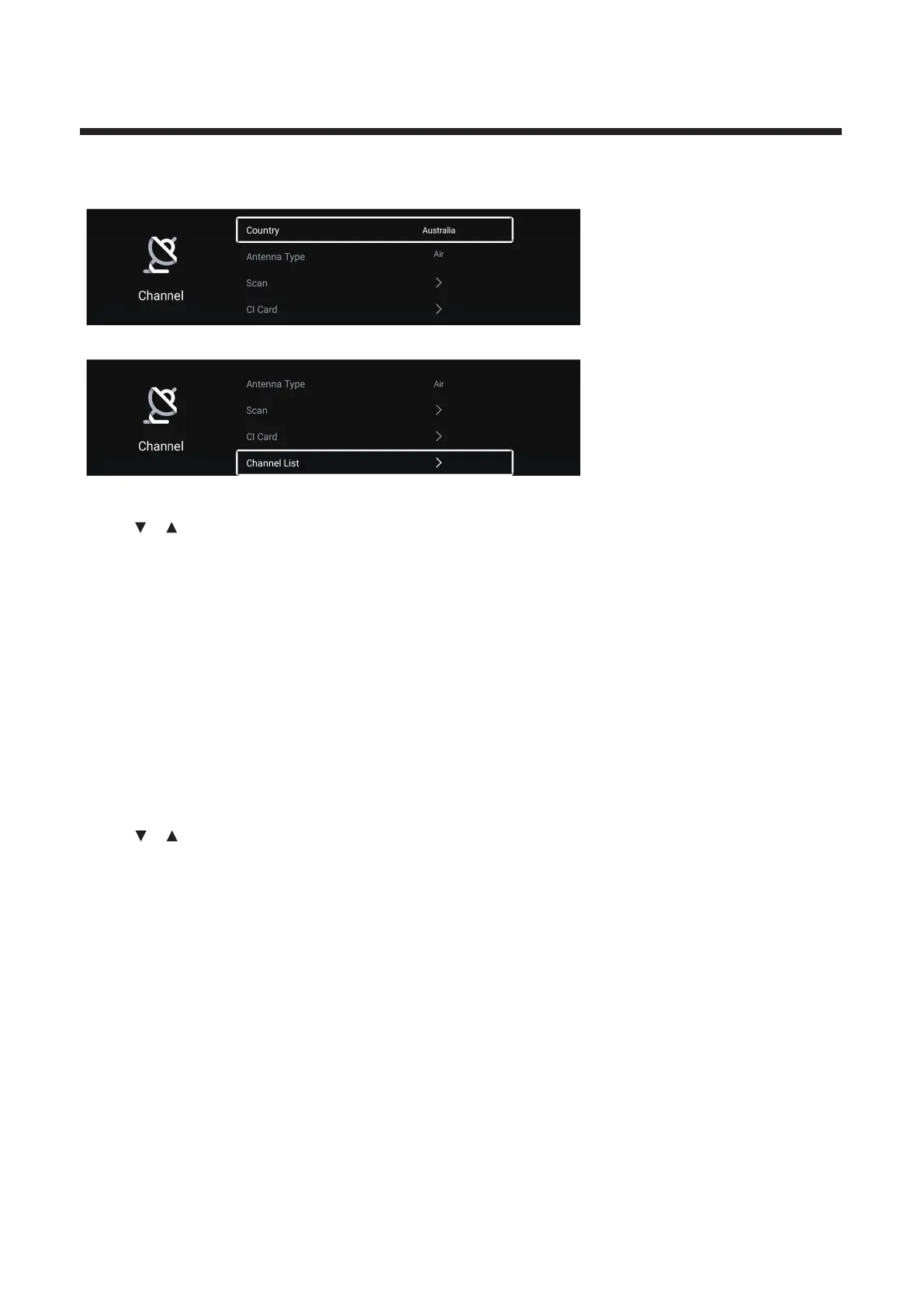
Press / button to select Country/Antenna Type/Scan/Audio Language/Subtitle/Channel List/
Press MENU or EXIT button to quit.
Country
Press ▼ ▲/ button to select Country.Press OK button to enter to select country.
Antenna Type
/ button to select Antenna Type.Press / button to select Air/Cable/Satellite.
Press ▼ ▲ ◄ ►
Scan
Press ▼ ▲
/ button to select Scan.Press OK button to enter the sub-menu.
/
button to select AutoScan/Digtital Munual Scan.
Press
EPG.



 To Next Page