32
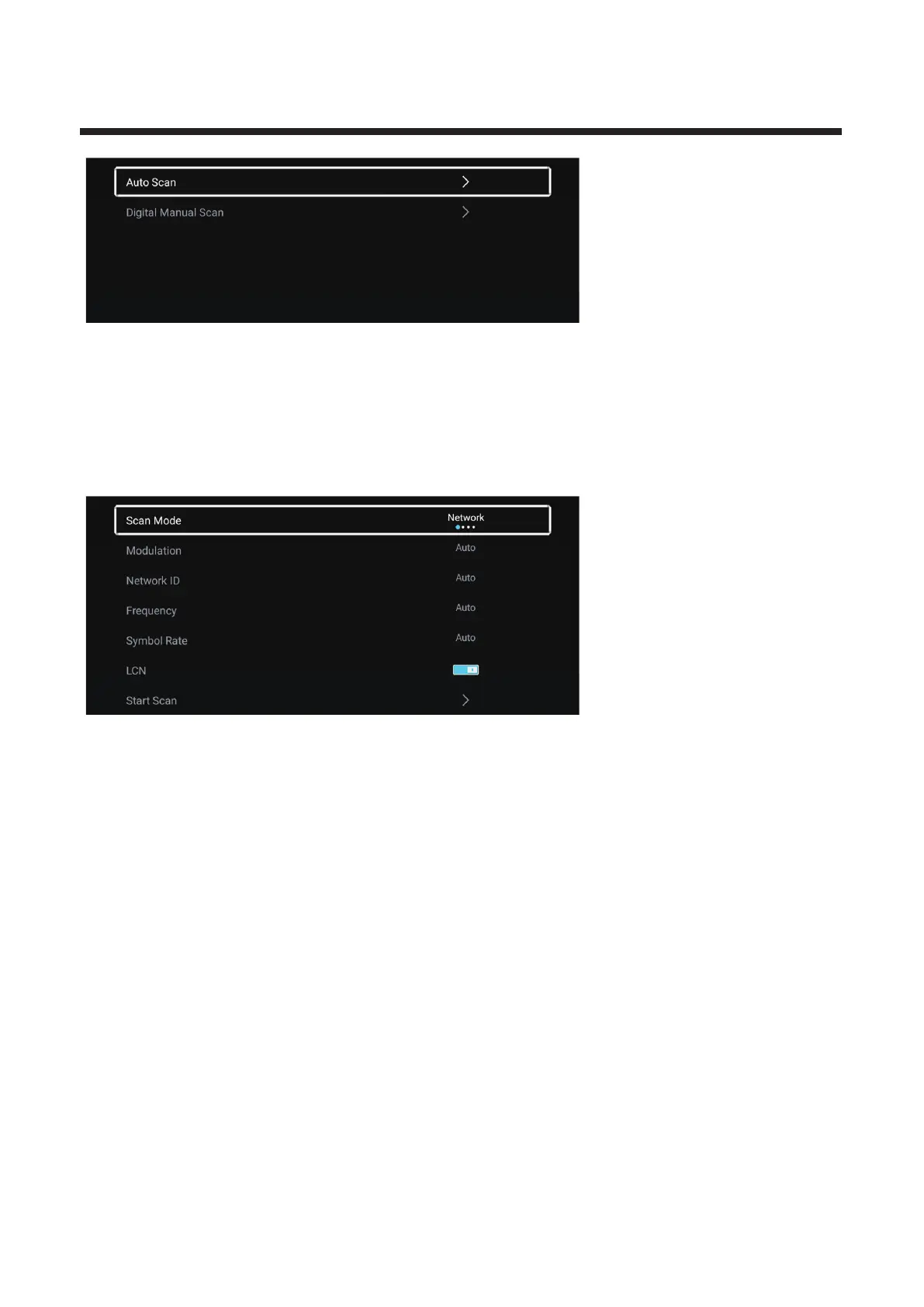
Auto Scan
Automatic search can search for effective program channel automatically.
Press ▼ ▲ start auto search/ button to select Auto Scan, then press OK button to .
If you want to stop searching, press EXIT or MENU button to stop searching.
Scan mode
▼ ▲ Scan mode ◄ ► Network/Quick/Full/Blind.Press / button to select . Press / button to select
Modulation
▼ ▲ ◄ ► Auto/16QAM/32QAM/Press / button to select Modulation. Press / button to select
64QAM/128QAM/256QAM.
Net
work ID
▼ ▲ Network ID
Press / button to select .
Frequency
▼ ▲ FrequencyPress / button to select .



 To Next Page