18
Media
Video
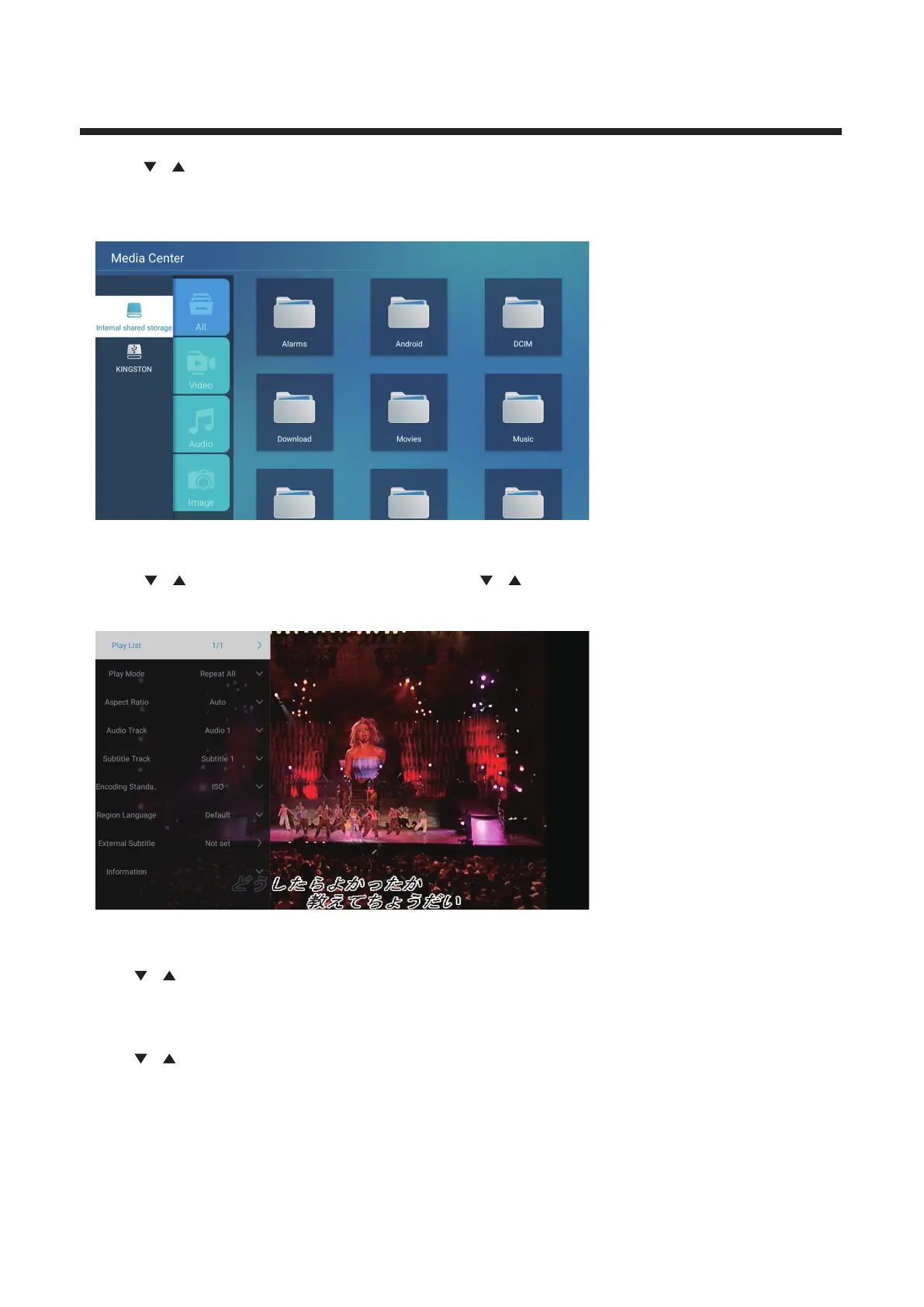
Press / button to select Video or All,and press / /◄ / ► button to select Movies.
Press M enu button to display th e settin g option s on th e left side.
Press / / ◄ / ► button to select Multimedia in OTHERS on the Home page or press MEDIA
button on the remote,and press OK button to enter enter the Media Center.
Press ◄ / ► button to select All/Video/Audio/Image.
Play List
Press / button to select Play List,and press button to display all available videos.
OK
Play Mode
Press / button to select Play Mode,and press button to select.
OK
(Options:Repeat All/Auto exit /Repeat One/Random/Play List)



 To Next Page