35
Press ▼ ▲ / button to select All/Favorite/DTV/Radio/Data/Encrypt/HD/Free.
All
Press ▼ ▲ MENU button to edit the program./ button to select All.Press
(Optional
Move/Top/Favorite/Delete/Skip.
If the program is selected as an analog signal, the program can be renamed.
Favorite
Press ▼ ▲ MENU button to edit the Favorite Channel./ button to select Favorite.Press
(Optional
Favorite/Delete.
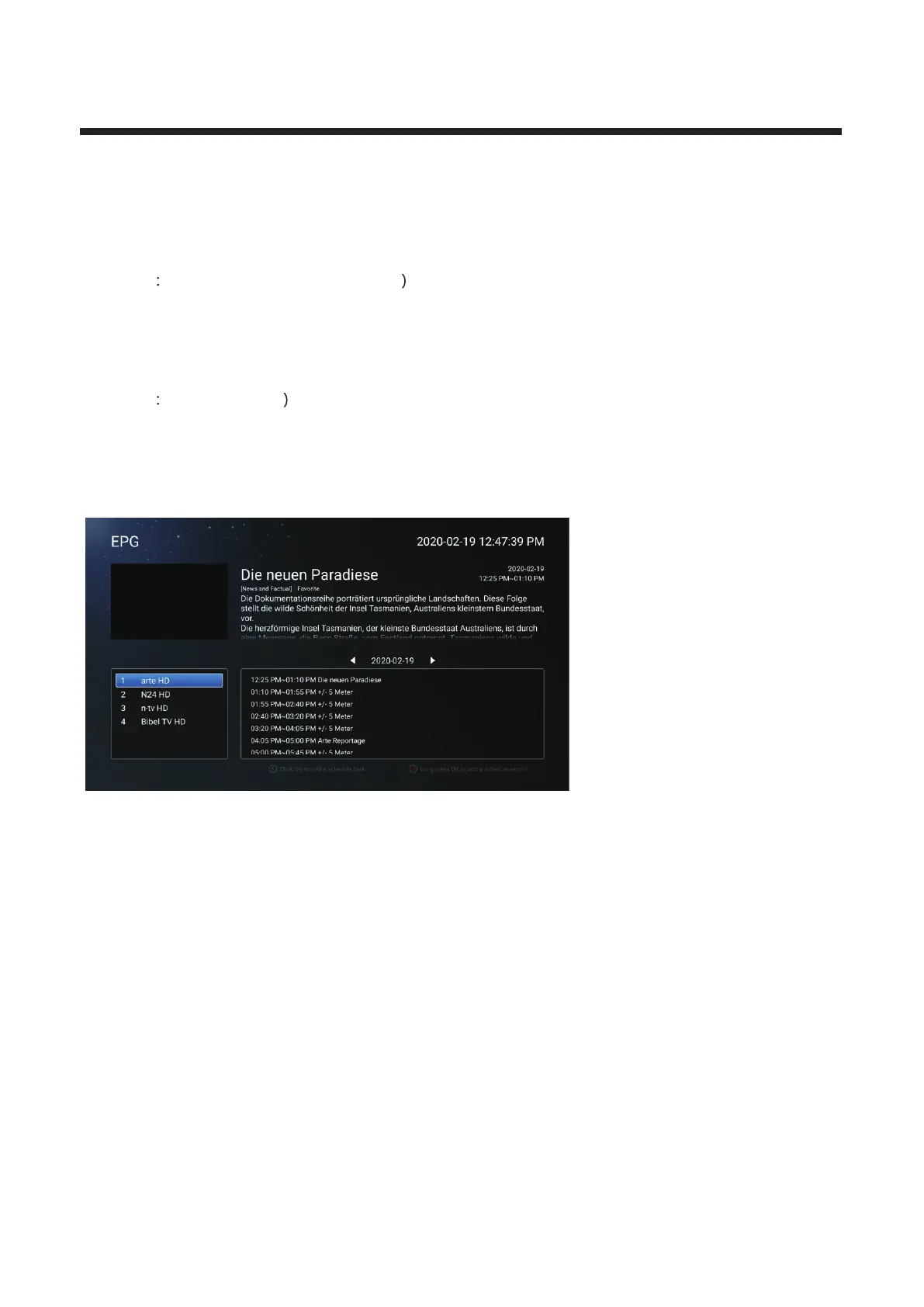
EPG
Press ▼ ▲ MENU button to en t
er th e su b-m enu .
/ button to select EPG.Press



 To Next Page