Equalizer
You
can adjust the sound according to the genre
of
the
music or your taste.
•
o
000
000
000
o
000
o PRESET
EO
000
n
gg(3
"-~
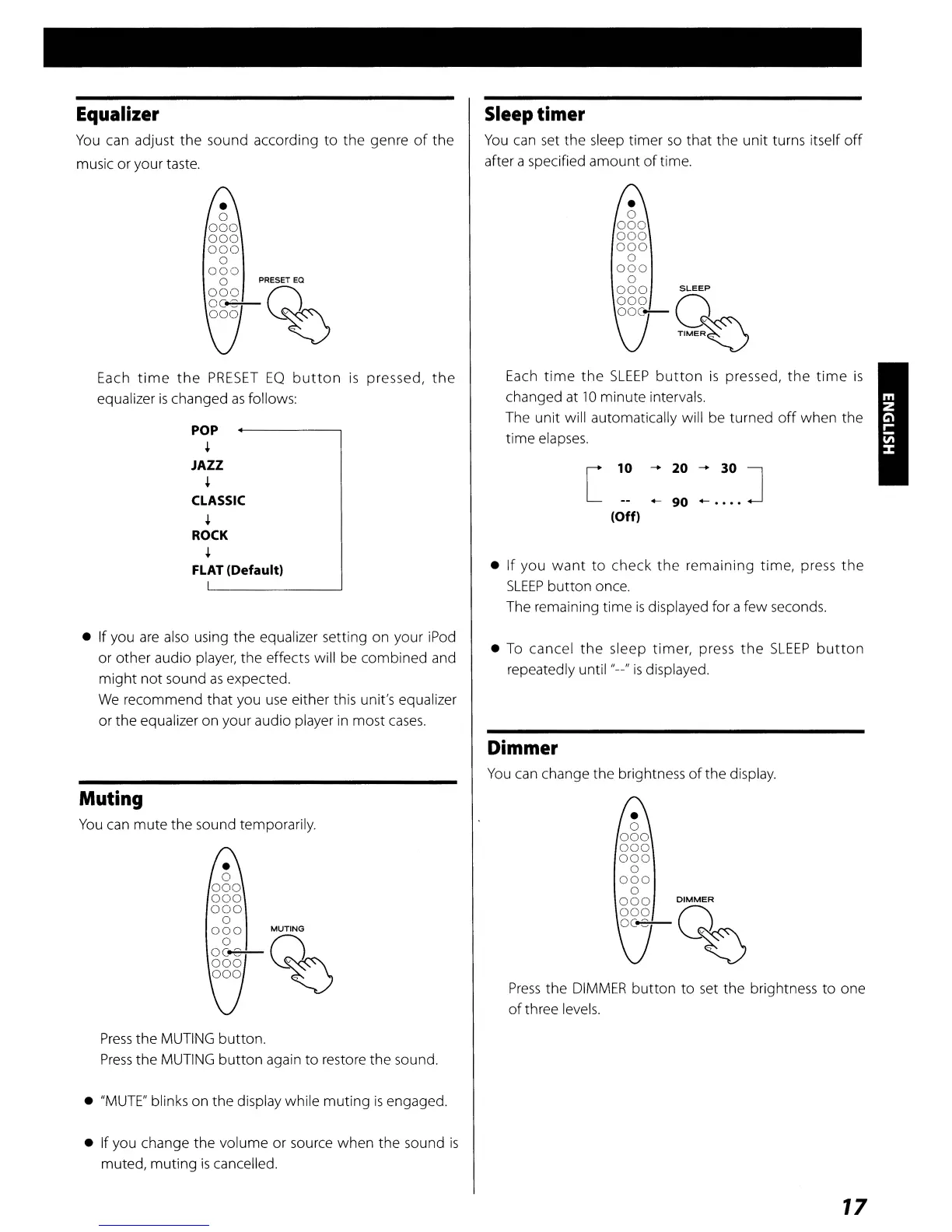
Each
time
the
PRESET
EQ
button
is
pressed,
the
equalizer
is
changed
as
follows:
POP
+
JAZZ
+
CLASSIC
+
ROCK
+
FLAT
(Default)
• If you
are
also
using the equalizer setting on your
iPod
or other audio player, the effects will be combined and
might
not
sound
as
expected.
We
recommend that you
use
either this unit's equalizer
or the equalizer on your audio player
in
most
cases.
Muting
You
can mute the sound temporarily.
Press
the
MUTING
button.
Press
the
MUTING
button
again to restore the sound.
•
"MUTE"
blinks on the display while muting
is
engaged.
• If you change the volume or source when the sound
is
muted, muting
is
cancelled.
Sleep timer
You
can
set
the sleep timer
so
that the unit turns itself
off
after a specified amount
of
time.
•
o
000
000
000
o
000
o
000
SLEEP
000
0
ooc-
TIME~
Each
time
the
SLEEP
button
is
pressed,
the
time
is
changed at
10
minute intervals.
The unit will automatically will be turned
off
when the
time
elapses.
[ 10
=::
=.
~~.
]
(Off)
•
If
you
want
to check
the
remaining time, press
the
SLEEP
button once.
The remaining time
is
displayed for a few seconds.
•
To
cancel
the
sleep timer, press
the
SLEEP
button
repeatedly until "--"
is
displayed.
Dimmer
You
can
change the brightness
of
the display.
•
o
000
000
000
o
000
o
000
DIMMER
000
Q
oc.e---
~
Press
the
DIMMER
button
to
set
the brightness to one
of
three levels.
17



 To Next Page