Shuffle
Playback
•
gg6@~;::
000
~
a
000
a
000
000
000
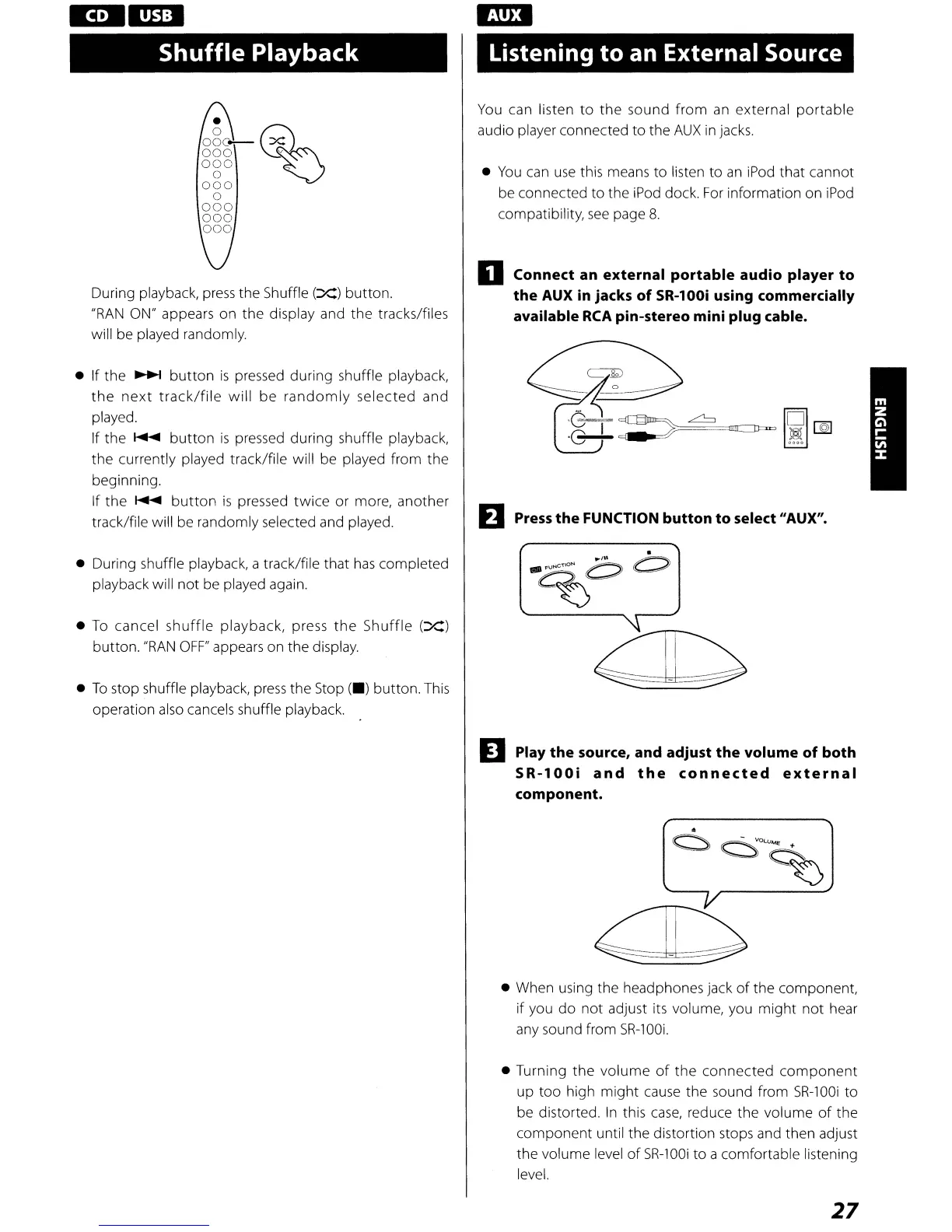
During playback,
press
the Shuffle
(Xl
button.
"RAN
ON" appears on the display and the tracks/files
will be played randomly.
• If the
~
button
is
pressed during shuffle playback,
the
next
track/file
will
be
randomly
selected and
played.
If the
~
button
is
pressed during shuffle playback,
the currently played track/file will be played from the
beginning.
If the
~
button
is
pressed twice or more, another
track/file will be randomly selected and played.
• During shuffle playback, a track/file that
has
completed
playback will not be played again.
•
To
cancel
shuffle
playback, press
the
Shuffle
(Xl
button.
"RAN
OFF"
appears on the display.
•
To
stop shuffle playback,
press
the Stop
(-l
button.
This
operation
also
cancels shuffle playback.
Listening
to
an External Source
You
can listen
to
the
sound
from
an
external
portable
audio player connected to the
AUX
in
jacks.
•
You
can
use
this means to listen to
an
iPod
that cannot
be connected to the
iPod
dock.
For
information on
iPod
compatibility,
see
page
8.
o Connect an
external
portable
audio player
to
the AUX in jacks
of
SR-l00i using commercially
available
RCA
pin-stereo mini plug cable.
EJ
Press
the FUNCTION button
to
select "AUX".
D Play
the
source, and adjust
the
volume of both
SR-l00i
and
the
connected
external
component.
• When using the headphones jack
of
the component,
if you
do
not
adjust its volume, you
might
not
hear
any sound from
SR-lOOi.
• Turning the volume
of
the connected
component
up too hig h might
cause
the
sou
nd from
SR-100i
to
be distorted.
In
this
case,
reduce the volume
of
the
component until the distortion stops and then adjust
the volume level
of
SR-100i
to a comfortable listening
level.
27



 To Next Page