Repeat Playback
A-B
repeat
playback
This function allows repeat playback
of
any desired section
of
the track/file.
o During playback, designate the point at which
repeat playback should start by pressing
the
A-B
button.
"A-"
appears on the display.
•
FM
MODE
g§g
@~
000
~
o
000
o
000
000
000
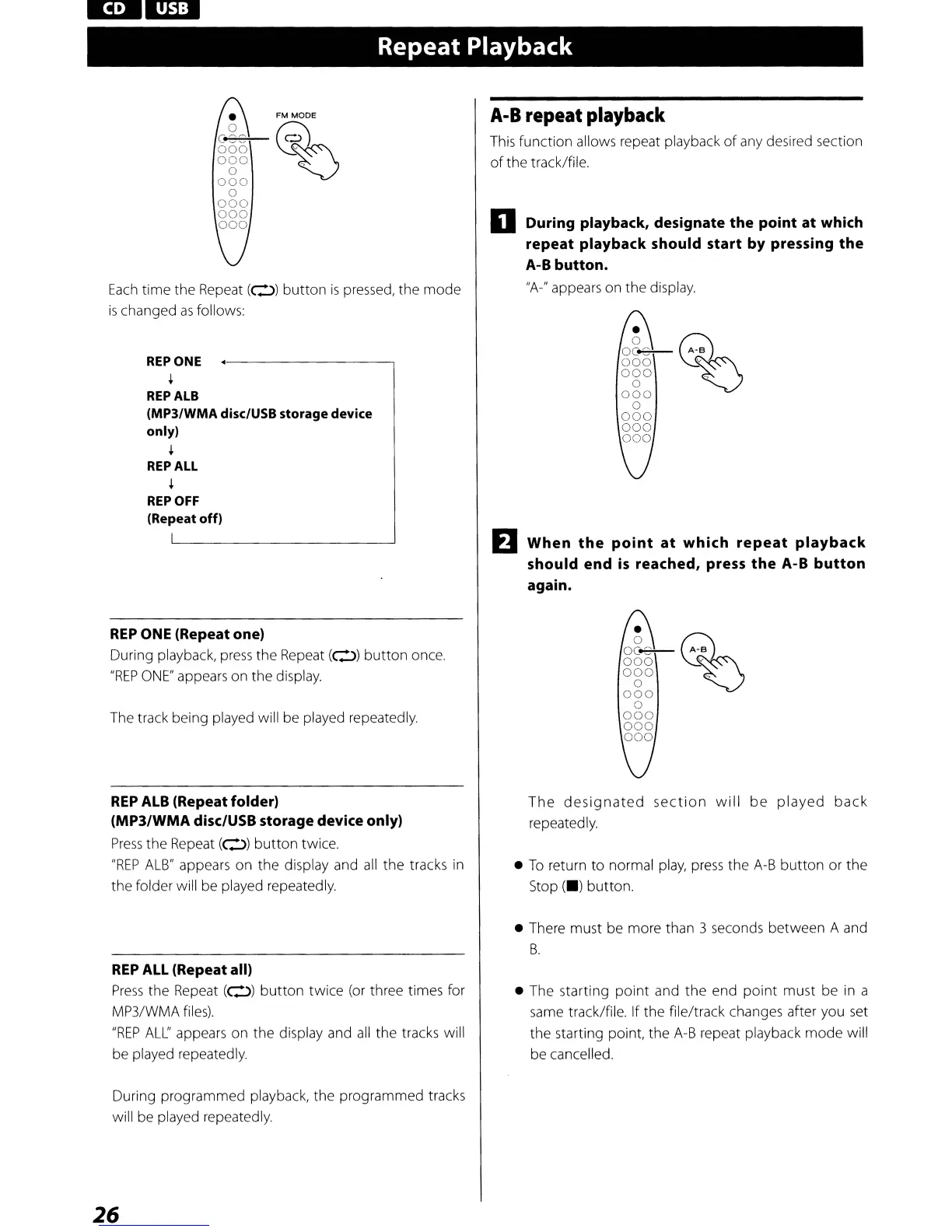
Each
time the Repeat
(0)
button
is
pressed, the
mode
is
changed
as
follows:
REPONE
+
REP
ALB
(MP3/WMA
disc/USB storage device
only)
+
REP
ALL
+
REPOFF
(Repeat
off)
REP
ONE
(Repeat one)
During playback,
press
the Repeat
(0)
button
once.
"REP
ONE"
appears on the display.
The track being played will be played repeatedly.
EJ
•
ggg
@~~::
000
~
o
000
o
000
000
000
When
the
point
at
which
repeat
playback
should end
is
reached, press
the
A-B
button
again.
•
ggg
@~-::
000
~
o
000
o
000
000
000
REP
ALB
(Repeat folder)
(MP3/WMA disc/USB storage device only)
Press
the
Repeat
(0)
button
twice.
"REP
ALB"
appears on the display and
all
the
tracks
in
the folder will be played repeatedly.
REP
ALL
(Repeat all)
Press
the Repeat
(0)
button
twice (or three times for
MP3/WMA
files).
"REP
ALL"
appears on the display and
all
the tracks will
be played repeatedly.
During programmed playback, the programmed tracks
will be played repeatedly.
26
The
designated
section
will
be
played
back
repeatedly.
•
To
return
to
normal
play,
press
the
A-B
button
or
the
Stop
(.)
button.
• There must be more than 3 seconds between A and
B.
• The starting
point
and
the
end
point
must be
in
a
same
track/file. If the file/track changes after you
set
the starting point, the
A-B
repeat playback
mode
will
be cancelled.



 To Next Page