EasyManua.ls Logo

Teac SR-100i - Programmed Playback Execution; Programming and Executing Sequences

Teac SR-100i
36 pages
Print Icon
To Next Page IconTo Next Page
To Previous Page IconTo Previous Page
Loading...
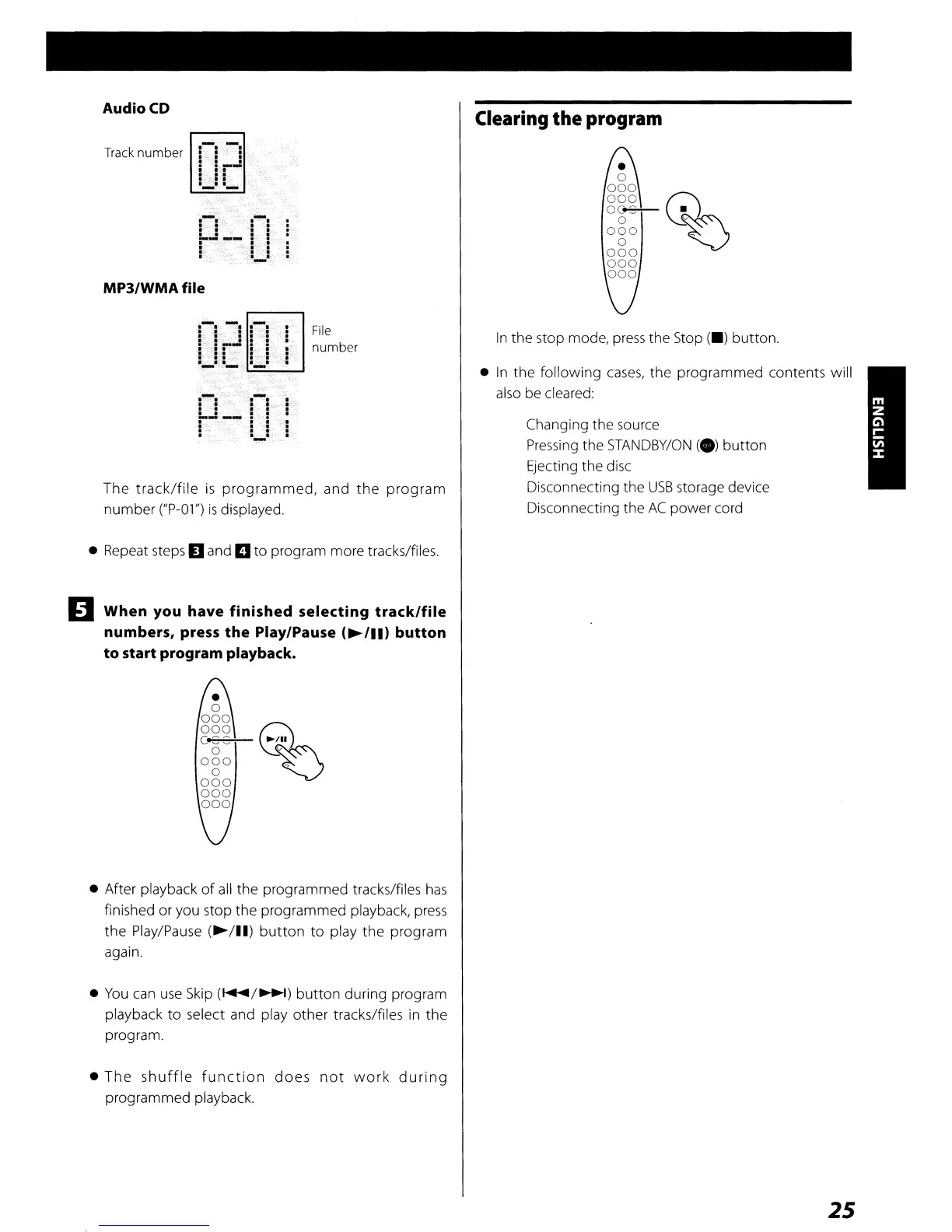
MP3/WMA
file
The
track/file
is
programmed,
and
the
program
number ("P-Ol")
is
displayed.
Audio
CD
Track
number
.. .
.. .
.. .
:
=_..:
·
-'
.'.
I'
: :
'_1'-
---I
.~.
.. ..
~J..;
...
!~
i
· ..
: 1
..
1
File
number
Clearing
the program
In
the stop mode,
press
the
Stop
(_)
button.
In
the following
cases,
the
programmed contents will
also be cleared:
Changing the source
Pressing
the
STANDBY/ON
(e)
button
Ejecting the disc
Disconnecting the
USB
storage device
Disconnecting the
AC
power cord
Repeat steps
D and
II
to
program more tracks/files.
lJ
When
you have
finished
selecting
track/file
numbers, press
the
Play/Pause
(~/II)
button
to
start program playback.
After playback
of
all
the programmed tracks/files
has
finished or you stop the programmed playback,
press
the
Play/Pause
(~/II)
button
to
play
the
program
again.
You
can
use
Skip
(~/~)
button
during program
playback
to
select and play other tracks/files
in
the
program.
The
shuffle
function
does
not
work
during
programmed playback.
25

Other manuals for Teac SR-100i

Related product manuals