Stopping
playback
temporarily
(Pause
mode)
Basic Playback
Skipping
to the next
or
a previous
trackl
file
•
o
000
000
000
o
Qn~
o
000
000
000
TUNING
8
TUNING
%
•
o
000
000
000
o
G(I~
o
000
000
000
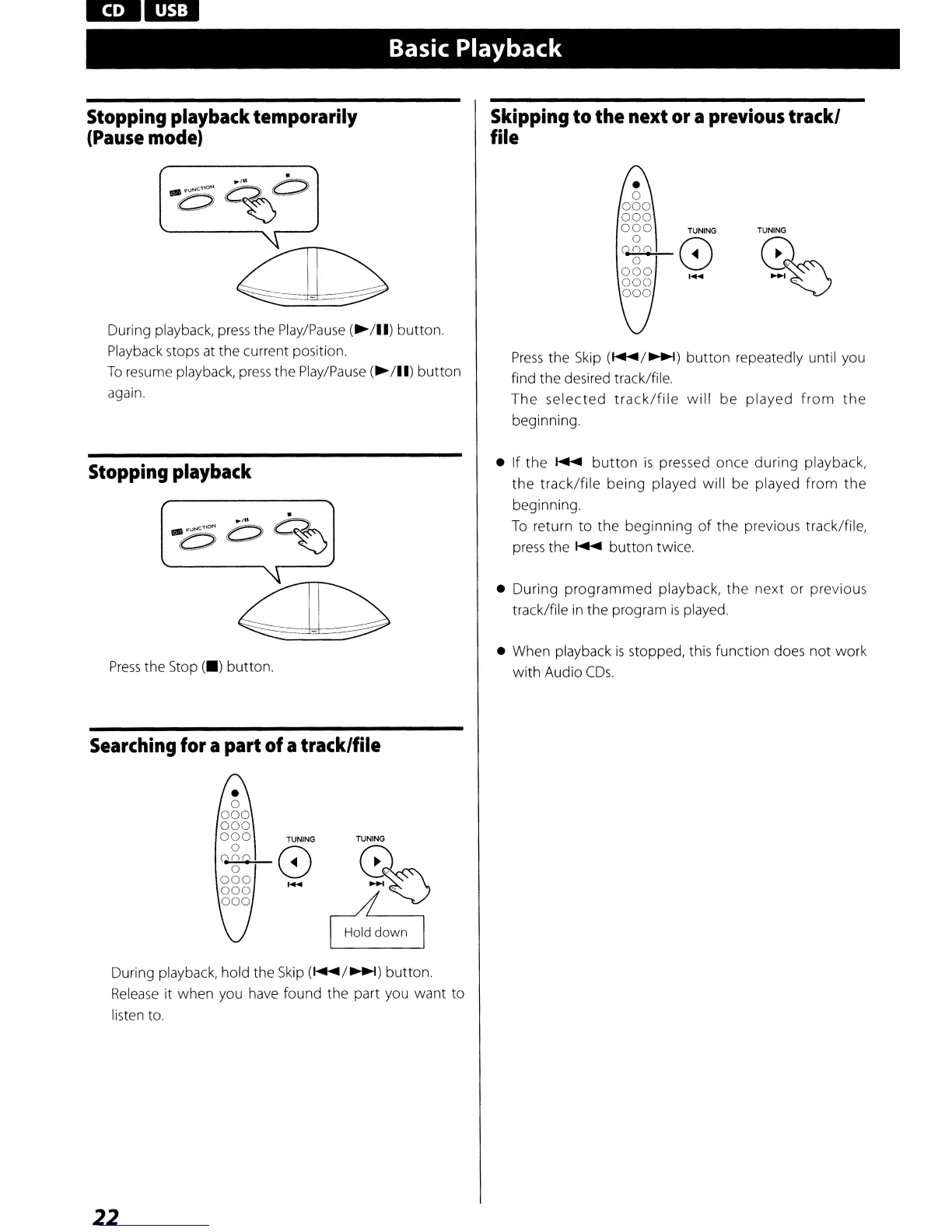
During playback,
press
the
Play/Pause
(~/II)
button.
Playback stops
at
the current position.
To
resume playback,
press
the
Play/Pause
(~/II)
button
again.
Stopping
playback
Press
the Stop
(_)
button.
Searching
for
a
part
ofatracklfile
TUNING TUNING
c;)%
I
H:!OWO
I
During playback, hold the
Skip
(~/~)
button.
Release
it when you have found the part you want to
listen to.
22
Press
the
Skip
(~/~)
button repeatedly until you
find the desired track/file.
The
selected
track/file
will
be
played
from
the
beginning.
• If the
~
button
is
pressed once during playback,
the
track/file
being played will be played from
the
beginning.
To
return
to
the beginning
of
the previous track/file,
press
the
~
button twice.
• During programmed playback, the next or previous
track/file
in
the program
is
played.
• When playback
is
stopped, this function does
not
work
with Audio
CDs.



 To Next Page