Selecting
afolder
(MP3/WMA
disc
or
USB
storage
device)
•
o
000
8
000
....
000
0~3}-
000
@
000
....
000
~
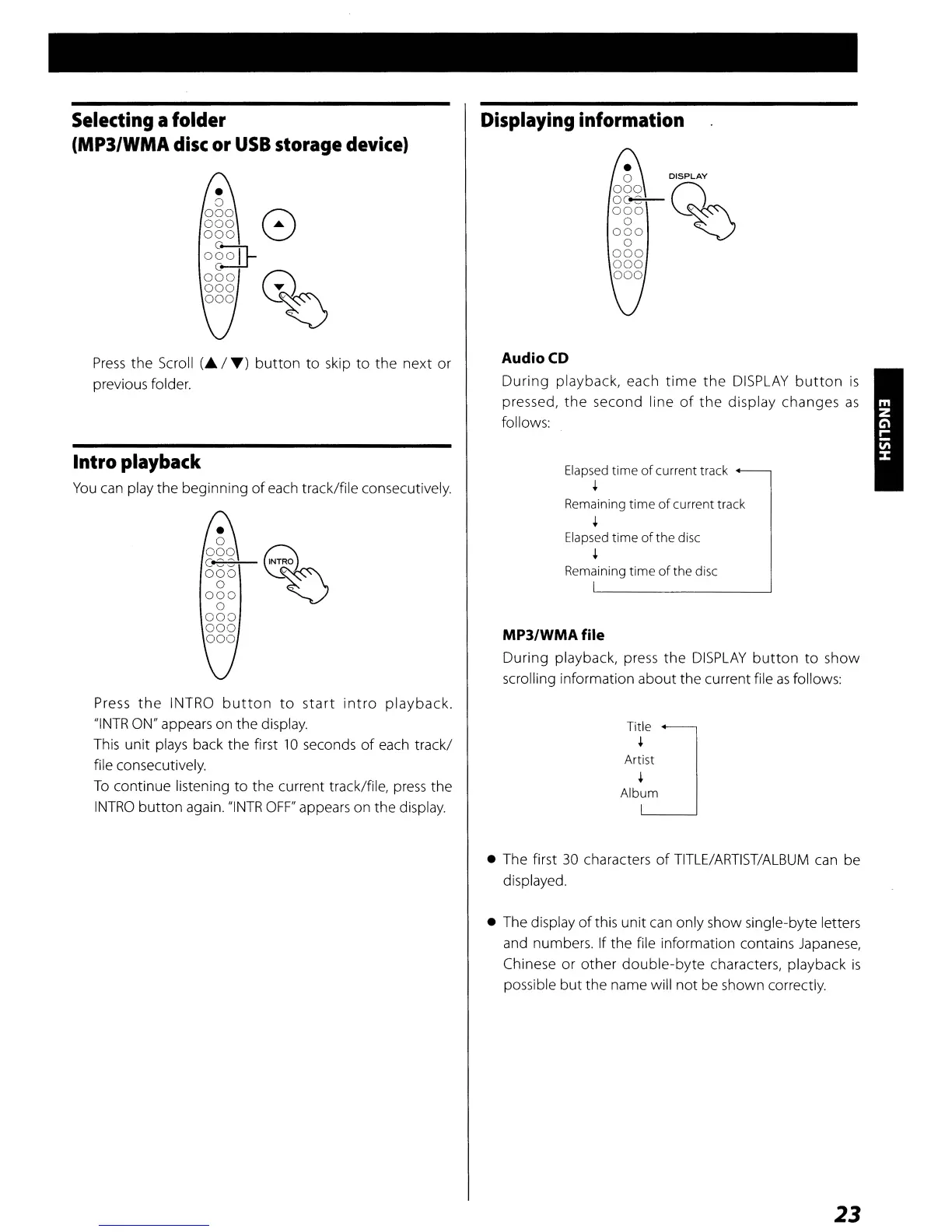
Press
the
Scroll
(A
/
T)
button
to
skip
to
the
next
or
previous folder.
Intro playback
You
can play the beginning
of
each track/file consecutively.
•
o
000
Q
ggg
C~~RO
o
~
000
o
000
000
000
Press
the
INTRa
button
to
start
intra
playback.
"INTR
ON" appears on the display.
This
unit
plays back the first 10 seconds
of
each track/
file consecutively.
To
continue listening
to
the current track/file,
press
the
INTRa
button
again.
"INTR
OFF"
appears on the display.
Displaying
information
Audio
CD
During
playback, each
time
the
DISPLAY
button
is
pressed,
the
second line
of
the
display changes
as
follows:
Elapsed time
of
current track
+
Remaining time
of
current track
+
Elapsed
time
of
the disc
+
Remaining
time
of
the disc
MP3/WMA file
During playback, press
the
DISPLAY
button
to
show
scrolling information about the current file
as
follows:
Tit[e
Ar:st
Album
• The first
30
characters
of
TITLE/ARTIST/ALBUM
can be
displayed.
• The display
of
this unit
can
only show single-byte letters
and numbers. If the file information contains Japanese,
Chinese or
other
double-byte
characters, playback
is
possible
but
the name will
not
be shown correctly.
23



 To Next Page