Listening
to
an iPod
o
Push
the
"TEAC" mark
on
the front
of
this unit
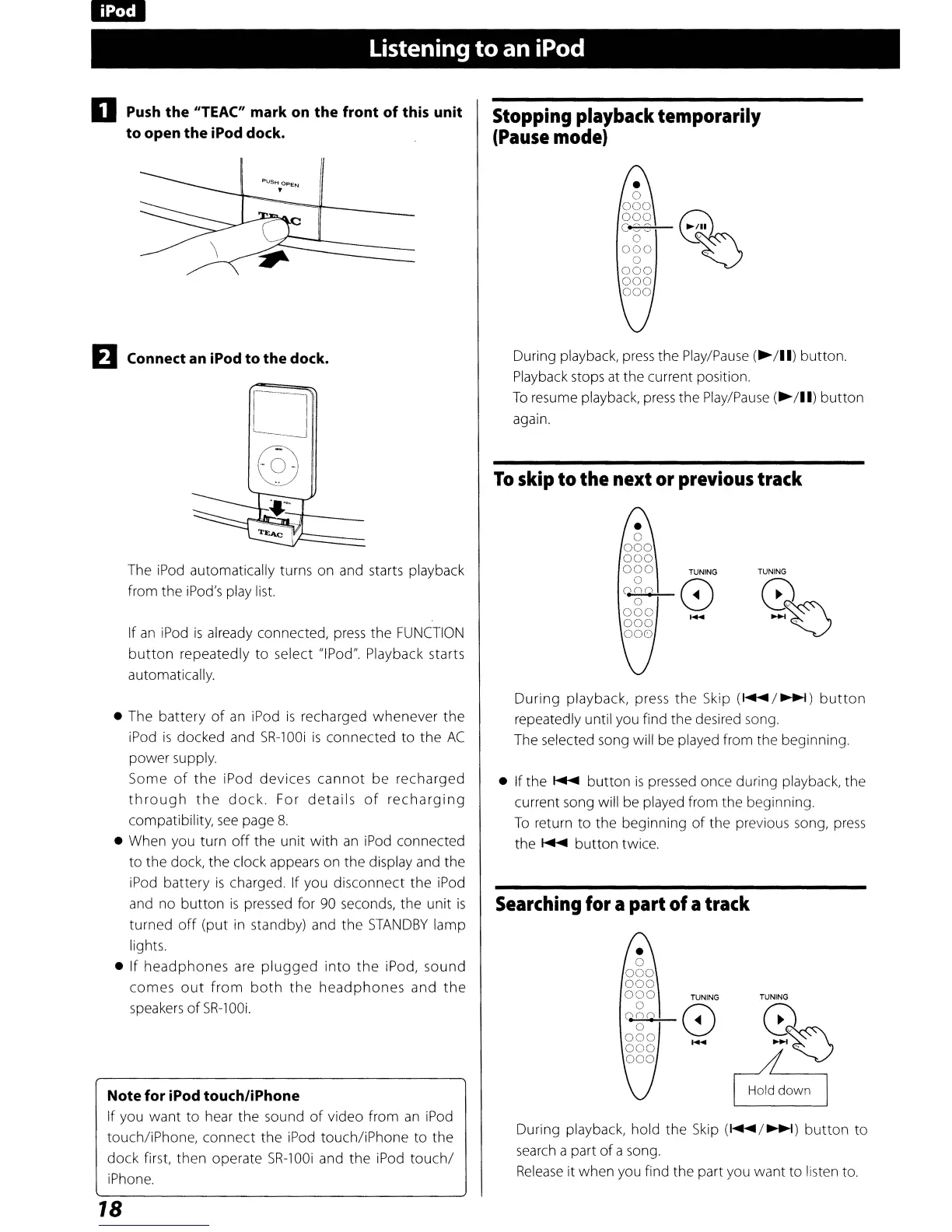
to open the iPod dock.
EJ
Connect
an
iPod to the dock.
o
@
Stopping
playback
temporarily
(Pause
mode)
During playback,
press
the
Play/Pause
(~/II)
button.
Playback stops
at
the current position.
To
resume playback,
press
the
Play/Pause
(~/II)
button
again.
To
skip
to
the
next
or
previous
track
The
iPod
automatically turns on and starts playback
from the iPod's play list.
If
an
iPod
is
already connected,
press
the
FUNCTION
button
repeatedly to select "IPod". Playback starts
automatically.
TUNING
%
• The battery
of
an
iPod
is
recharged whenever the
iPod
is
docked and
SR-100i
is
connected
to
the
AC
power supply.
Some
of
the
iPod devices
cannot
be recharged
through
the
dock.
For
details
of
recharging
compatibility,
see
page
8.
• When you turn
off
the unit with
an
iPod
connected
to the dock, the clock appears on the display and the
iPod battery
is
charged. If you disconnect the iPod
and no button
is
pressed for
90
seconds, the unit
is
turned
off
(put
in
standby) and the
STANDBY
lamp
lights.
• If headphones are
plugged
into
the
iPod, sound
comes
out
from
both
the
headphones
and
the
speakers
of
SR-lOOi.
Note for iPod touch/iPhone
If you want to hear the sound
of
video from
an
iPod
touch/iPhone, connect the iPod touch/iPhone to the
dock first, then operate
SR-lOOi
and the iPod
touch/
iPhone.
18
During playback, press
the
Skip
(I
....
/~)
button
repeatedly until you find the desired song.
The selected song will
be
played from the beginning.
• If the
~
button
is
pressed once during playback, the
current song will be played from the beginning.
To
return to the beginning
of
the previous song,
press
the
~
button twice.
Searching
for
apart of atrack
TUNING
%
I
H:10WO
I
During playback, hold the
Skip
(~/~)
button
to
search
a part
of
a song.
Release
it when you find the part you want to listen to.



 To Next Page