Activating the repeat
mode
•
FM
MODE
ggg
@~
000
~
a
000
a
000
000
000
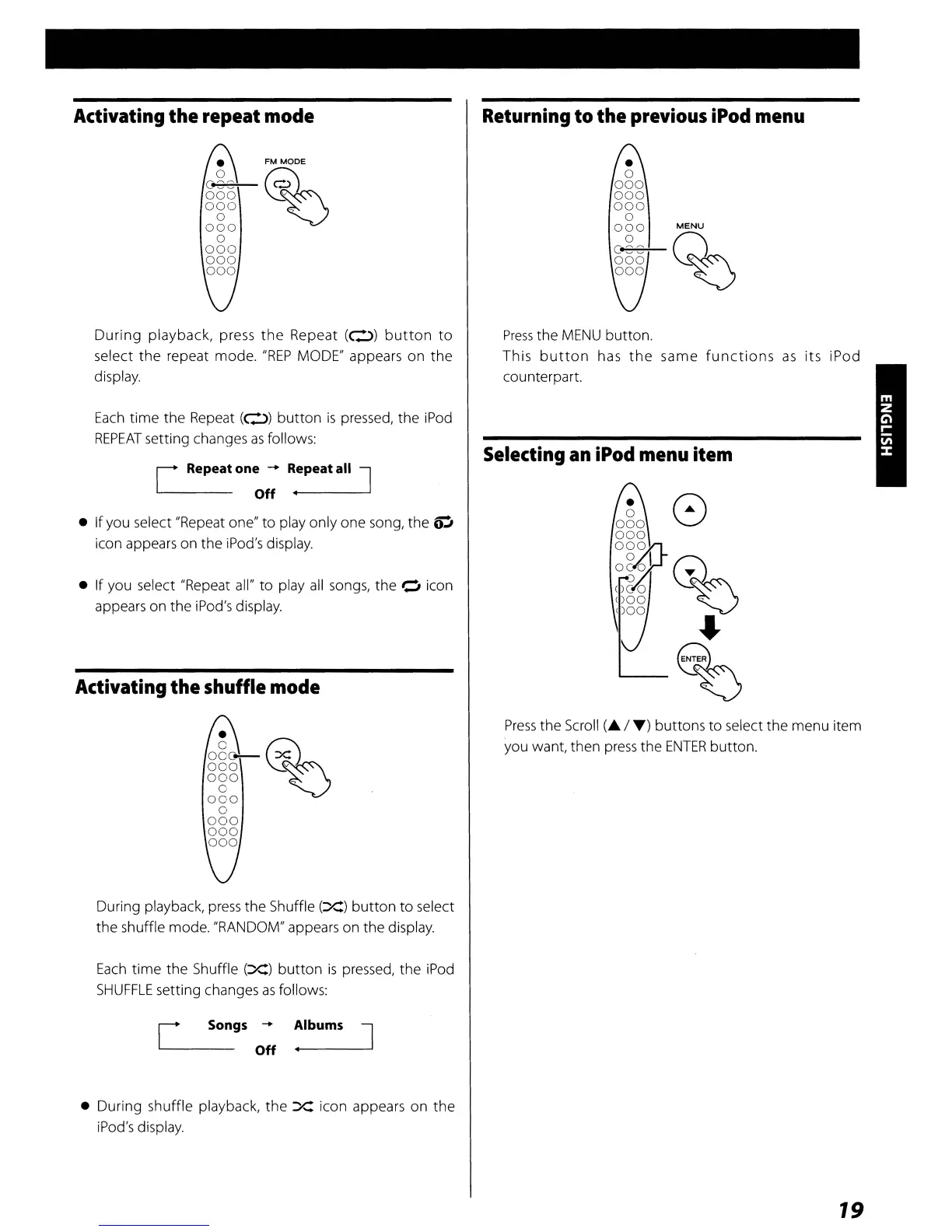
During
playback, press
the
Repeat
(0)
button
to
select
the
repeat mode.
"REP
MODE" appears
on
the
display.
Each
time
the
Repeat
(0)
button
is
pressed, the iPod
REPEAT
setting changes
as
follows:
[ Repeat one
-+
Repeat all J
Off
.....
---
• If you select "Repeat one"
to
play only one song, the
OJ
icon appears on the iPod's display.
• If you select "Repeat all"
to
play
all
songs, the 0 icon
appears on the iPod's display.
Activating the shuffle
mode
•
g§6@~'::
000
~
a
000
a
000
000
000
During playback,
press
the Shuffle
(X)
button
to
select
the
shuffle mode. "RANDOM" appears on the display.
Each
time the Shuffle
(X)
button
is
pressed, the iPod
SHUFFLE
setting changes
as
follows:
Returning
to the
previous
iPod
menu
Press
the
MENU
button.
This
button
has
the
same
functions
as
its iPod
counterpart.
Selecting
an
iPod
menu
item
Press
the Scroll
(A
/
T)
buttons
to
select the menu item
you want, then
press
the
ENTER
button.
[
Songs
-+
---
Off
Albums
J
• During shuffle playback,
the
X icon appears
on
the
iPod's display.
19



 To Next Page