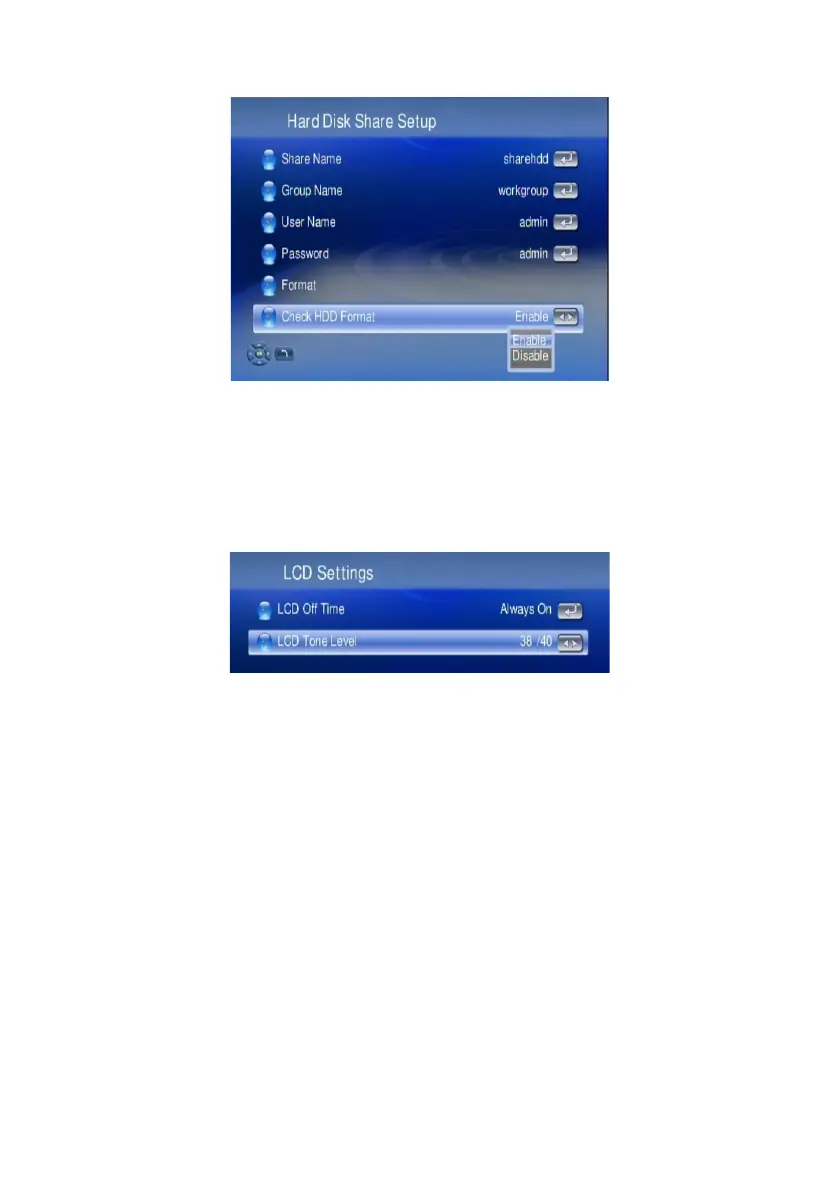
Check HDD Format: The device will check the HDD format every time it is powered
on. This can be disabled by selecting the option below.
Note: Please remember if you have disabled this function, in case you need new
formatting of the HDD, once you replaced the HDD in your WAP-V6000!
LCD Settings
Here, the contrast of the front LCD panel text display can be adjusted.
76



 To Next Page