72
16. MISC settings
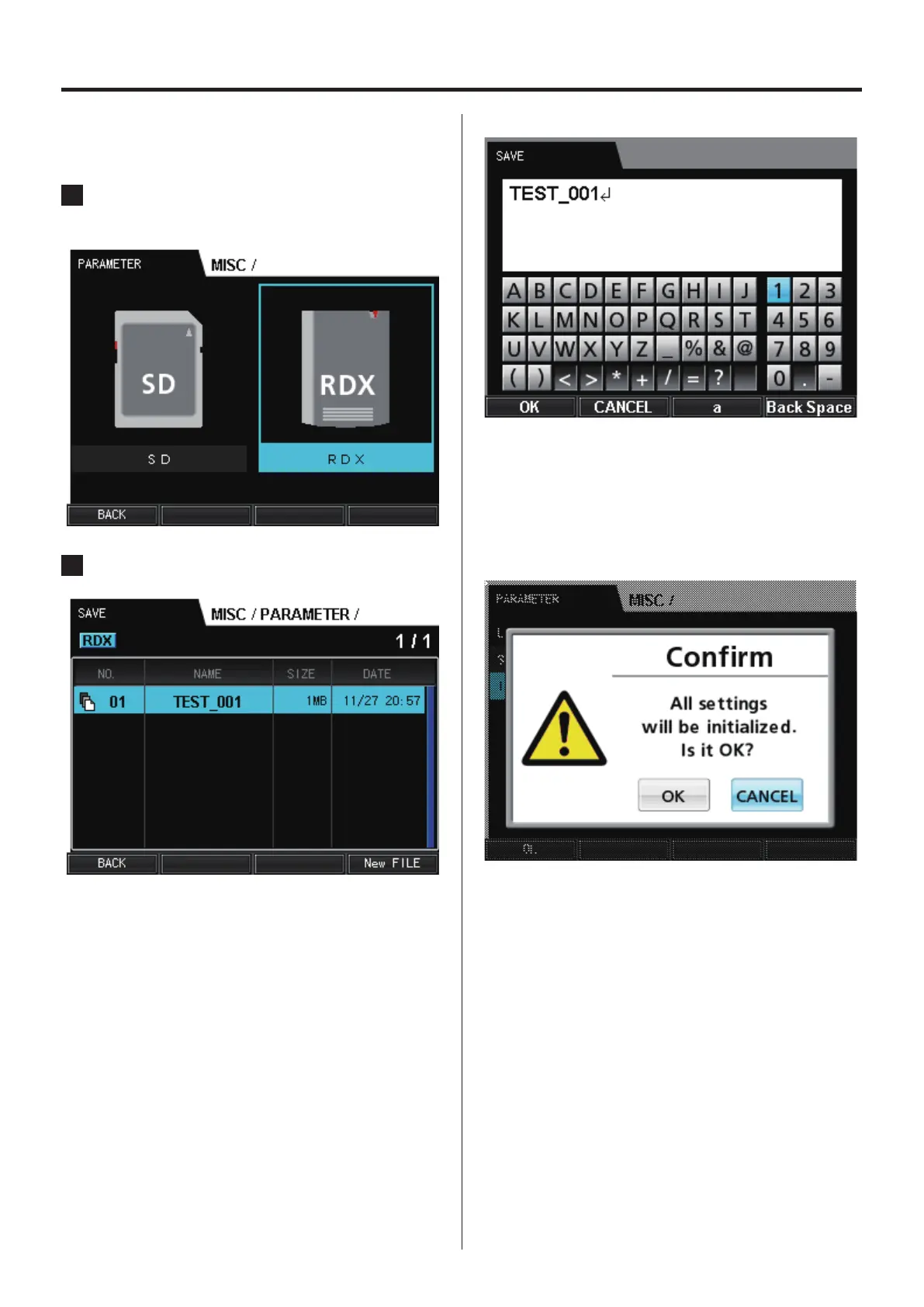
16-1-2. SAVE
Use to save the current settings of the system.
1
Select the media where you want to save the
settings.
2
Set the file name for the saved settings.
To overwrite an existing file, select that file and press the VALUE
knob to save the settings and reopen the PARAMETER screen.
To save a new file, press the F4 button to input the file name.
Press the F1 button to save the settings and reopen the
PARAMETER screen.
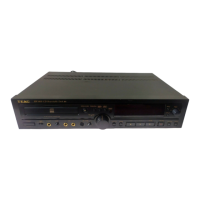
16-1-3. INITIALIZE
Use to restore the system’s settings to their original values.
Select initialize to open a confirmation screen.
Select the OK button and press the VALUE knob to initialize.


 To Next Page